1u/1080p (s 2) mini 1u/720p (s2) compact 1u series – AGI Security SYS-HC0451S2 User Manual
Page 97
87
○
4
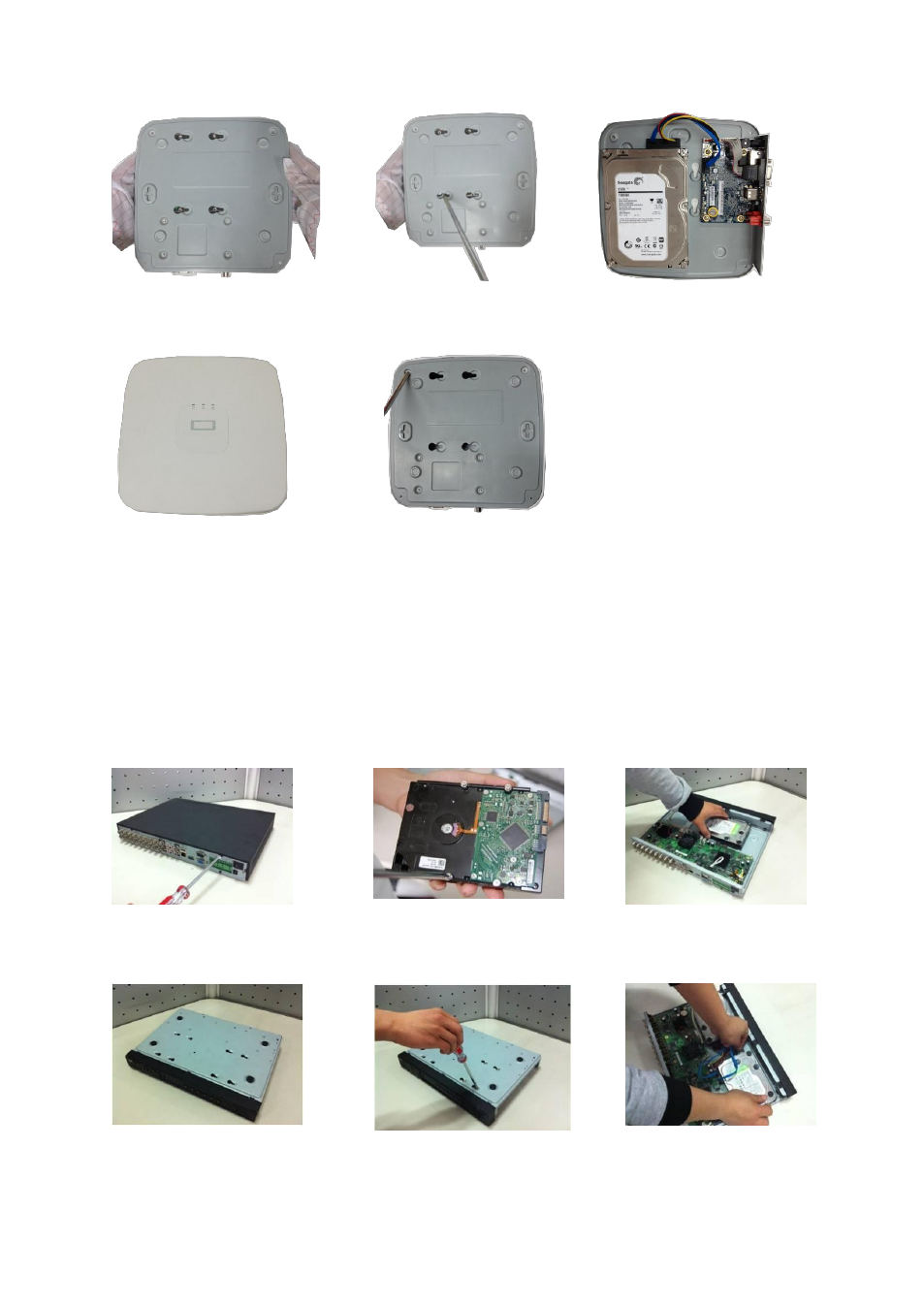
Turn the device upside down and
then turn the screws in firmly.
○
5
Fix the HDD firmly.
○
6
Connect the HDD cable and
power cable.
○
7
Put the cover in accordance with
the clip and then place the upper cover
back.
○
8
Secure the screws in the rear panel and the side panel.
3.3.2 General 720P /Econimic 720P /Advanced 720P /General 720P(V2) /Econimic
720P(V2) /Advanced 720P (V2) /General 1080P(V2) /Econimic 1080P(V2)
/Advanced 1080P (V2)/ Econimic 720P (S2) Mini 1U/ General 720P (S2) Mini 1U/
Advanced 720P (S2) Mini 1U/1080P (S2) Mini 1U/1080P (S2) Mini 1U/720P (S2)
Compact 1U Series
The series DVR has one SATA HDD.
① Loosen the screws of the upper
cover and side panel.
②
Fix four screws in the HDD (Turn
just three rounds).
③
Place the HDD in accordance
with the four holes in the bottom.
④
Turn the device upside down and
then turn the screws in firmly.
⑤
Fix the HDD firmly.
⑥
Connect the HDD cable and
power cable.