2 1.5u series, 5u series – AGI Security SYS-HC0851S2 User Manual
Page 55
Advertising
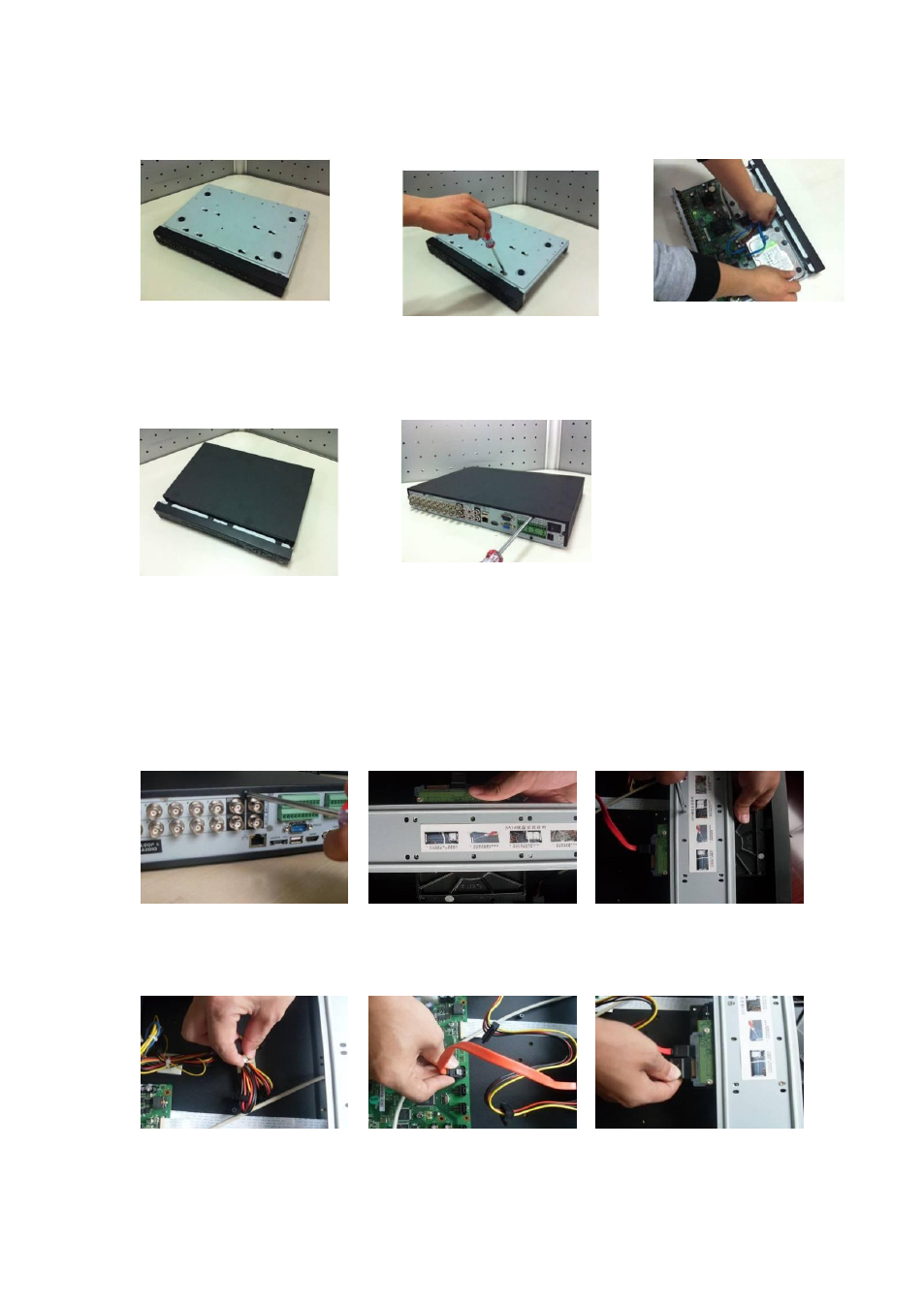
46
and side pane
just three rounds).
with the four holes in the bottom.
④
Turn the device upside down and
then turn the screws in firmly.
⑤
Fix the HDD firmly.
⑥
Connect the HDD cable and
power cable.
⑦
Put the co ver in accordance with the
clip and then place the upper cover
back.
⑧
Secure the screws in the rear panel
and the side panel.
3.3.2 1.5U series
This series DVR max has four SATA HDDs. Please use HDD of 7200rpm or higher.
○
1
Loosen the screws of the
upper cover.
○
2
Line up the HDD to the four
holes of the HDD bracket.
○
3
Use four screws to fix HDD.
○
4
Unfasten the HDD power
○
5
Use the special data cable to
○
6
Insert the HDD power cable.
Advertising
This manual is related to the following products: