BAFO BF-1100 User Manual
Page 4
Advertising
USB 2.0 TV Box User’s Manual 3
*
*
*
*
'
+
'
+
'
+
'
+
*
*
( '
+
,
5.2.1 SOURCE: To select TV, Cable, Composite or S-video
5.2.2 PREV. CH: Select previous channel
5.2.3 MUTE: Shut down voice
5.2.4 POWER: Turn software on and off
5.2.5 STOP: Stop recording
5.2.6 SIZE: Full screen or half screen selection
5.2.7 REC: Recording
5.2.8 TIME SHIFT: Recording and in the same time viewing TV or movie
5.2.9 SNAP: Capture current screen
5.2.10 CH. SURF: Channel search and pre-view
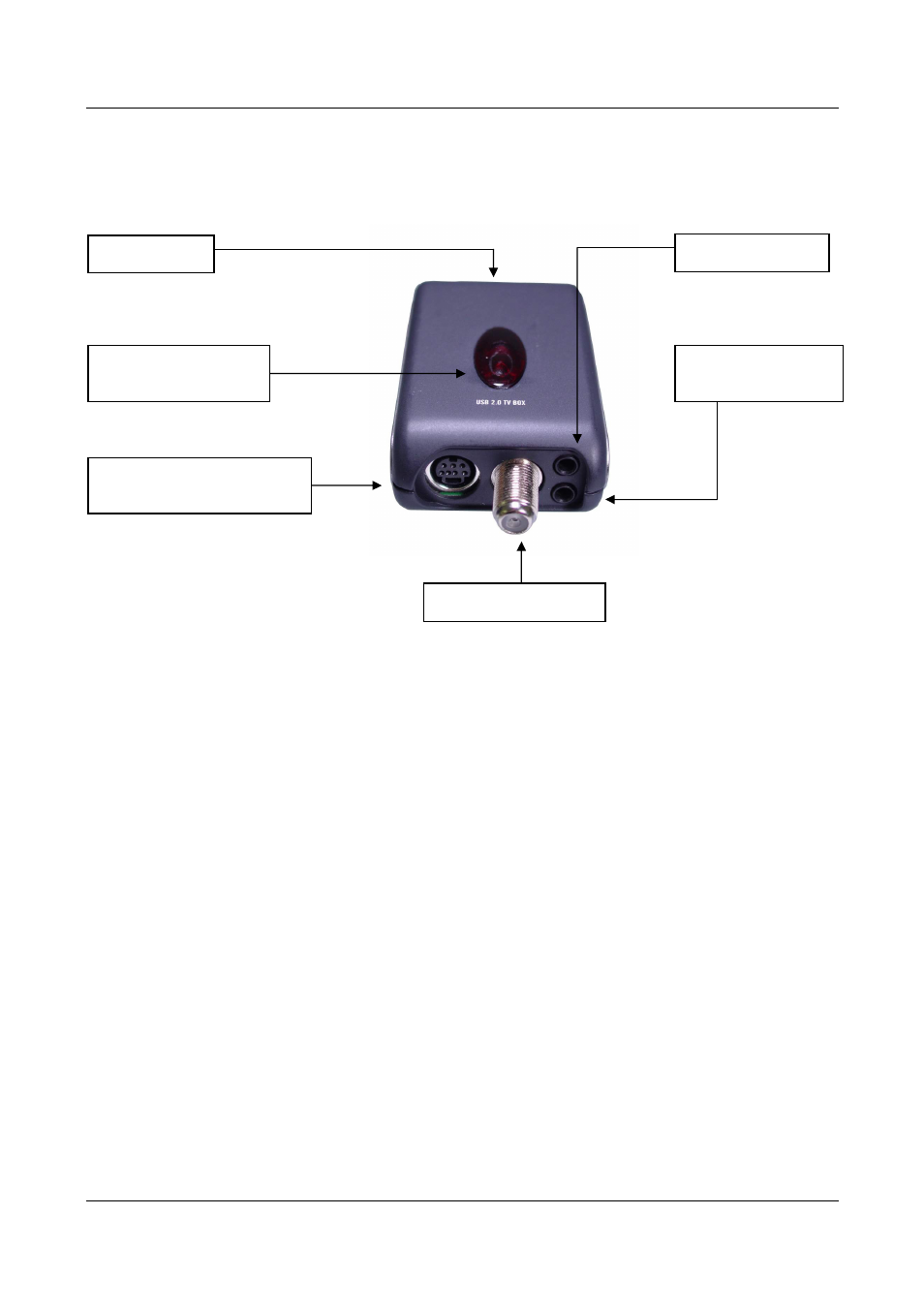
USB Jack
Audio Input
Audio Output to
PC audio line in
TV Coaxial Input
S-Video or
Composite Video input
Remote Control
Sensor
Advertising