Beisler 739-23-1 Manual User Manual
Page 21
Advertising
4.2
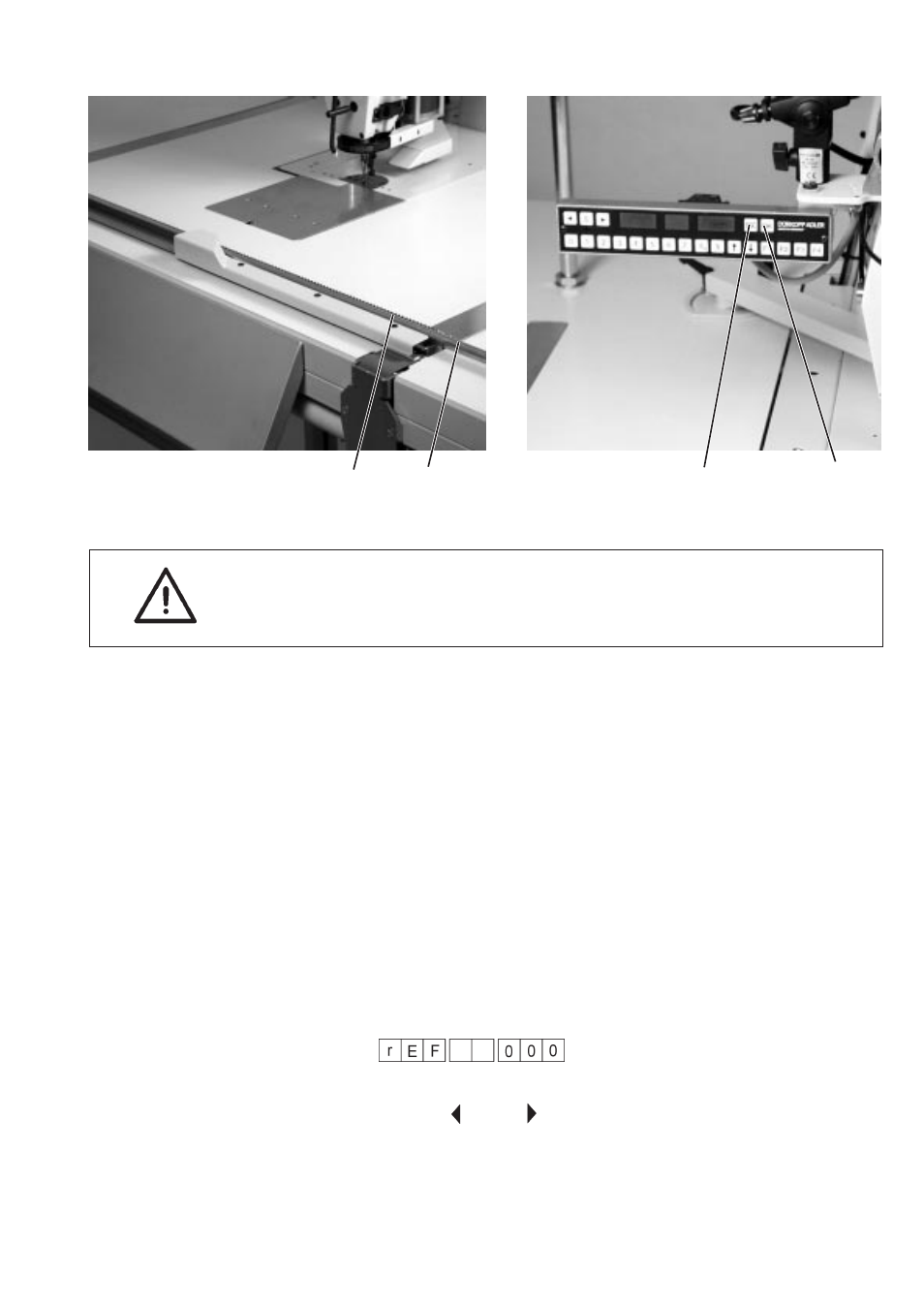
Infeed of material clamps
Caution: risk of breakage!
Do not insert material clamps that are not properly closed.
–
Place mateial clamp on guide rod 1 and press until it is engaged in
the toothed profile 2.
4.3
Starting of sewing operation
–
Press key “S”.
The sewing operation is started. The material clamp is pulled in.
Insert additional material clamps for continuous processing.
4.4
Termination of sewing operation
–
Press key “ESC”.
The sewing operation is terminated.
–
Press “OK” .
The display reads as follows, indicating that a reference run is
required:
To remove material clamp that is still inserted in the machine use the
arrow keys “
“ and ”
“ to manually move and remove it.
1-21
2
1
“ESC”
“OK”
Advertising