4 alarm set – Bolide SVR9004HD User Manual
Page 47
Advertising
User Manual
43
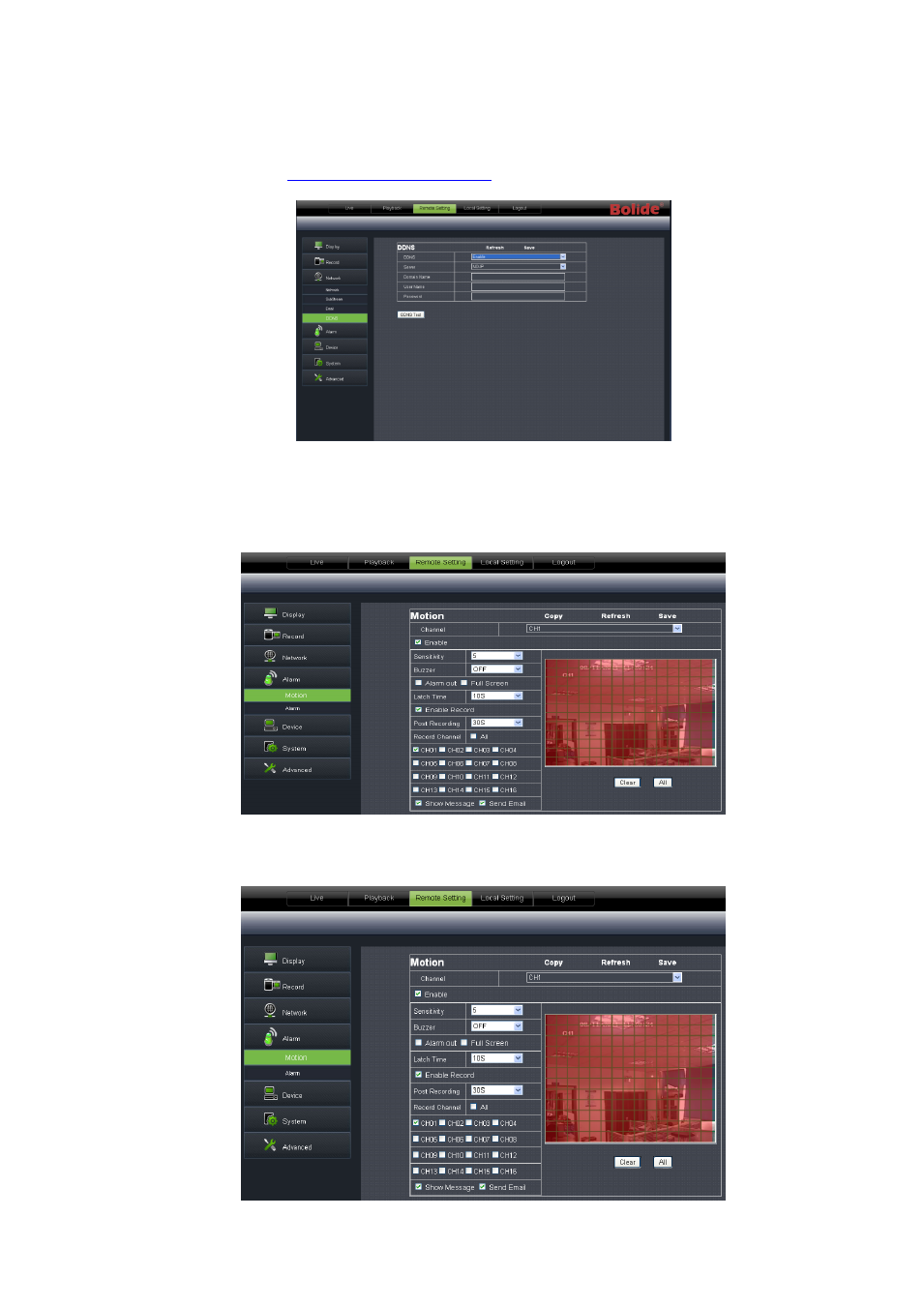
5、 DDNS Setting: After user applies for DDNS service shown as Picture 6-23, you could enable <DDNS>
function under any one network type mode (Static, DHCP and PPPoE). Now you remotely visit the DVR
through domain name
name: port No
). Details setting should be consistent with DVR local
setting.
6.3.3.4 Alarm Set
Click <Alarm> option to unfold its sub-options: Motion, I/O Alarm shown as Picture 6-24.
1、 Motion Detection: allow you configure its <Sensitivity>, <Alarm out>, <Alarm record> and <Alarm
Capture> etc. Details setting should be consistent with DVR local setting (Shown as Picture 6-25).
Picture 6-24
Picture 6-25
Picture 6-23
Advertising
This manual is related to the following products: