Troubleshooting, Replacement parts, 6 troubleshooting -5 3.7 replacement parts -5 – Daktronics H-813S User Manual
Page 19
Maintenance &
3-5
Troubleshooting
3.6 Troubleshooting
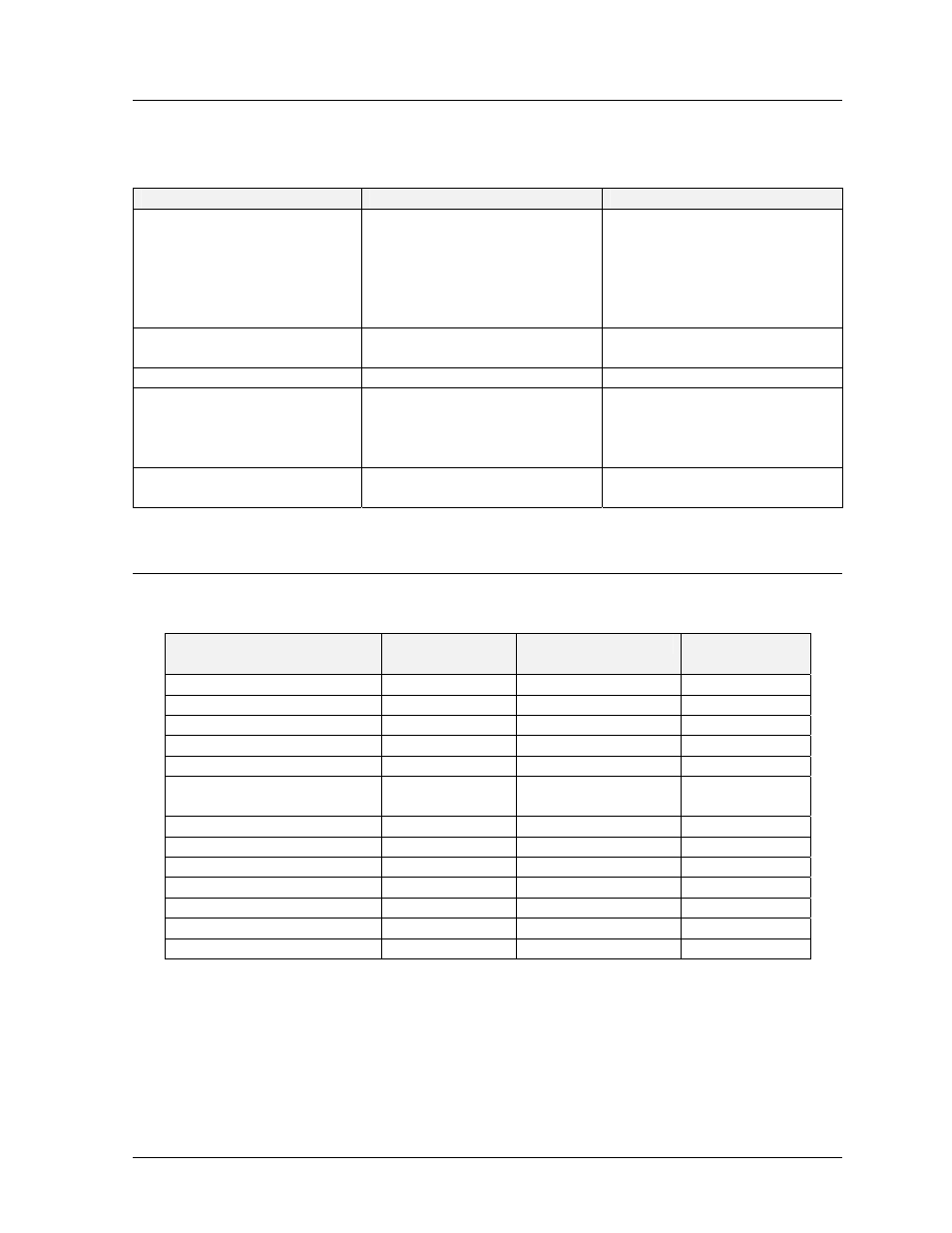
The following is a list of possible problems and the remedy for them. It is not inclusive of
every possible problem.
Observed Problem
Possible Cause
Remedy
Display won’t light
•
Console not connected or
poor connection.
•
No power to console.
•
Power off at source.
•
Fuse blown at display.
•
Driver logic fuse blown.
•
Check console
connection.
•
Check console power.
•
Check power.
•
Replace fuse.
•
Replace fuse.
Individual lamps won’t light
•
Lamps burned out.
•
Broken wire.
•
Replace lamp.
•
Locate and repair break.
Segment stays lit
•
Driver malfunction
•
Contact Daktronics
Garbled display
•
Console malfunction.
•
Poor signal connection.
•
Driver malfunction.
•
Contact Daktronics.
•
Check console
connections.
•
Contact Daktronics.
Entire digit won’t light
•
Broken wire.
•
Fuse blown in driver.
•
Locate and repair break.
•
Replace fuse.
3.7 Replacement
Parts
The following is a list of replacement parts for the hockey scoring systems.
Description
Component
Reference #
Where Used
Daktronics
Part #
Fuse; AGC-1/2
F17
Driver Logic
F-1000
Fuse; AGC-10
F1-F16
Driver Outputs
F-1006
Fuse; ABC-10
F401
Main
F-1007
Fuseholder; Panel Mount
Main Fuse
X-1032
Lamp; #656 Wedge Base
Digits, Indicator
DS-1115
Lampholder; T-3 1/4
Wedge Base
Digits,
Indicator
X-1075
Horn; 24 VAC 60Hz
LS1
All Models
DS-1119
Plug; 1/4" phone
Signal Connection
P-1041
Plug; 4-Pin MIC
P101
H-813S & H-813B
P-1115
Junction Box; 16 Pin
Signal Connection
0A-1010-0026
Jack; 4-Pin MIC
J101
H-813S & H-813B
J-1124
Lamp Driver; 16 column
A101
All Models
0A-1033-0043
Relay; 24 VAC
K1
H-813S & H-813B
K-1014