Daktronics AB-1600-1.5,2.5 User Manual
Page 53
Maintenance & Troubleshooting
4-17
DS 11 Fan 8
Status
Fan good
Fan not present
Fan failure
DS 12 Thermostat
input
Thermostat
input good
Thermostat
input failure
–
To remove the fan controller card, remove all cables from jacks J2, J3 and J4, along with the white
power-in connector. After removing the four corner nuts, you should be able to remove the fan
controller card from its enclosure.
4.13
Troubleshooting the Line Receiver
Reference Drawings:
Line Receiver Settings, 32 & 40 High ..................................................Drawing A-109450
Line Receiver Settings, 64 & 72 High ..................................................Drawing A-109648
Line Receiver Settings, 48 & 56 High ..................................................Drawing A-110166
Remember, the display will have either a line receiver or a data distributor. For a general description
of both, refer to Section 1.3.
To access the line receiver, remove the appropriate modules per Section 4.3. Refer to drawings in
Appendix A for the location of the line receiver in your display.
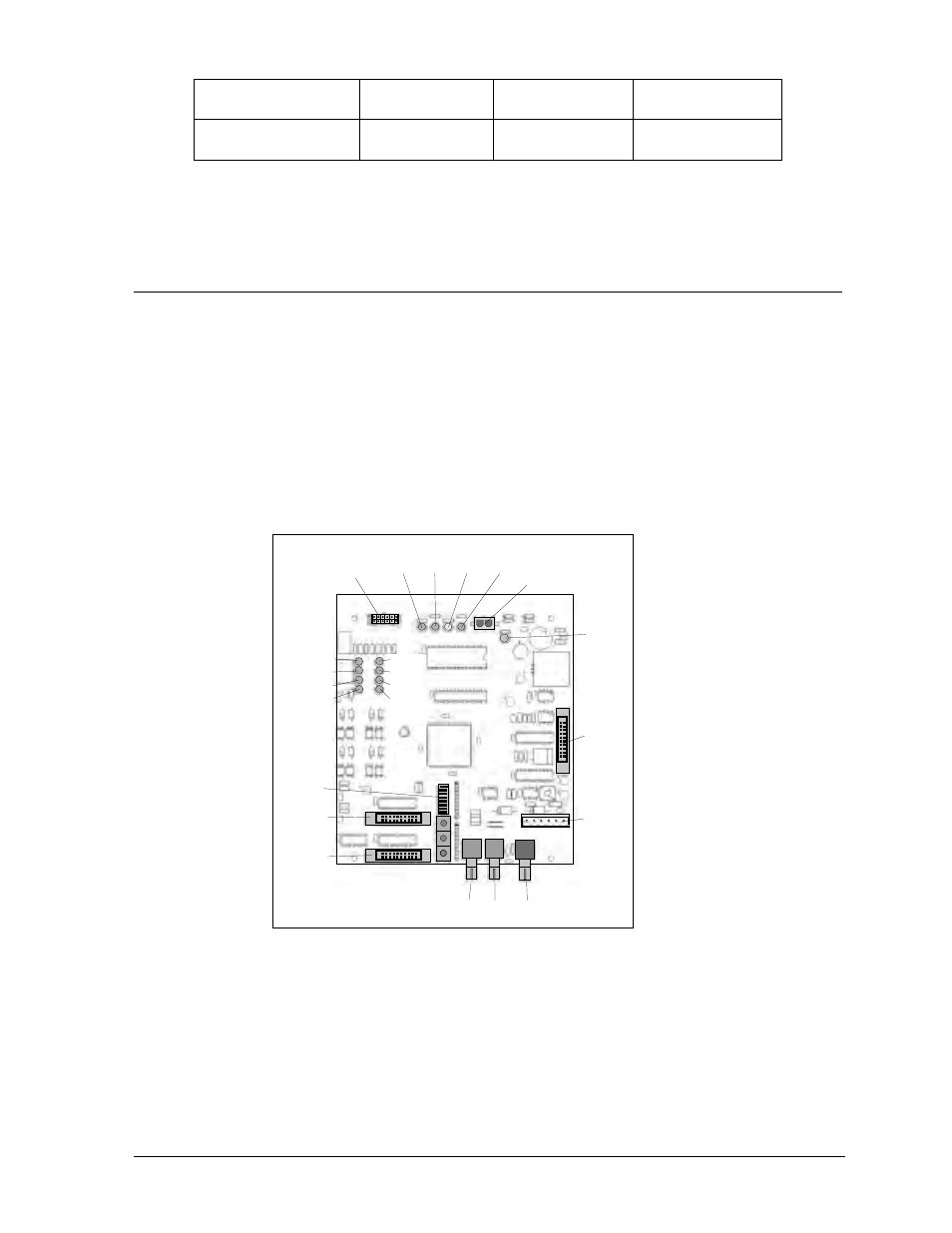
On the following page is a description of each LED indicator on the line receiver board.
DS1 - Line Fault: This indicates if the controller and data cable are connected correctly. With the
controller turned on, and a good fiber optic connection, it should be OFF (it may flash ON
occasionally). If DS1 stays ON, there is probably a break in the fiber optic cable, a bad termination or
something wrong with the controller computer.
DS2 - Test Mode: This indicates when the line receiver is in test mode. If it is ON, a test pattern will
appear on the display.
DS1 DS2 DS3 DS4
J6
J7
J8
DS6
DS7
DS8
DS9
DS10
DS11
DS12
DS13
J4
J5
TB1
J3
DS5
J2
S1-S8
J1
Figure 54: Line Receiver Board