1 > sun keyboard / mouse options, How to use "gs" keyboard, Gs keyboard integrated with touch pad / track ball – Eclipse Rackmount KD2 Series User Manual
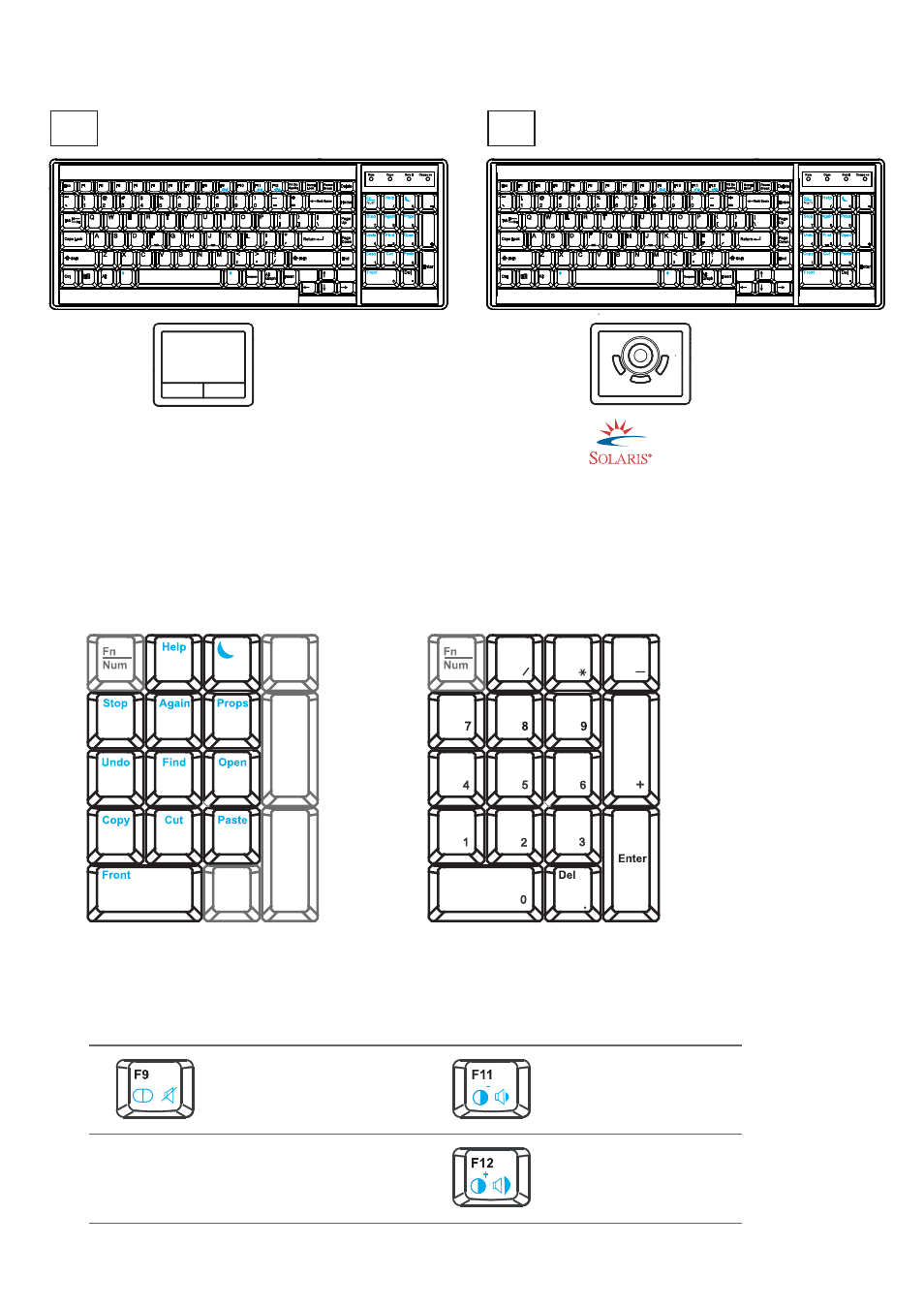
Page 11: Audio / display keys, Kd2 series
Page 11 -- ML42V02A -- www.EclipseRackmount.com
< 2.1 > SUN Keyboard / Mouse Options
Audio / Display Keys
* Please ask your supplier for full details
F9
Audio : Mute
Display : Degauss
F11
Audio : Decrease volume
Display : Decrease contrast
F12
Audio : Increase volume
Display : Increase contrast
Num LED in Green mode
Keypad behaves as a normal keypad
KD2 Series
Num
Caps
Scro ll
Comp ose
Num
Caps
Scro ll
Comp ose
GS keyboard integrated with track ball
GSb
GS keyboard integrated with touch pad
GSn
■
Incorporates SUN keys, including Stop, Cut, Paste, Compose, Copy and Help
■
104 key notepad keyboard with full numerical pad and SUN function
■
USB interface
■
US layout only
GS keyboard integrated with touch pad / track ball
Num LED in Off mode
Keypad behaves as a SUN Solaris
system administration command mode
How to Use "GS" Keyboard