Feelworld EVF E-350 User Manual
Page 11
Advertising
10
※
Language: Languages for OSD as below:
English、简体中文、Francais、Italiano、Deutsch
Español、繁體中文、 日本語、
한국의、
Pycc
※
H Position:To adjust the OSD position in horizontal
※
V Position:To adjust the OSD position in vertical.
※ OSD Timeout:To adjust the clock.
※
Transparent:To adjust the level of transparent
(
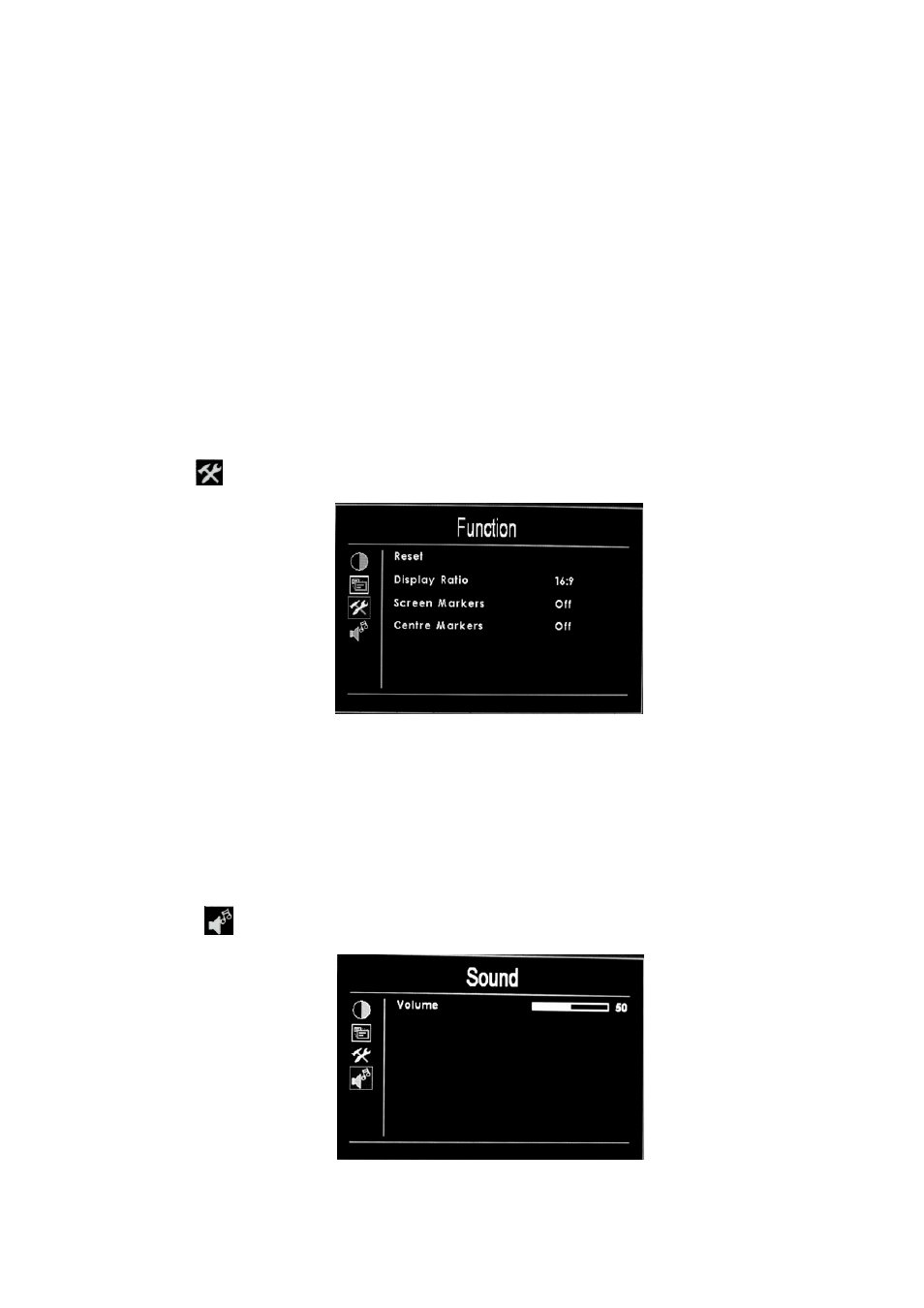
Function)
※
Reset:Back to original setting.
※
Display Ratio:To change the display ratio,16:9/4:3.
※
Screen Marker ratio setting:(80%、85%、90%、93%、95%)
※ Center Marker: Screen center mark(cross mark)display setting
(
Sound)
※
Volume: To adjust the volume.
Advertising