2 [f10] setting edid resolution, F10] setting edid resolution, F10] setting edid – IDK VAC-1000HD User Manual
Page 22
VAC-1000HD User’s Guide
22
7.2.2 [F10] Setting EDID resolution
You can set the EDID to be sent to the source device:
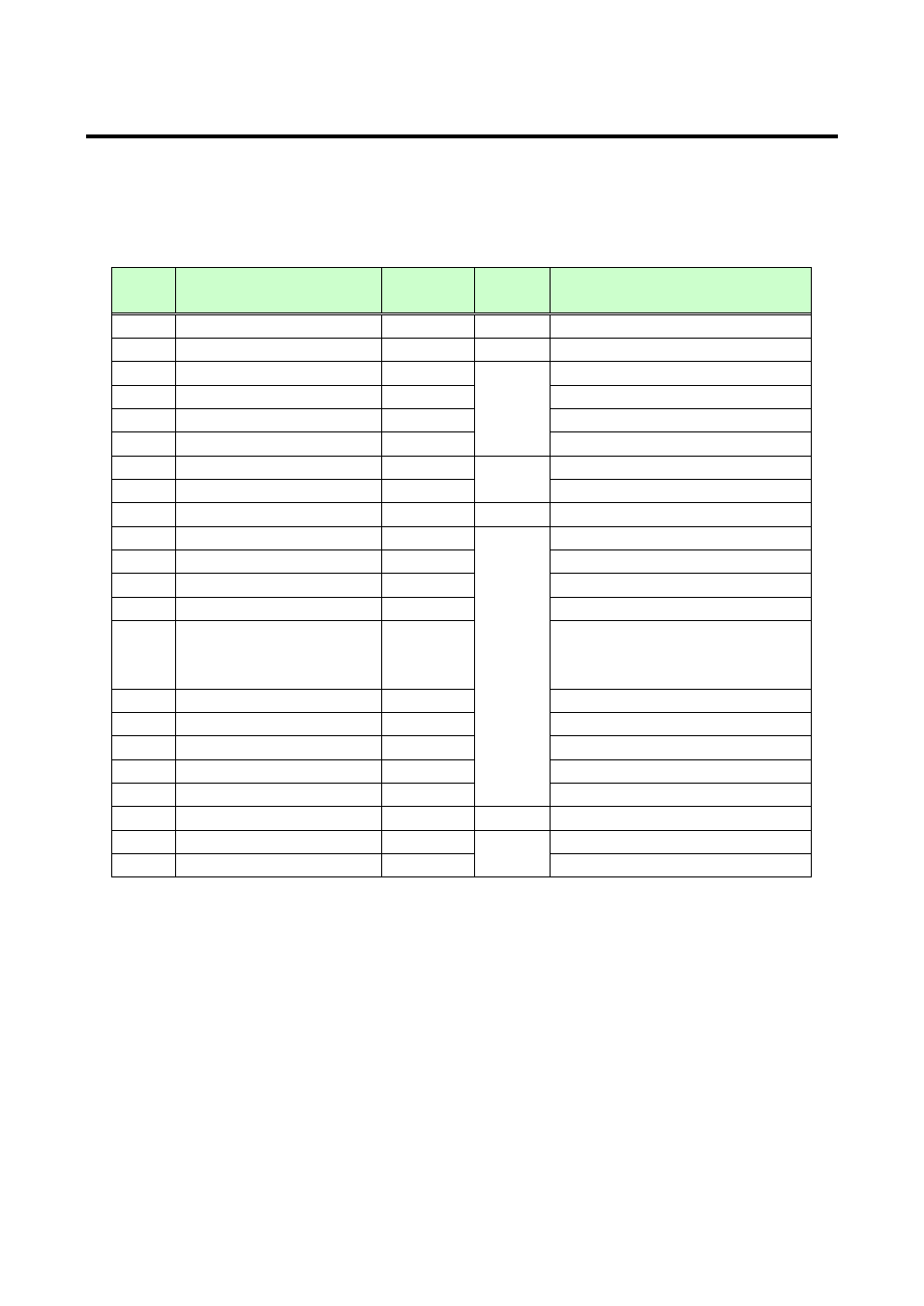
In order to use a built-in EDID (setting numbers “03” to “22”), set the maximum resolution supported by the
sink device using Set numbers “03” to “22”.
[Table 7.4] The maximum resolution of EDID
Set
number
Maximum resolution
Pixel
Standard
Remarks
01
EXTERNAL (External EDID)
-
-
If no collected data, its default is 03.
02
Copied EDID
-
-
If no collected data, its default is 03.
03
1080p(59.94/60)
1920×1080
HDTV
Default
04
720p
1280×720
05
1080i
1920×1080
06
1080p(24/25/30/50)
1920×1080
07
SVGA
800×600
VESA
08
XGA
1024×768
09
VESA720
1280×720
CVT
For inputting DVI devices
10
WXGA
1280×768
VESA
11
WXGA
1280×800
MAC supported
12
Quad-VGA
1280×960
13
SXGA
1280×1024
14
WXGA
1360×768
1366×768
The number of pixels can be set in
15
SXGA+
1400×1050
16
WXGA+
1440×900
17
WXGA++
1600×900
(RB)
18
UXGA
1600×1200
19
WSXGA
1680×1050
20
VESA1080
1920×1080
CVT
(RB),
for inputting DVI devices
21
WUXGA
1920×1200
VESA
(RB)
22
QWXGA
2048×1152
(RB)
(RB):
Reduced Blanking