Step 1, Step 2, Step 3 – ikan IDX803 User Manual
Page 6: Step 4, 3 chase, 3-1 internal chase setting (speed chase), Ch 】 mode, Key to off the function, Repeat… 2. press 【 chase 2
IKAN
IDX-803 [EUM-A]
5
key to off the function.
2-3 CHASE
(1) Internal chase setting (SPEED CHASE)
(2) Audio input control (AUDIO)
2-3-1 Internal chase setting (SPEED CHASE)
2 mode of chase setting:
(1) 【CH】 mode:chase by CH mode.
(2) 【SC】 mode:chase by SC mode.
【CH】mode
STEP-1:press【SC/CH】, to select the channel.(LED”OFF”)
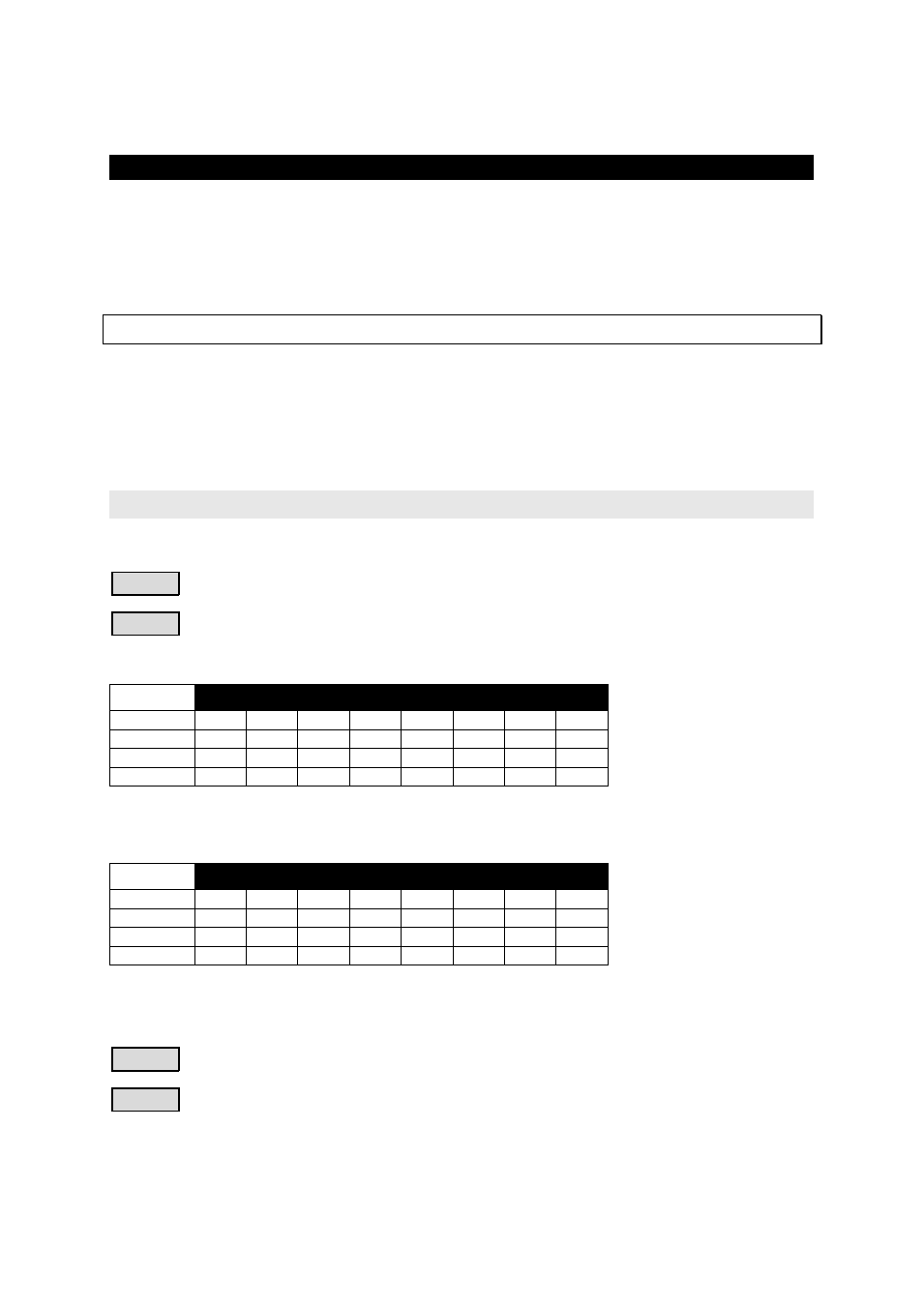
STEP-2:to select the chase LED ● ON ○ OFF
1. Press【CHASE 1】
:
CH.
1
2
3
4
5
6
7
8
STEP 1
●
○
○
○
○
○
○
○
STEP 2
○
●
○
○
○
○
○
○
STEP 3
○
○
●
○
○
○
○
○
STEP 4
○
○
○
●
○
○
○
○
Repeat…
2. Press【CHASE 2】
:
CH.
1
2
3
4
5
6
7
8
STEP 1
○
○
○
○
●
○
○
○
STEP 2
○
○
○
○
○
●
○
○
STEP 3
○
○
○
○
○
○
●
○
STEP 4
○
○
○
○
○
○
○
●
Repeat…
STEP-3:to adjust the speeding of chase, press【SPEED】to adjust.
STEP-4:Press【PROG】to change the chase direction.