Selection and setting of oven temperature, Table of data for operation mode (with a sensor 2), Oven thermostat signal lamp (d3-2) – Kleenmaid TO600X User Manual
Page 9: Setting the operation time, Setting the end of operation time
Instructions for use, installation and connection
9
Selection and setting of oven
temperature
After selecting the type of food and oven function
mode, by pressing the sensors (3a/3b) you may
select the desired oven temperature in the range
from 30 – 250°C (depending upon the selected
operation mode) in 5°C intervals.
During the operation, oven temperature may
be randomly increased or decreased within
the permitted temperature range (see chart)
by pressing the sensors (3a/3b).
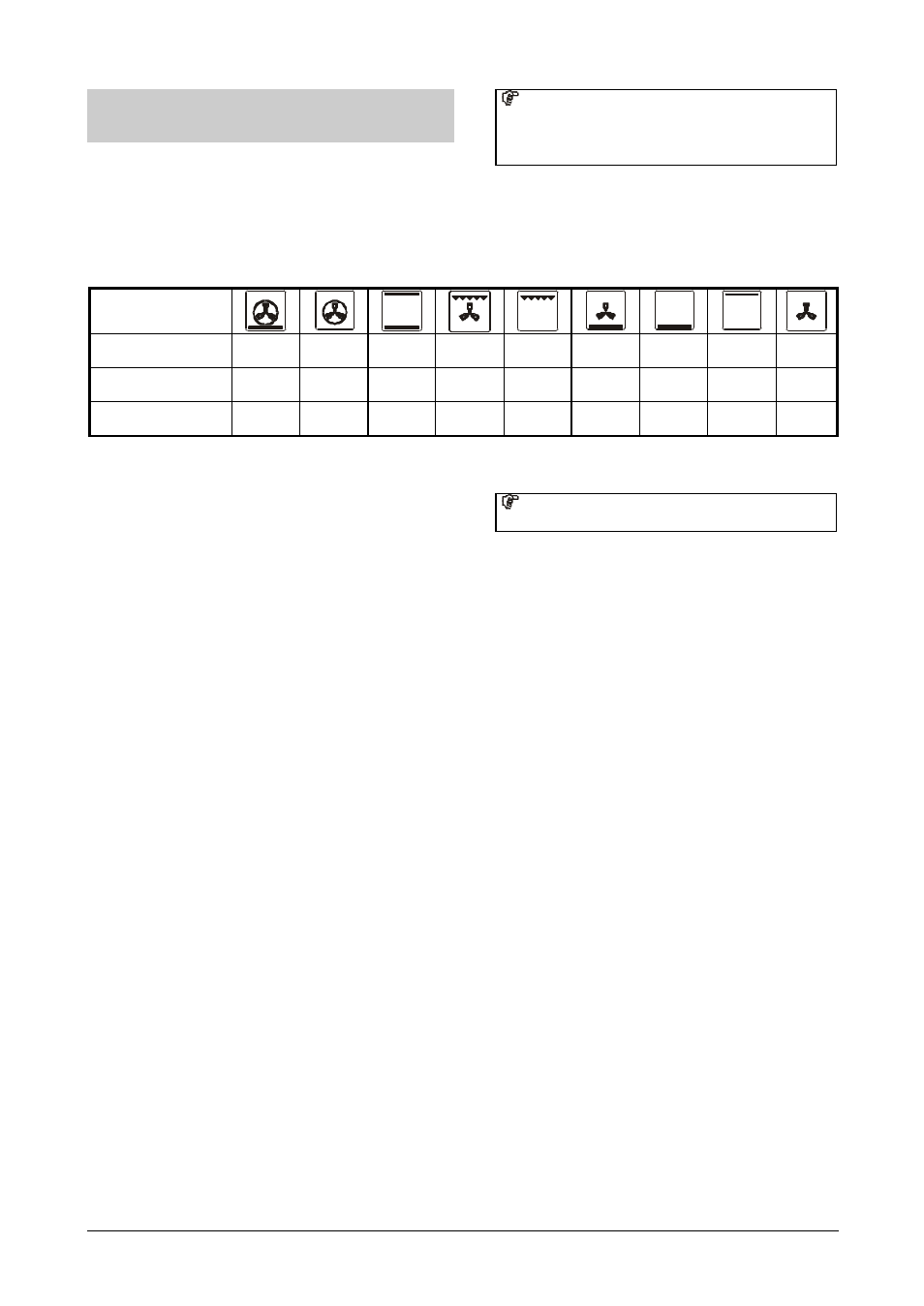
Table of data for operation mode (with a sensor 2)
Operation mode
Preset
temperature (°C)
200
160
200
170
250
160
160
150
-
Preset time
(h/min)
-
-
-
-
-
-
-
-
-
Possibility of max.
set temperature (°C)
250
250
250
250
250
220
220
200
-
Oven thermostat signal lamp (d3-2)
•
Signal lamp is on; oven temperature is below the
setting and the oven is heating.
•
Signal lamp is off; the temperature in the oven
has reached the set temperature.
•
Signal lamp is flashing regularly; the oven is set
to the end of operation mode with the adequate
sensor (d4-2); the preparation of food has not
started as yet (the appliance automatically
computes the relevant moment of starting the
oven operation).
Setting the operation time
•
The time of oven operation may be selected from
0 to 6 hours, in 1 minute intervals.
•
After selecting the function mode and the
temperature, by pressing the sensor 4 you may
now select the operation time from 0 to 6 hours,
in 1 minute intervals.
•
Touch the selection sensor (4), the display
(d4-1) starts flashing. By touching sensors
(4a/4b) set the desired operation time.
•
Turn the oven on with the ON/OFF sensor (5).
•
When the set time has elapsed, the oven is
switched off (signalled by the beep, oven
operation time symbol (d4-1) and the relevant
signal lamp (5a) are flashing).
•
By touching any sensor (except the ON/OFF
sensor (5), which turns the sound signal off and
switches the oven on) you may switch the sound
signal off, otherwise it is turned off automatically
after 7 minutes.
Oven operation time may be changed during
the operation.
Setting the end of operation time
•
This function is used when you wish to select
the end of operation (cooked food) at exactly the
pre-selected time.
•
The function may be used only if the previously
set time of operation ((d4-1) is on).
•
By touching the selection sensor (4) symbol (d4-
2) flashes, and the display (d4-6) flashes the
sum of daily current time and the oven operation
time. Use the sensor (4a) to set the desired end
of oven operation.
•
Switch the oven on with the ON/OFF sensor (5).
The appliance awaits the start of operation (oven
thermostat signal lamp symbol flashes regularly
(d3-2), oven operation time symbol is on (d4-1)
and end of operation time symbol (d4-2) is also
on.)
•
The starting time is now defined automatically.
At the moment the oven starts the operation, the
end of operation symbol (d4-2) goes off, oven
illumination is on, and the oven thermostat signal
lamp (d3-2) is on until the set temperature is
reached.
•
Eventual immediate start of operation may be
forced by simultaneous pressing of sensors
(4a/4b) (for approximately 5 seconds).