Your phone at a glance – Huawei Mate 9 Pro User Manual
Page 6
Advertising
2
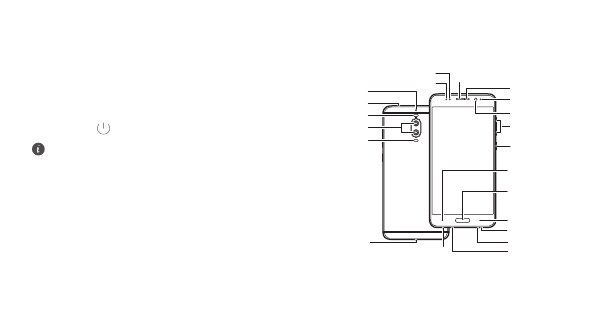
Your phone at a glance
Before you start, let's take a look at your new phone.
•
To turn on your phone, press and hold the power button until
your phone vibrates and the screen turns on.
•
To turn off your phone, press and hold the power button, and
then touch
.
To forcibly restart your phone, press and hold the power
button until your phone vibrates.
Status indicator
Optical proximity sensor
Ambient light
sensor
Secondary
microphone 2
Secondary
microphone 1
Dual-lens
camera
Laser sensor
Dual-tone flash
Infrared sensor
Front camera
Volume button
Power button
USB-C port
Primary microphone 1
Primary
microphone 2
Speaker
Headset jack
Left navigation
key
Right navigation
key
Primary
navigation key/
Fingerprint
scanner
Earpiece
Advertising
This manual is related to the following products: