La Crosse Technology S89102 User Manual
Page 3
!
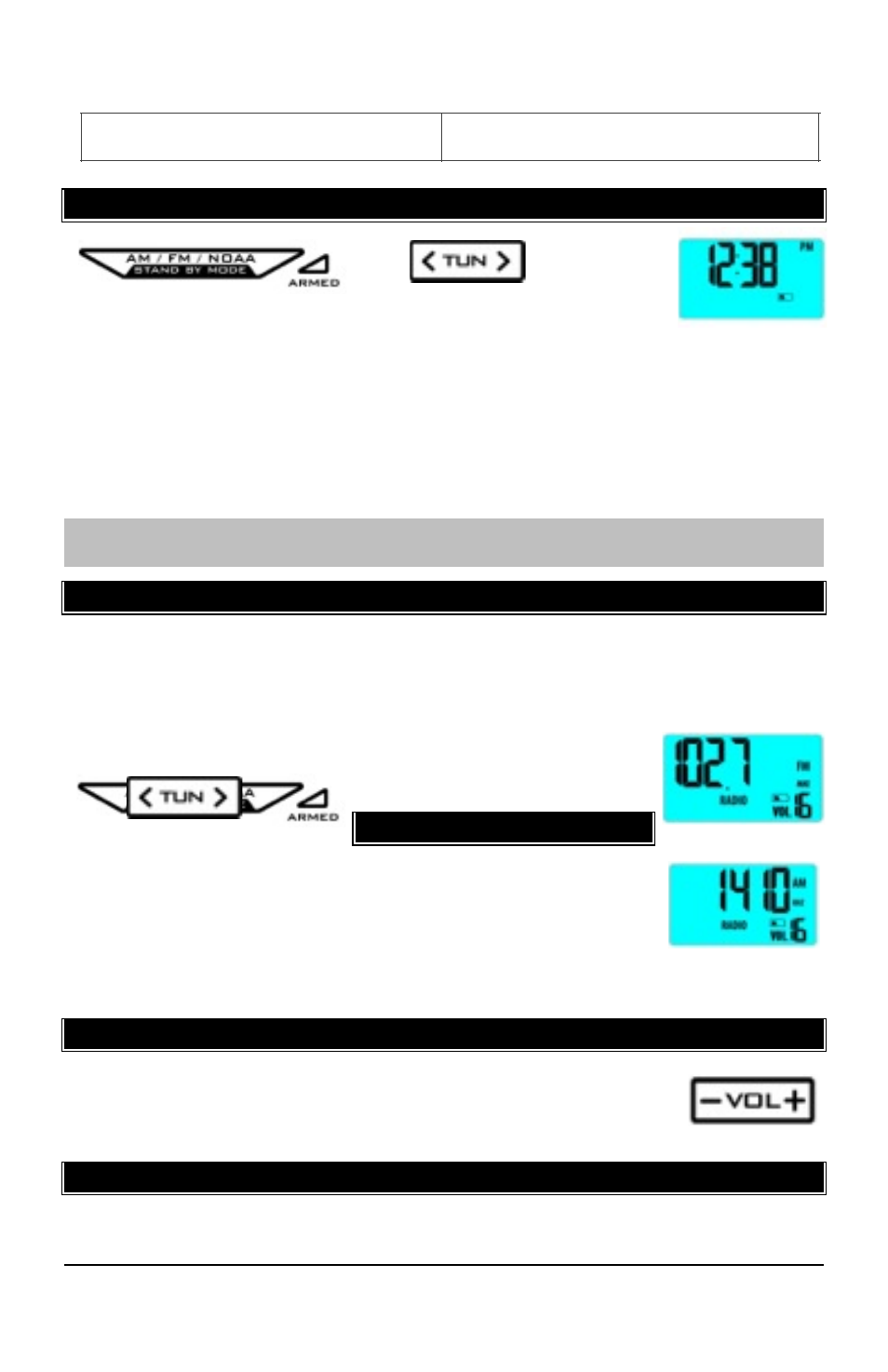
SET TIME
!!
The radio
needs to be OFF to set the
time. With the radio OFF, hold the AM/FM/NOAA button for
2 seconds to enter time set mode.
•
HOUR: The hour will blink. Press the TUNE button to set the desired
hour. Press the AM/FM/NOAA button to confirm the hour and move to
set the minutes.
•
MINUTES: The minutes will blink. Press the TUNE button to set the
desired minutes. Press the AM/FM/NOAA button to confirm the
minutes.
Note: If no buttons are pressed for 20 seconds, the radio will automatically
time out of setting mode. The time will display when the radio is off.
!
FM RADIO
!
•
Fully extend the antenna
•
With the radio ON, press the AM/FM/NOAA button to select FM radio.
•
Press the TUNE button to increase or decrease the radio frequency.
•
Hold the TUNE button to quickly search for the next
available station.
!!
AM RADIO
•
Fully extend the antenna
•
With the radio ON, press the AM/FM/NOAA button to
select AM radio.
•
Press the TUNE button to increase or decrease the
radio frequency.
•
Hold the TUNE button to quickly search for the next available station.
!
VOLUME
•
Press the VOLUME button to adjust the volume.
•
Hold the VOLUME button to change faster.
•
Default volume is 10. Levels 1-16 are available.
!
LCD BACKLIGHT
!
•
This radio has a high visibility BLUE color backlight for normal viewing.
•
Backlight color changes to RED during a Weather Alert.
Channel 4: 162.475MHz
Model: S89102 www.lacrosseclock.com/support Page | !
3