Setting the format – MBM Corporation 352SA automatic air suction folder with Register System User Manual
Page 15
Operator's Manual multimaster CAS 35 PBA
Air Feeder PBA
16
Mathias Bäuerle GmbH
1
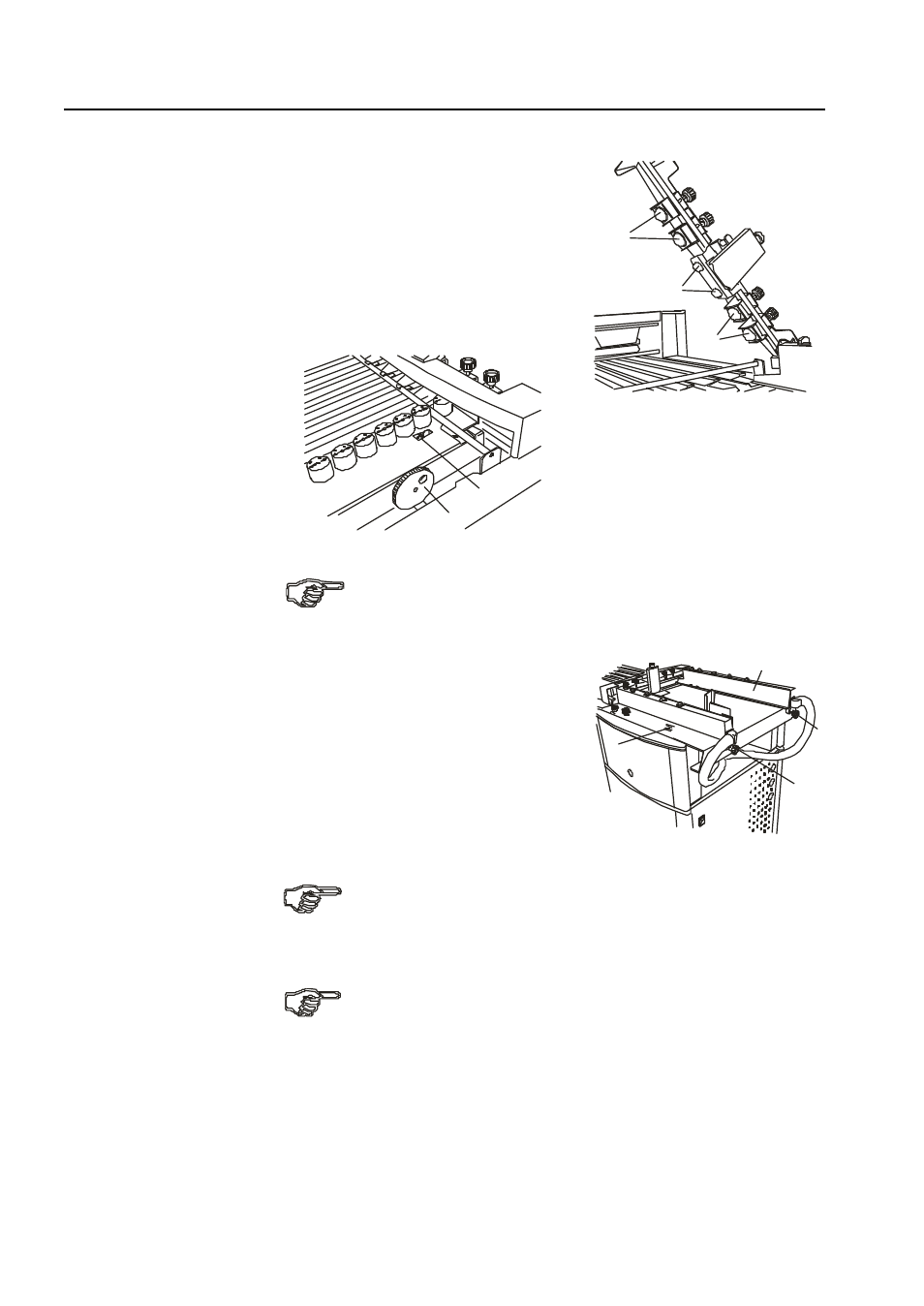
Stationary infeed balls
2
Adjustable infeed balls
3
Adjustment wheel for changing the
infeed angle
4
Display window for angle adjustment
1
2
2
3
4
Setting the Format
•
Loosen the handles (5 and 6) by turning
them counter-clockwise.
•
Set the left feed guide to half sheet width
with the help of the scales (7).
•
Tighten the handle of the left feed guide (5).
•
Place a stack of about 50 sheets on the
feed table.
•
Slide the right feed guide (8) against the
edge of the stack.
5
6
When setting the format, care should be taken that the sheets are fed
approximately from the center.
7
8
Make sure that the sheet does not actually touch the guide. There should be
a gap of approx. 0.5 mm. The right and left feed guide should be parallel.
•
Thighten the handle (6) at the right feed guide.
If the width of the paper is less than 7 cm, only one paper guide can be
used.