Installing the usb-2404-10, What comes with your usb-2404-10 shipment, Hardware – Measurement Computing USB-2404-10 User Manual
Page 9: Additional documentation, Optional accessories, Unpacking the usb-2404-10
9
Chapter 2
Installing the USB-2404-10
What comes with your USB-2404-10 shipment?
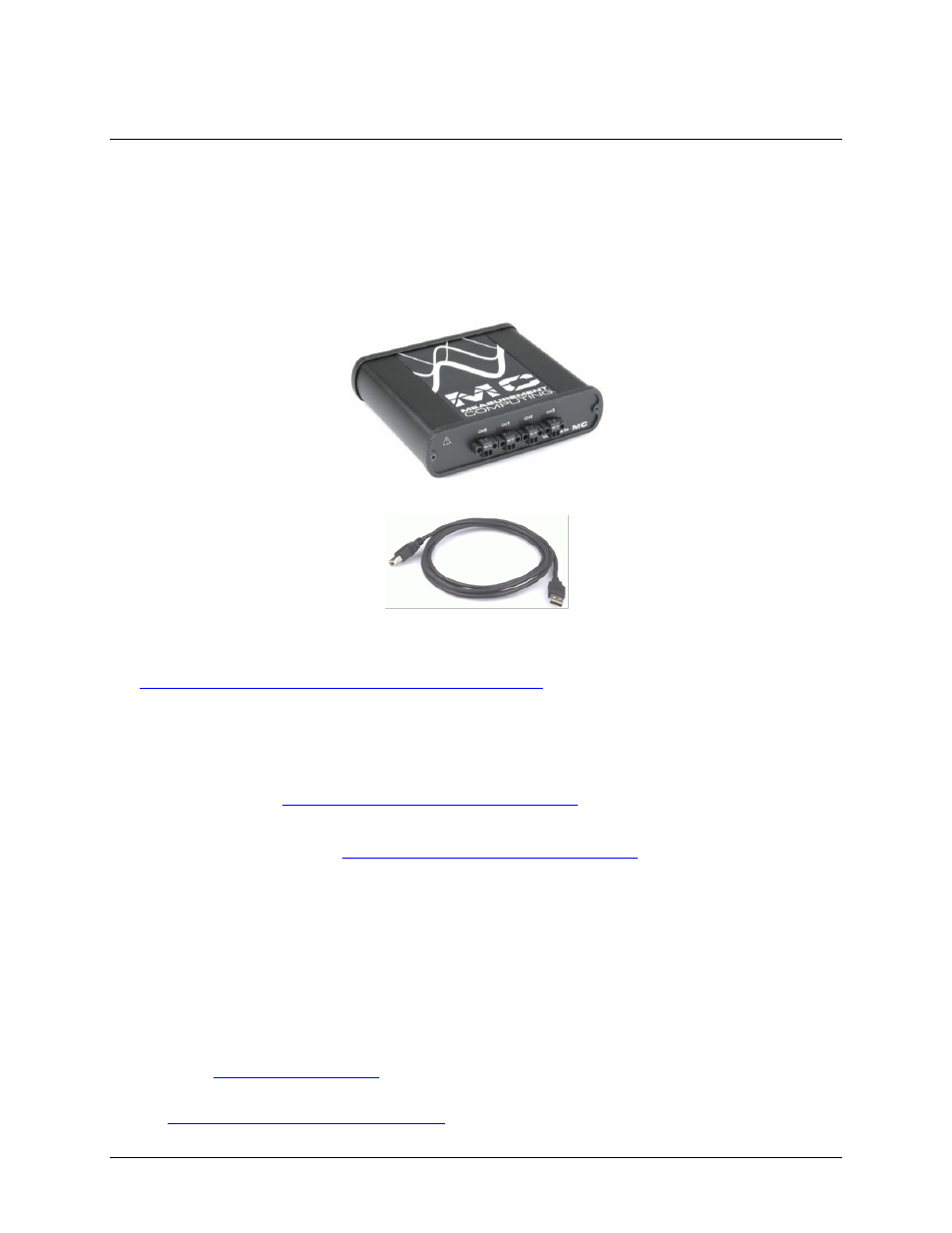
As you unpack your USB-2404-10, verify that the following components are included.
Hardware
USB-2404-10
USB cable (2 meter length)
Additional documentation
In addition to this hardware user's guide, you should also receive the Quick Start Guide (available in PDF at
booklet supplies a brief description of
the software you received with your USB-2404-10 and information regarding installation of that software.
Please read this booklet completely before installing any software or hardware.
Optional accessories
ACC-102 — Two-position screw terminal connector blocks (quantity ten). Additional details are available
on our web site at
ACC-160 — Backshell for use with the ACC-102 two-position screw terminal connector blocks. Provides
strain relief and operator protection from high-voltage signals (quantity six). Additional details are
available on our web sit
Unpacking the USB-2404-10
As with any electronic device, you should take care while handling to avoid damage from static
electricity. Before removing the USB-2404-10 from its packaging, ground yourself using a wrist strap or by
simply touching the computer chassis or other grounded object to eliminate any stored static charge.
If your USB-2404-10 is damaged, notify Measurement Computing Corporation immediately by phone, fax, or
e-mail.
Phone: 508-946-5100 and follow the instructions for reaching Tech Support.
Fax: 508-946-9500 to the attention of Tech Support
Email:
For international customers, contact your local distributor where you purchased the USB-2404-10. Click on this
link
to locate your distributor.