Live camera options – OpenEye Gen6 N-Series User Manual
Page 30
32521AD
31
Live Camera Options
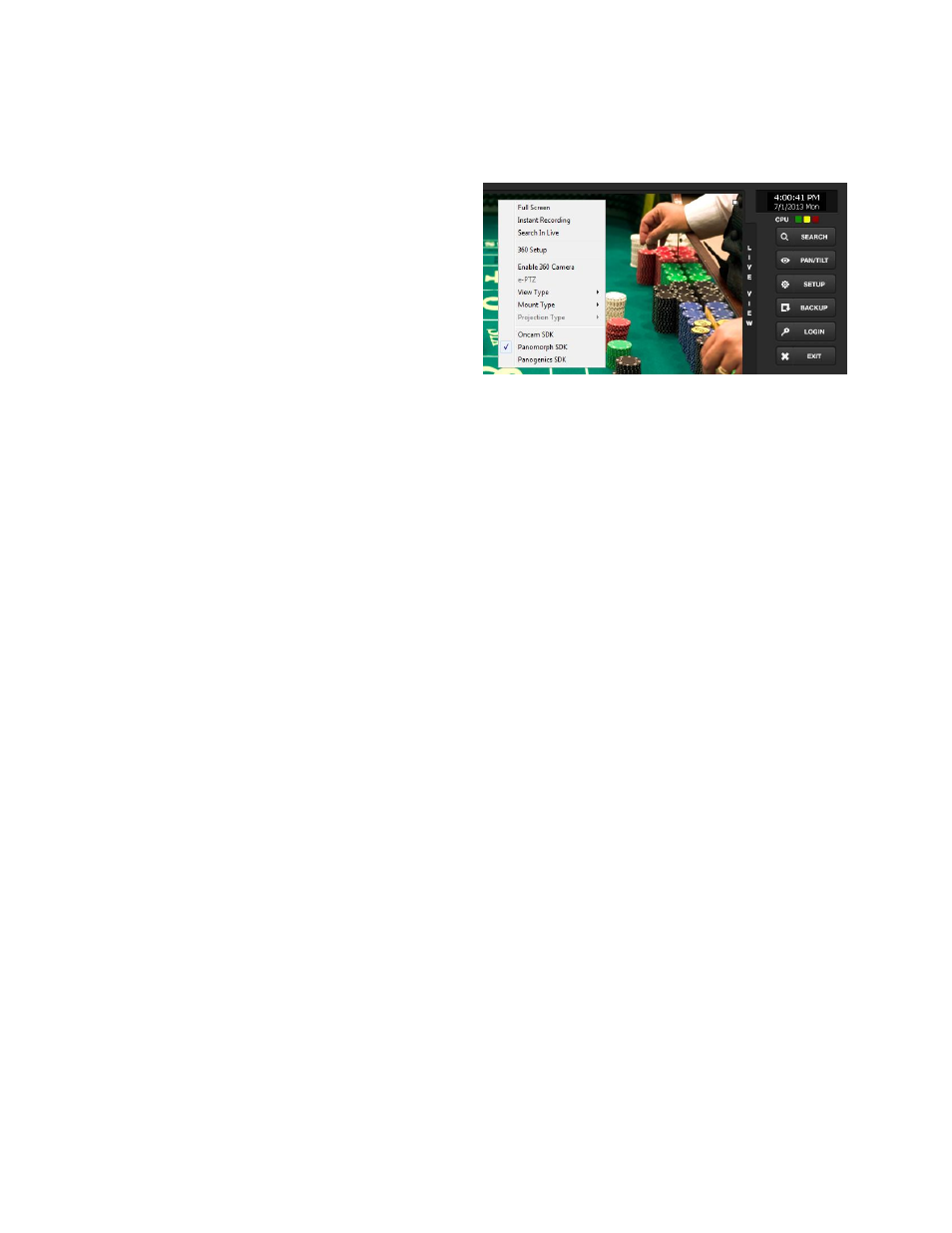
Right-click a camera on the Display screen to display these options:
Full Screen
–
Expand the camera
window to the full size of the
screen.
Instant Recording
–
Begin
Instant Recording for the selected
camera channel.
Search In Live
–
Rewind or fast-
forward video from that camera at
the present date and time.
360 Setup
–
Configure settings
for a 360 camera.
Enable 360 Camera
–
Enable the use of a 360 camera.
e-PTZ
–
Use the digital PTZ function on a 360 camera
View type
–
Select the view for a 360 camera
Mount Type
–
Select the type of mount that matches the location of your 360 camera.
Projection type
–
Dewarp your 360 camera image in Spherical or Flat view (Panogenics
cameras only)
Oncam SDK
–
Select to dewarp video footage from an Oncam 360 IP camera
Panamorph SDK
–
Select to dewarp video footage from an Immervision 360 camera
Panogenics SDK
–
Select to dewarp video footage from an AMG Panogenics 360 camera
Note
360 Setup, Enable 360 Camera, e-PTZ, View Type, Mount Type, Projection Type, all require
a 360 camera to function. If you do not have a 360 camera, ignore these functions.