30548AC
7
LIVE VIEW
•
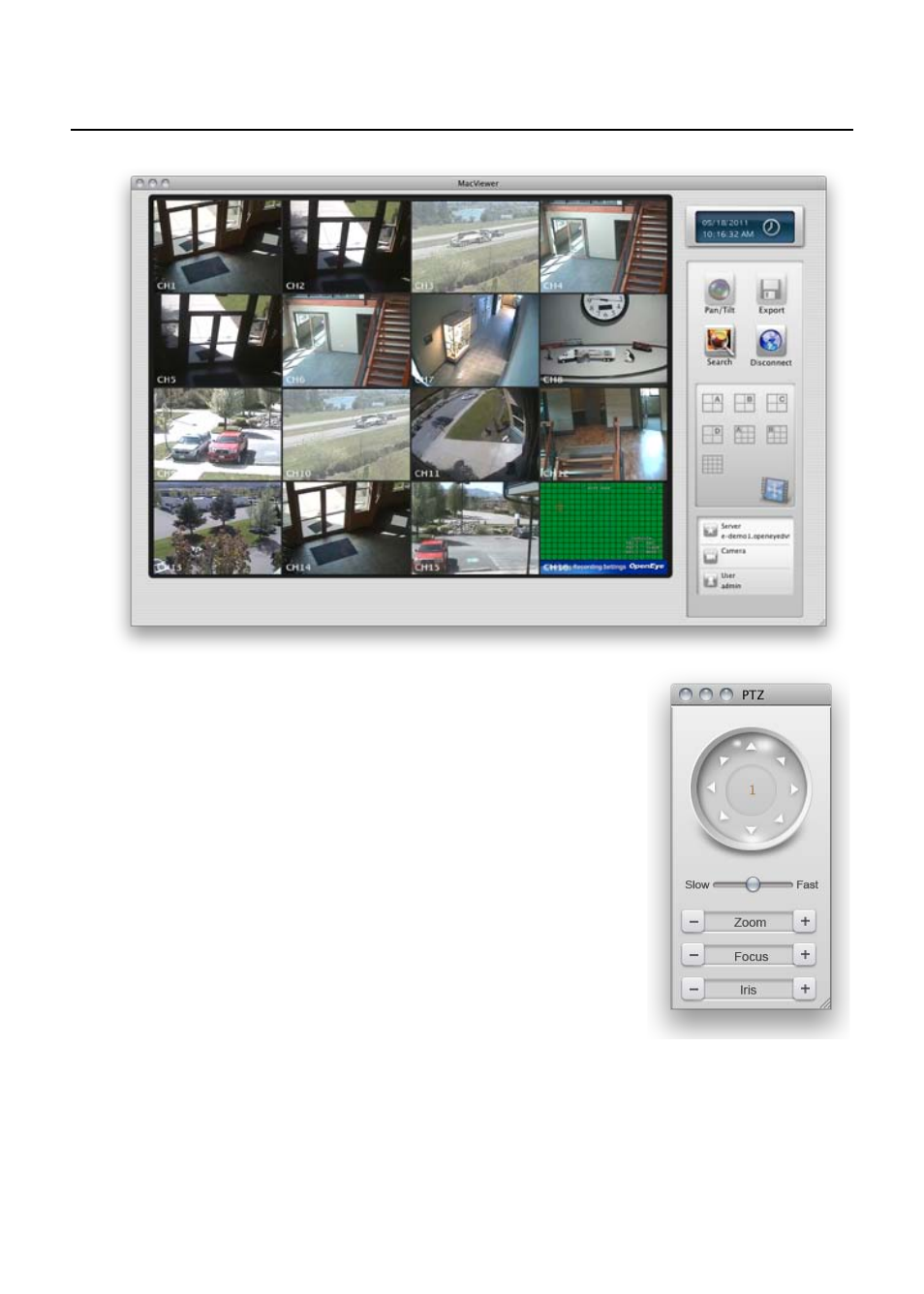
Select the desired screen division to
view some or all cameras.
•
If any PTZ cameras are connected,
click on the camera then click Pan/Tilt
to open the controller.
•
To save an image of the current view
on a camera, click on the camera then
click Snapshot.