Checking the digital signal strength, Labeling channels, Labeling video inputs – Sansui SLEDVD249 User Manual
Page 19: 19 en
19 EN
Checking the digital
signal strength
This TV will allow you to view the digital signal
meter for digital channels.
1
Select “Channel ⇒ DTV Signal”, then press ▶ or
ENTER.
2
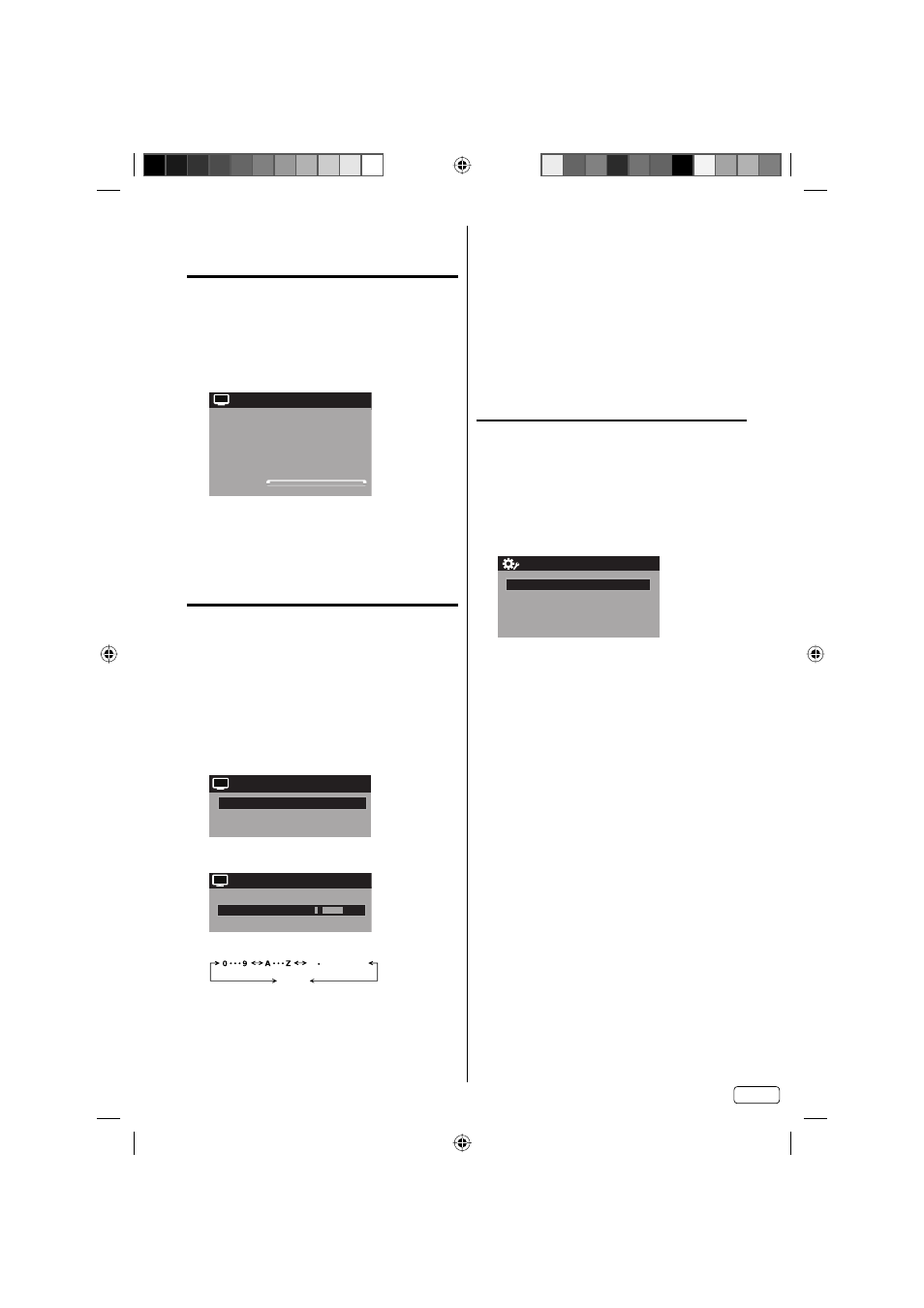
The digital signal strength screen will appear.
If necessary, adjust the direction of the antenna to
obtain the maximum signal strength.
Signal Level
0 50
100
DTV Signal
CH
NOTE:
Signal meter feature is not available for analog
channels.
After 240 seconds, DTV Signal screen will return to
normal TV operation automatically.
•
•
Labeling channels
Channel label appear with the channel number
display each time you turn on the TV, select a
channel, or press DISPLAY.
You can choose any four characters to identify a
channel.
To create channel labels
1
Select “Channel ⇒ Ch Label”, then press ▶ or
ENTER.
2
Press ◀ or ▶ to select a channel you want to
label, then press ▼.
Ch Label
Label Clear
>>
Ch Label
Channel Number
15-1
CH-1
CH
3
Press ◀ or ▶ repeatedly until the character you
want appears in the first space.
Label Clear
>>
Ch Label
Channel Number
15-1
Ch Label
CH-1
CH
The characters rotation as follows:
SPACE
- , () @ / + = -
If the character which you desire appears, press
ENTER.
Repeat this step to enter the rest of the characters.
If you would like a blank space in the label name,
you must choose the empty space from the list of
characters.
4
Repeat steps 2-3 for other channel. You can
assign a label to each channel.
5
When you finish inputting the label name, press
EXIT to return to the normal screen.
To clear a Ch Label
After step 2 above, press ▲ or ▼ to select “Label
Clear”, then press ▶ or ENTER.
NOTE:
The channel labels will be reset after “Automatic
Search” on page 18.
Labeling video inputs
The Video Label feature allows you to label each
input source for your TV.
1
Select “Setup ⇒ Video Label”, then press ▶ or
ENTER.
2
Press ▲ or ▼ to select an input which you want to
label.
3
Press ◀ or ▶ to select the desired label for that
input source.
Component
-
HDMI
-
PC
-
Video Label
Video
-
– / VCR / DVD / STB / Cable / Satellite / Receiver /
Game / Camcorder / PC / DVI PC / Blu-ray
•
J59I0221A_EN.indd 19
J59I0221A_EN.indd 19
12/21/12 6:04:56 PM
12/21/12 6:04:56 PM