RJS Verifier Computer Interface Report (VCIR) Installation User Manual
Page 2
Advertising
002-6511 A
VCIR 01/20/2012
Page 2
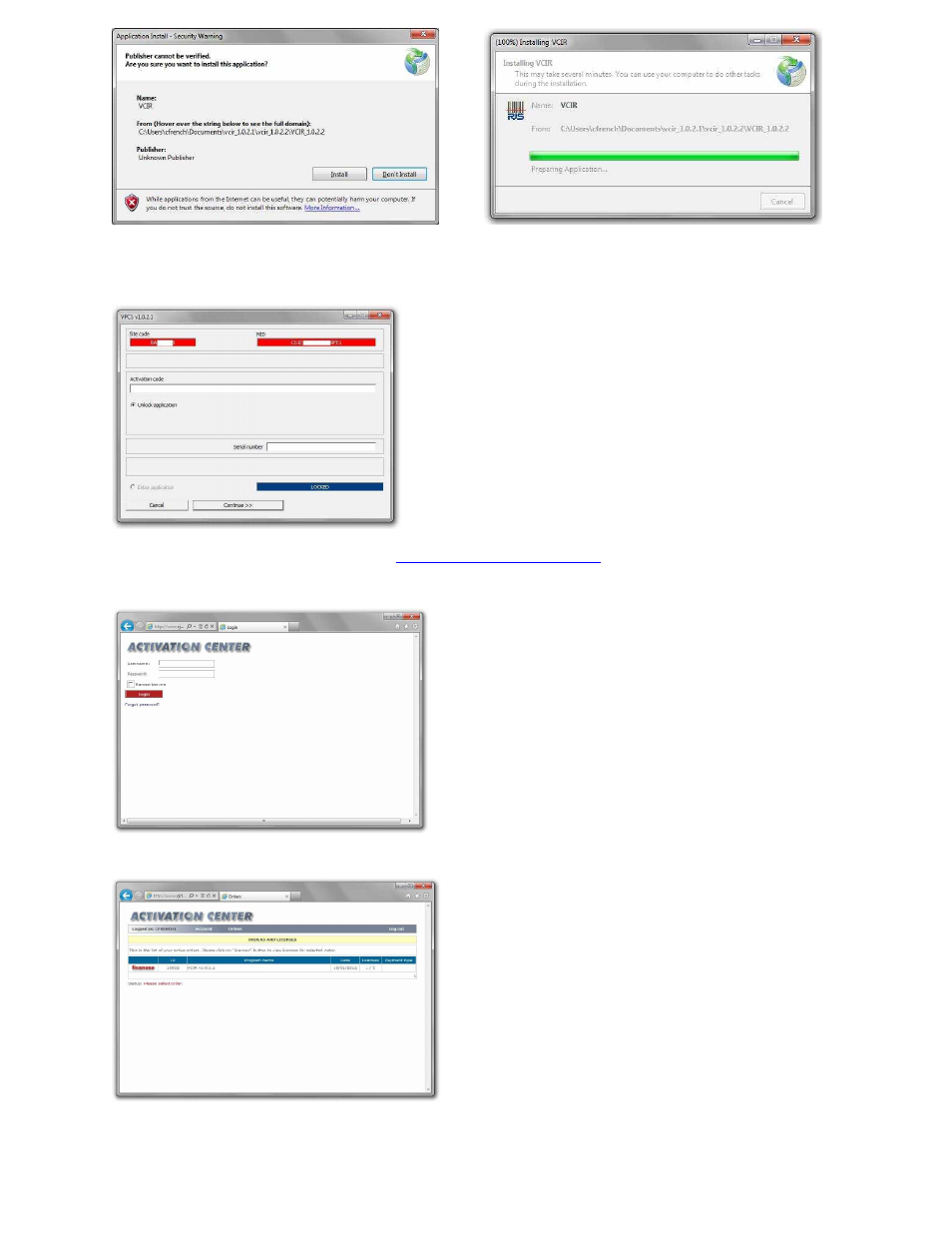
Step 6
–
The software activation window will be displayed
Step 7
–
Open the activation center from
Step 8
–
Enter the User Name and Password from the Order Information/Activation email you should
have received
Step 9
–
Click on the License link
Step 10
–
Click the + symbol
Advertising