RJS Verifier Computer Interface Report (VCIR) USB-to-Serial Installation User Manual
Page 2
Advertising
002-6514 A
USB to 232 01/20/2012
Page 2
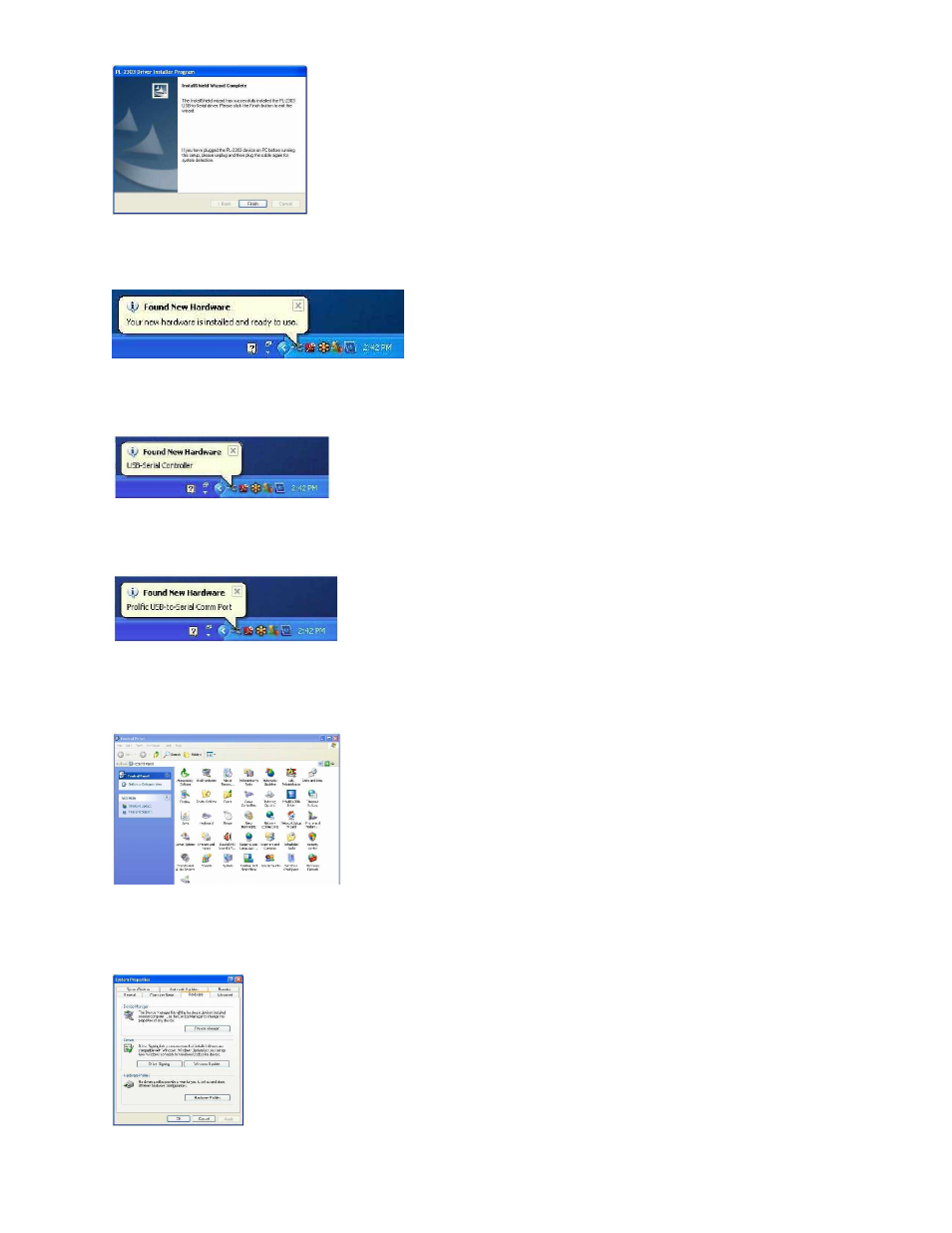
Step 7
–
Click the Finish button
Step 8
–
Plug in the USB to Serial adapter, the toolbar should display the new hardware found
Step 9
–
Plug in the USB to Serial adapter, the toolbar should display the new hardware found
Step 10
–
Plug in the USB to Serial adapter, the toolbar should display the new hardware found
Step 11
–
Check the installation by launching the Control Panel
Step 12
–
Open the System program
Advertising