Teletronics Wi-Fi 3rdGen Quick Start User Manual
Page 7
Advertising
EZLoop™ VoIP Wireless (Wi-Fi) Phone 3rd Generation
Item# 21-114
QUICK GUIDE
23
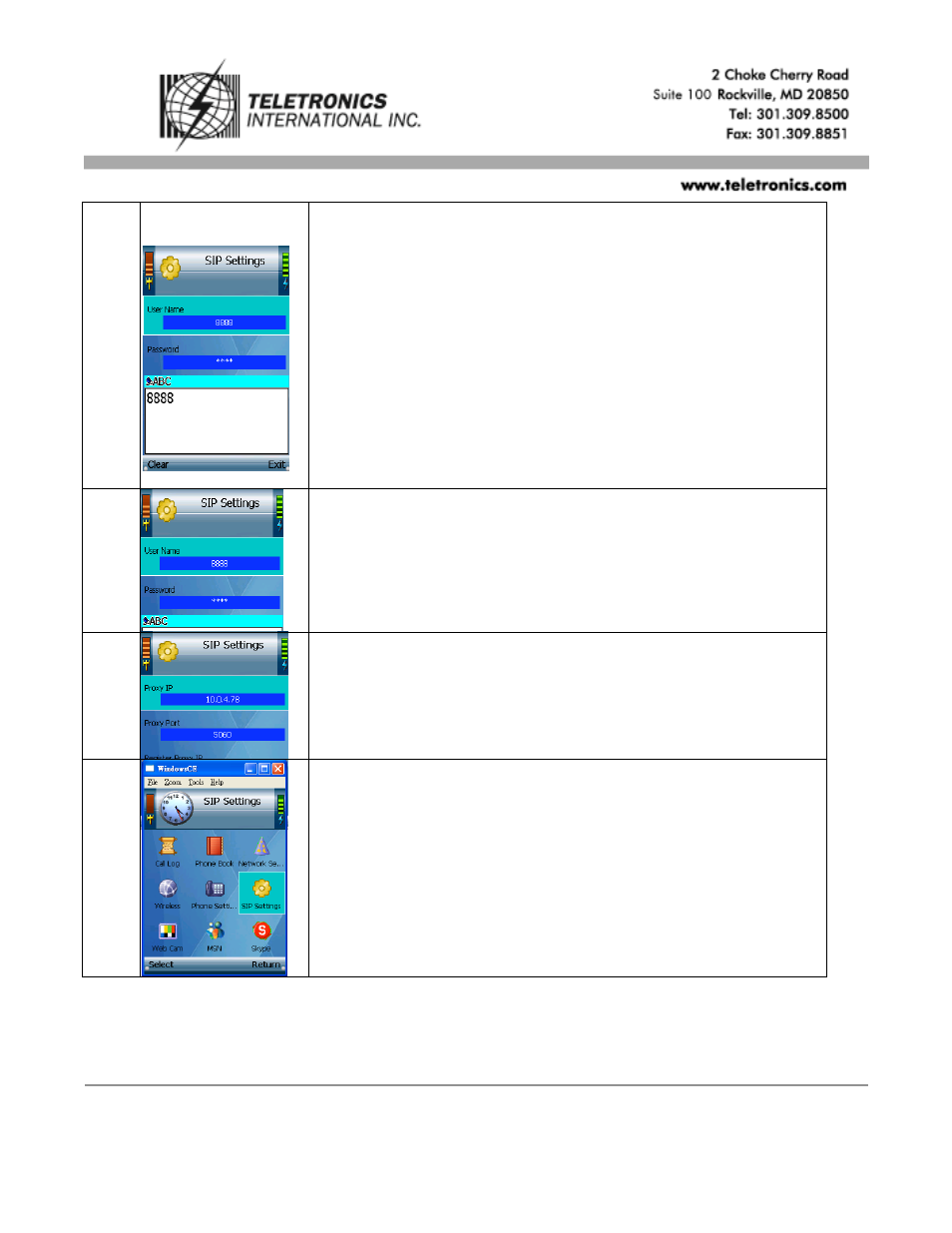
Scroll down to User Name, and select “Edit”. Enter the User Name in
the new window, and then press the center selection key.
24
Scroll down to Password, and select “Edit”. Enter the Password, and
then press the center selection key.
25
On the SIP Settings screen, select “Return”.
26
On the main menu, select “Return”.
**Note. You can go back the above step 3 to disable the phone password settings if
you don’t like to key in the password for turn on the device every time.
The procedure as below listed. Phone Settings
Password SettingEnable from
“Yes” to “No” **
Advertising