Chapter 7 lcd display configuration – Welltech WellBG 5800 V.1.3 User Manual
Page 45
Advertising
Welltech Computer Co., Ltd.
Boarder Gateway 5800
- 45 -
Chapter 7 LCD Display Configuration
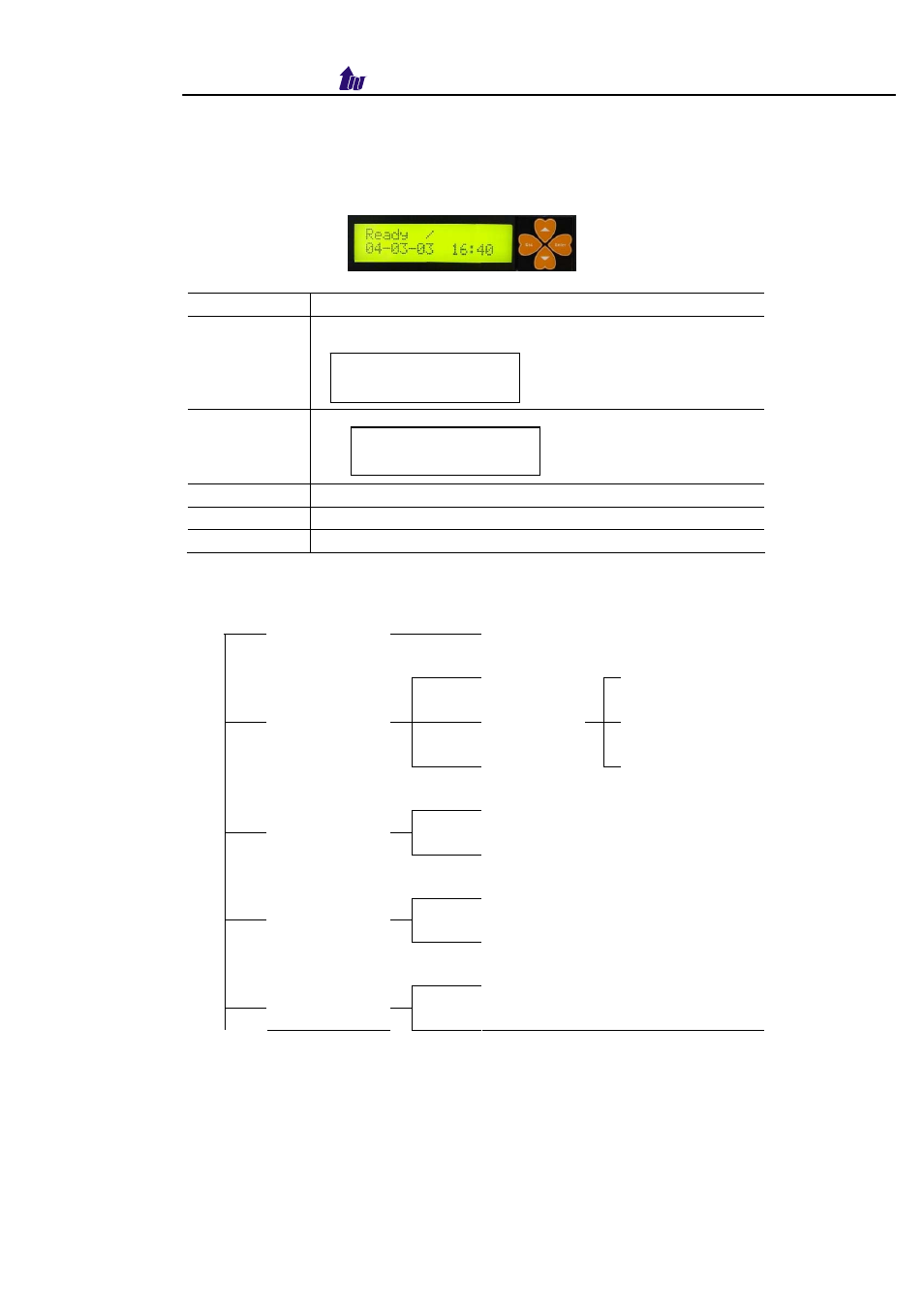
Boarder Gateway 5800 provides a front panel LCD for basic
operations.
Button List:
Button List
Description
When the WellBG 5800 is ready, the LCD screen shows as
blow
Enter
Press Enter to select command
ESC
Quit the current command
▲
Up or previous edit mode
▼
Next or previous edit mode
Command Tree:
Main Menu
Event Log
Show system log message
Show IP Info
Use DHCP
Use
IP Config
Network 1
Network 2
Fixed IP
Yes
Reboot
No
Yes
Reset PWD
No
Yes
Soft Reset
No
Ready |
04-03-03 16:40
Event Log
IP Config
Advertising