Default schedule screen – Airlink AR315W User Manual
Page 56
52
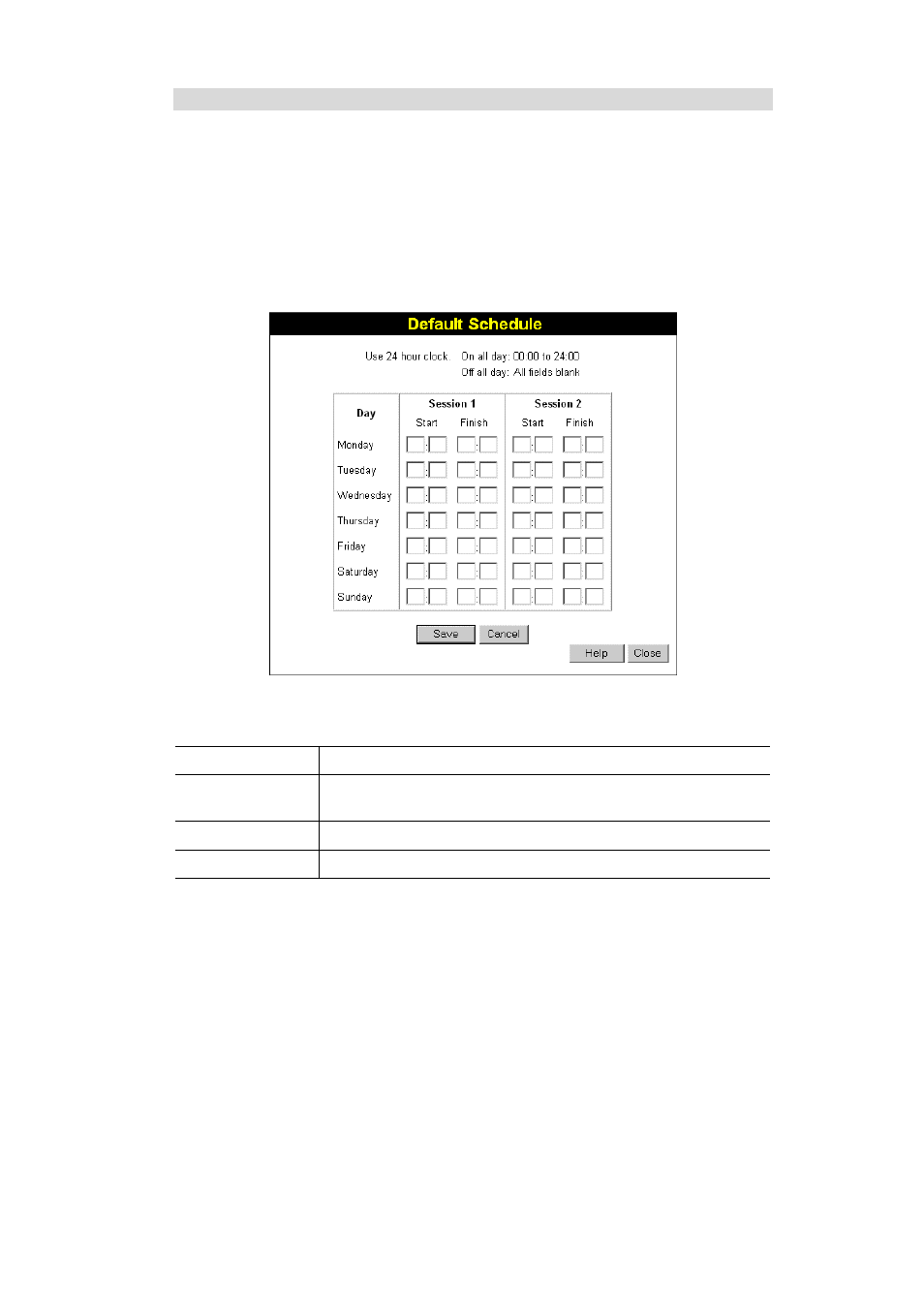
Default Schedule Screen
This screen is displayed when the Define Schedule button on the Access Control screen is
clicked.
•
This schedule can be (optionally) applied to any Access Control Group.
•
Blocking will be performed during the scheduled time (between the "Start" and "Finish"
times.)
•
Two (2) separate sessions or periods can be defined.
•
Times must be entered using a 24 hr clock.
•
If the time for a particular day is blank, no action will be performed.
Data - Default Schedule Screen
Day
Each day of the week can be scheduled independently.
Session 1
Session 2
Two (2) separate sessions or periods can be defined. Session 2 can be
left blank if not required.
Start Time
Enter the start using a 24 hr clock.
Finish Time
Enter the finish time using a 24 hr clock.