Eneo HDR-5004AH1.0 User Manual
Page 42
CH 3 How to Use
3-4-3. Device
Configure and view Camera, Private Zone, Audio, Motion Detection, Alarm
Out, PTZ settings and Controller.
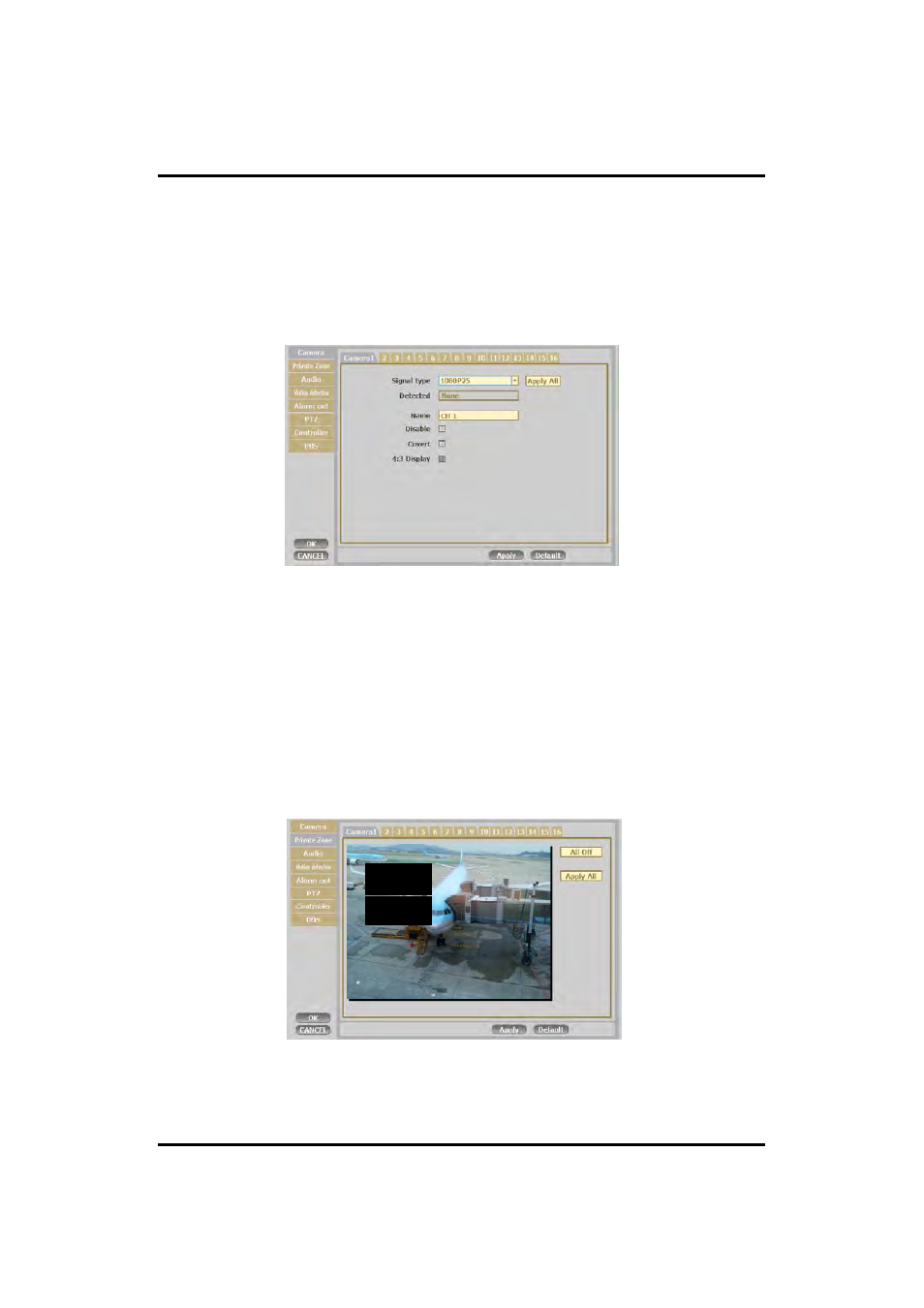
1) Camera
You may configure and/or view camera video type and general camera configuration.
•Signal Type : You can choose between Auto/1080p60/1080p50/1080p30/1080p25/
1080i60/1080i50/720p60 /720p50/720p30/720p25
•Name: You can set the camera name.
•Disable : Disable current camera. It is useful when the signal is bad.
•Covert : Hide current camera from Live view but Record for future searching option
2) Private Zone
)
If you want to hide some part of the picture for privacy, you can choose the area by
dragging the mouse. The selected area will be changed to mosaic screen.
42
①
All Off : .No mosaic.
②
Apply all : apply the setting to whole channel