Web browser interface – Grass Valley 8925EMB-B v.2.1.6 User Manual
Page 21
8925EMB-B and -U — Instruction Manual
21
Remote Configuration
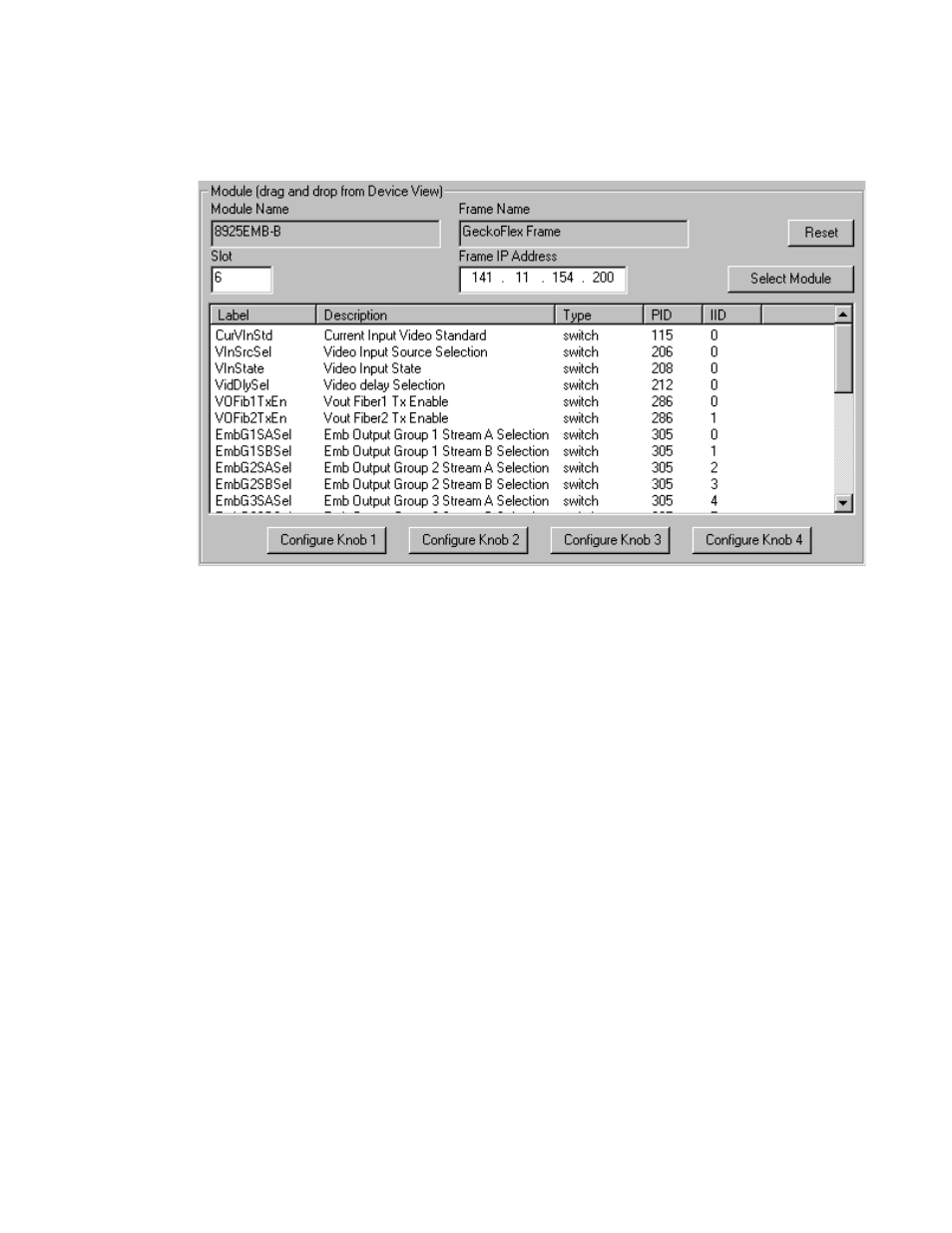
An example of the Newton Configurator is shown in
.
Figure 8. Newton Configurator Example
Web Browser Interface
The web browser interface provides a graphical representation of module
configuration and monitoring.
Use of the web interface offers the following considerations (some func-
tions depend on individual module functionality):
•
Provides complete access to all module status and configuration func-
tions, including naming of inputs and outputs, factory parameter and
name default recalls, Save/Load module configuration functions, slot
configurations, and SNMP monitoring controls.
•
Web access will require some normal network time delays for pro-
cessing of information.
•
Configuration parameter changes may require pressing
Apply
button or
Enter
, upload processing time. A manual screen refresh is recommended
after changing parameters.
•
Web interface recommended for setting up module signal and slot
names, and reporting status for SNMP and monitoring.
Refer to the Status web page shown in
. The 8900
modules can be addressed by clicking either on a specific module icon in
the frame status display or on a module name or slot number in the link list
on the left.