Appendix f: the 18x lens shroud, Page 20 – Grass Valley 3-CCD ANALOG CameraMan Rev.D1 User Manual
Page 23
Advertising
Page 20
CameraMan® 3-CCD ANALOG Camera Installation and Operations Manual
Appendix F: The 18x Lens Shroud
The 18x verson of the CameraMan 3-CCD ANALOG Camera comes equipped with a
rectangular lens shroud. The shroud helps to keep out glares from light sources located
on the sides of the camera.
Installing the Shroud
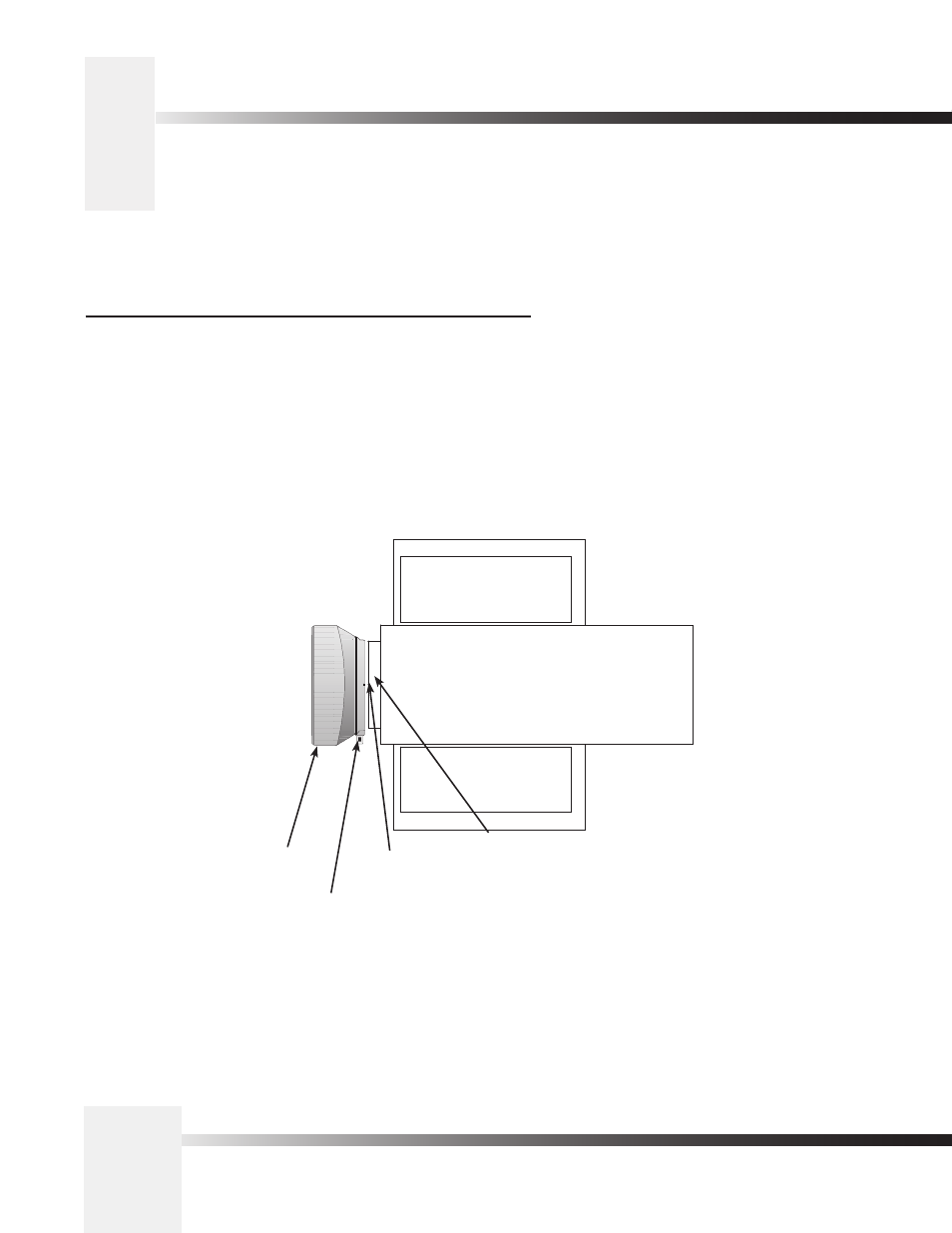
1. Locate the red dots on the top and bottom of the shroud, and on the
lens itself.
2. Align the red dot on the shroud with the dot on the lens, then slide the
shroud over the lens.
3. Tighten the shroud in place using the bolt attached to the shroud.
lens shroud
tightening screw
red alignment dots
camera lens
Advertising