Intuition xg’s desktop - device identification, Intuition xg’s desktop - device identification -2 – Grass Valley Intuition XG v.5.0 User Manual
Page 35
3-2
Intuition XG Configuration Guide
Intuition XG’s Desktop Applications & Tools
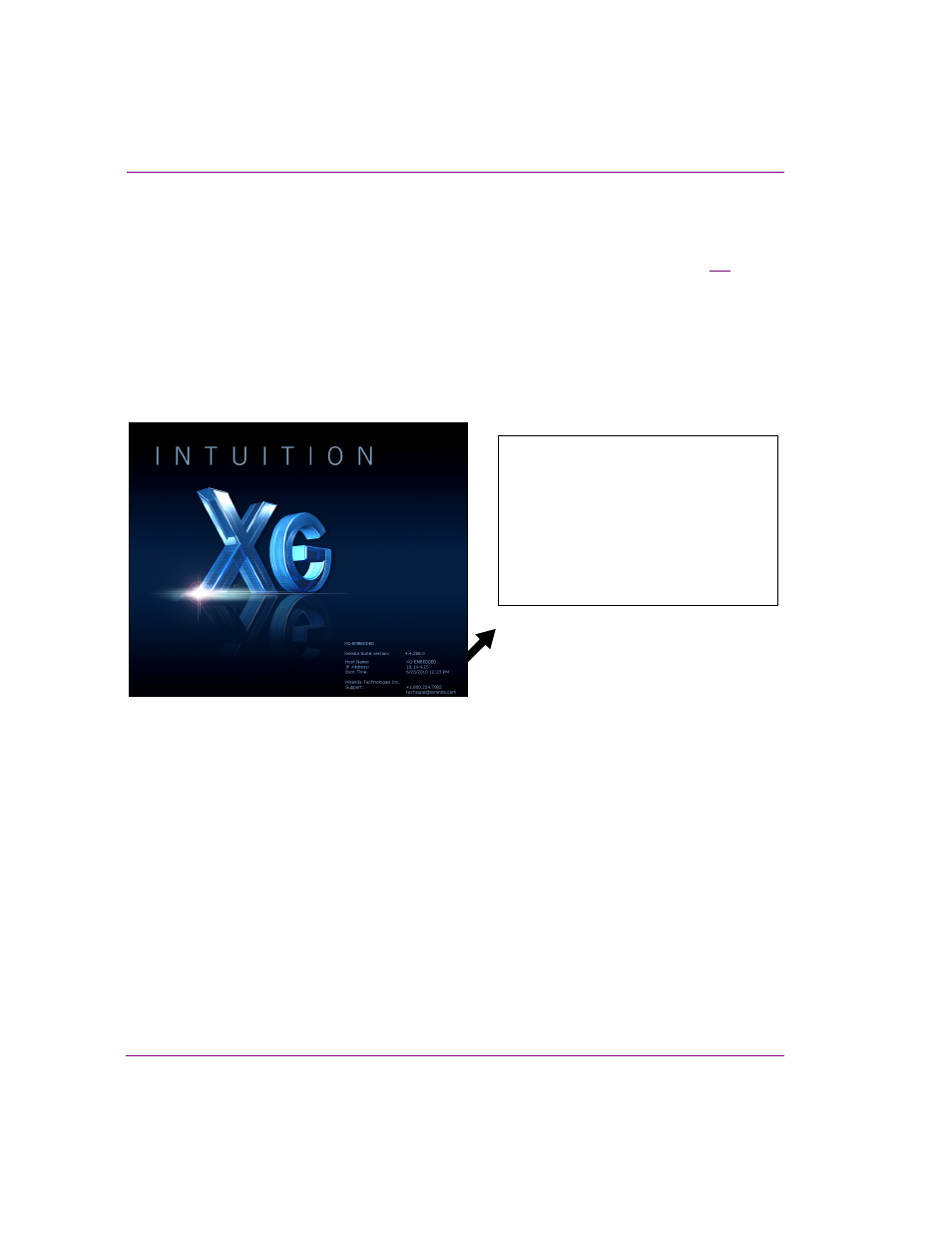
Intuition XG’s desktop - device identification
To easily identify the active device, the Intuition XG’s desktop features the Intuition XG logo,
as well as identification information related specifically to the Intuition XG device (figure
Specifically, the information presented are:
•
The Vertigo Suite software version that the Intuition XG device is currently running
•
The host name given to the Intuition XG device
•
The IP Address currently assigned to the Intuition XG device
•
The date and time at which the Intuition XG device was last started
•
Technical Support contact information
Figure 3-1. The Intuition XG’s desktop displays the device’s identification information
XG-Embedded
Xmedia Suite version: 5.0.XXX.0
Host Name: XG-Embedded
IP Address: 10.14.4.15
Boot Time: 3/15/2014 11:23 AM
Grass Valley, A Belden Brand
Support: +1.800.224.7882