Editing a search in k2 dyno pa, Deleting a search in k2 dyno pa – Grass Valley K2 Dyno PA v.2.0 User Manual
Page 41
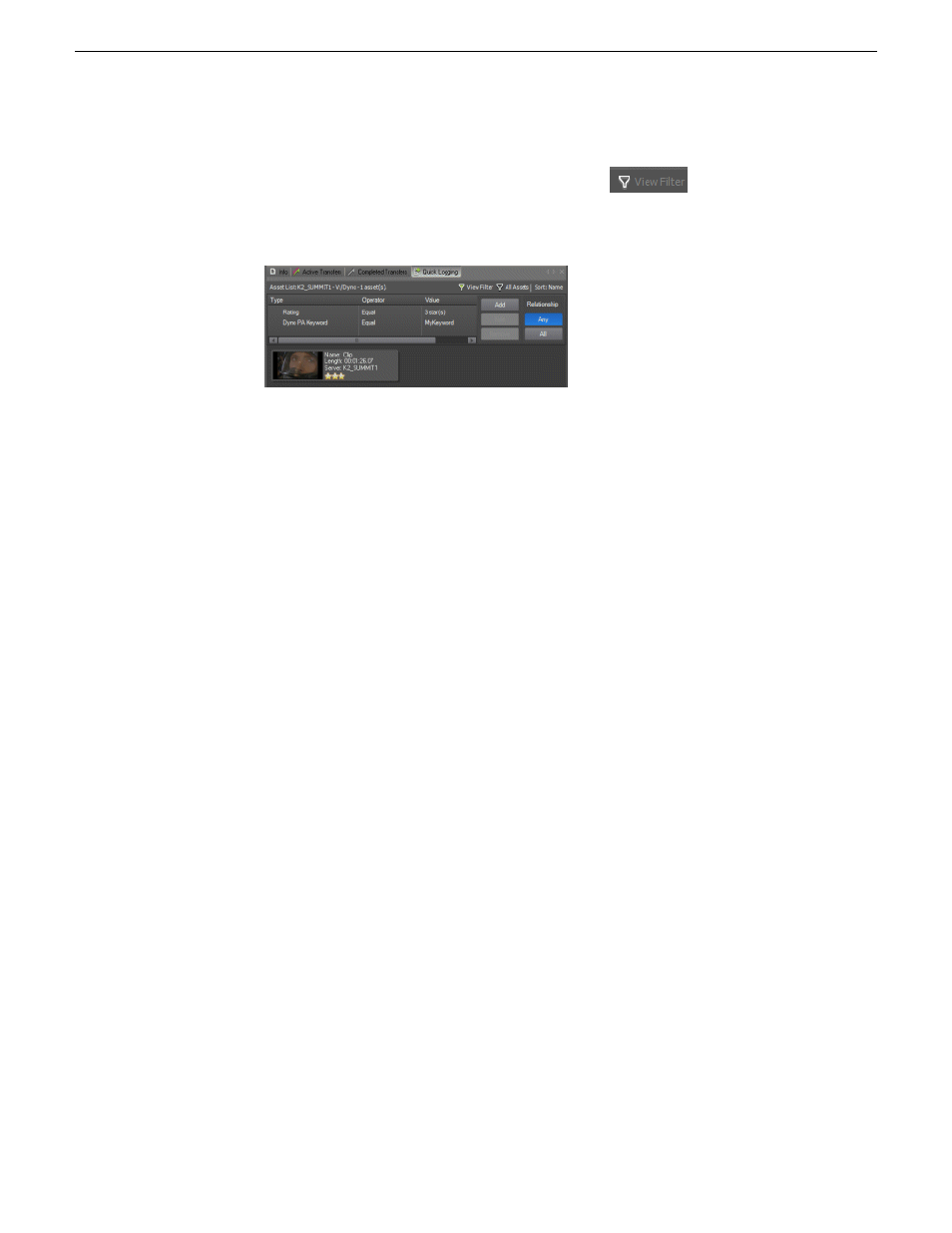
The View Filter feature applies to bins on the K2 server, not repositories.
1. In the Asset List pane, click the
View Filter
button.
2. Select the search criteria as described in Creating a search query in K2 Dyno PA.
The search results display.
Editing a search in K2 Dyno PA
Searches are saved under Saved Searches in the Navigator pane.
1. To edit a saved search, right-click on the search and select
Edit Search
.
The Search - New Search dialog box displays.
2. Make the desired changes and click
OK
.
Deleting a search in K2 Dyno PA
1. To delete a search, right-click on the search in the Navigator pane and select
Delete
.
A confirmation box displays asking if you want to delete the search.
2. Click
Yes
.
The search is deleted.
13 June 2011
Dyno Production Assistant User Manual
41
Searching assets