Grass Valley K2 Storage System Instruction Manual v.3.2 Nov.18 2008 User Manual
Page 295
Advertising
July 15, 2008
K2 Storage System Instruction Manual
295
Setting up the Level 30R Gig E switch
9. Click
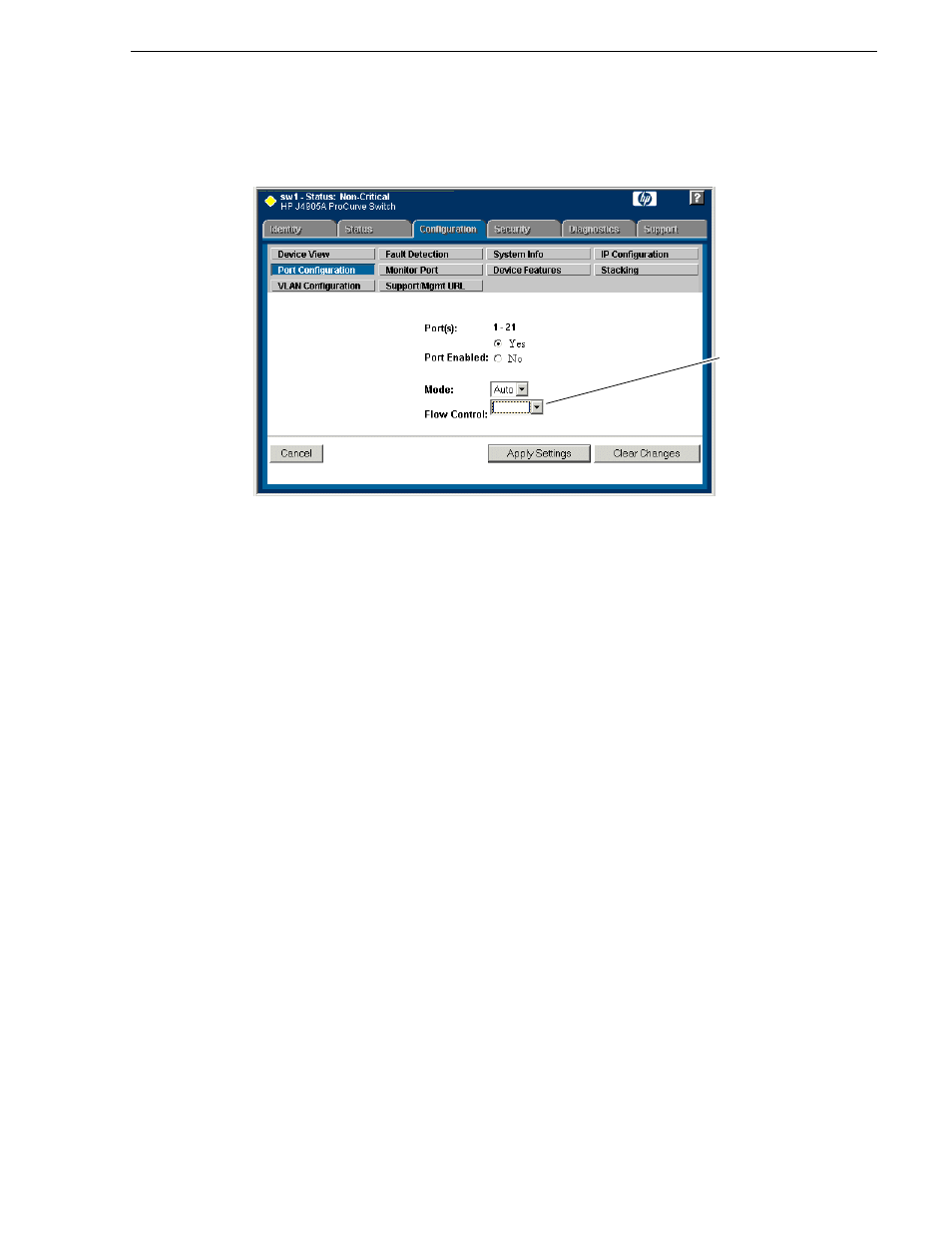
Modify Selected Ports
.
10.Make sure Port Enabled is set to
Yes
, leave Mode as default of
Auto
.
11.Set Flow Control as follows:
• Set to
Enable
.
NOTE: This setting is for the 2900 series switch. Other switch models might require
a different setting.
12.Click
Apply Settings
. Wait until settings are applied and the Web interface
becomes active.
13.Choose
VLAN Configuration
. If prompted, log in with the switch’s administrator
username and password.
This setting varies
depending on
switch model. Set
as instructed in
text.
Advertising