Manage embedded security update mode – Grass Valley K2 Summit Client v.9.2 User Manual
Page 47
Advertising
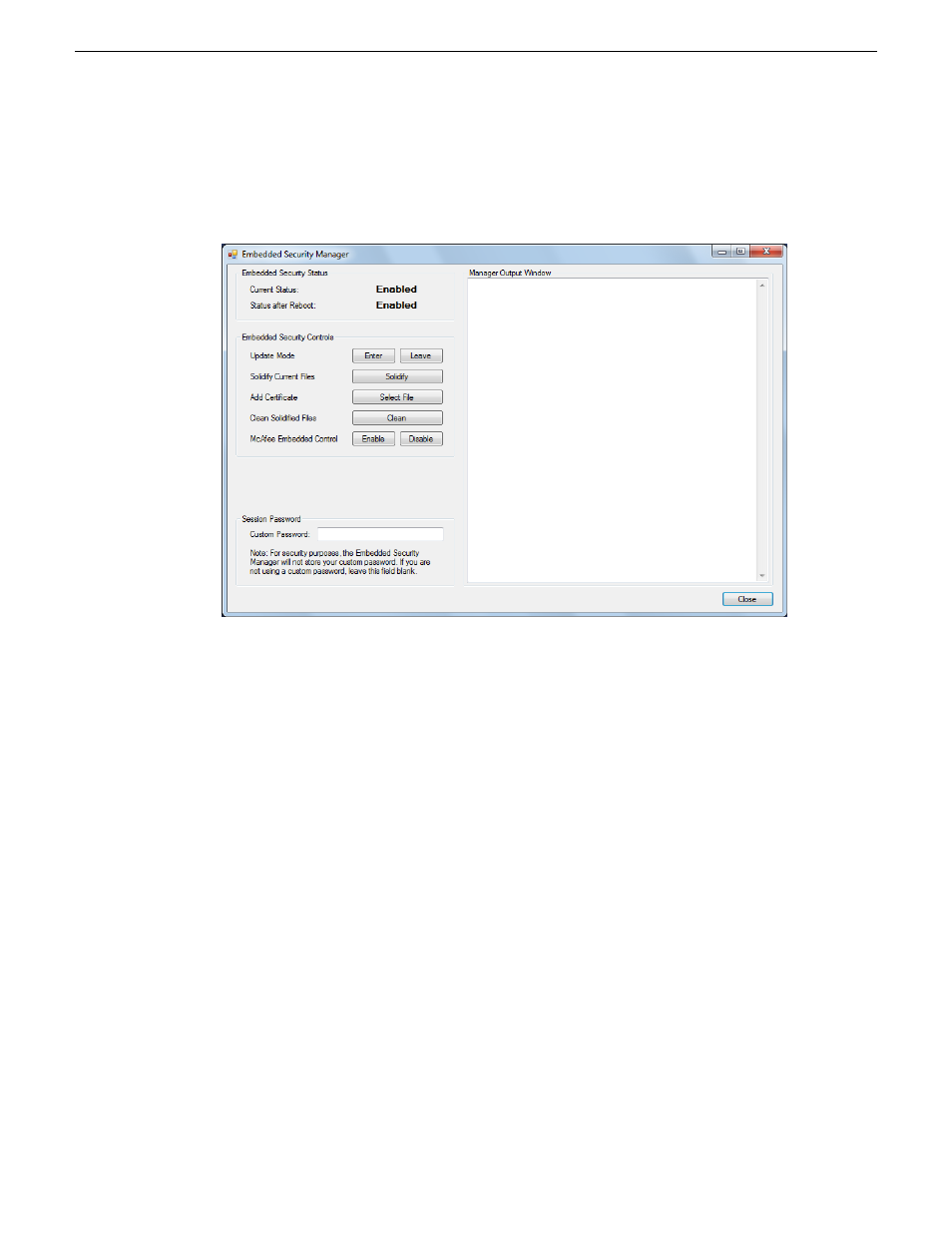
Manage Embedded Security Update mode
1. From the Windows desktop, click
Start | All Programs | Grass Valley | Embedded Security Manager
.
Embedded Security Manager opens.
Interpret Current Status as follows:
•
Enabled
: Embedded Security is enabled but is not in Update mode.
•
Update
: Embedded Security is enabled and is in Update mode, ready for software installation.
2. Manage the Update mode as follows:
•
If Embedded Security is not in Update mode, click
Enter
to put it in Update mode.
•
If Embedded Security is already in Update mode, click
Leave
to take it out of Update mode.
A restart is not required after you change the Update mode.
20140204
K2 Summit/Solo/Media Server Field Kit Upgrade Instructions
47
K2 Summit System Procedures
Advertising
This manual is related to the following products: