Device control menu – Grass Valley Kayak HD Installation v.6.8.8 User Manual
Page 142
Advertising
142
Kayak HD — Installation and Service Manual
Section 3 — Configuration
Device Control Menu
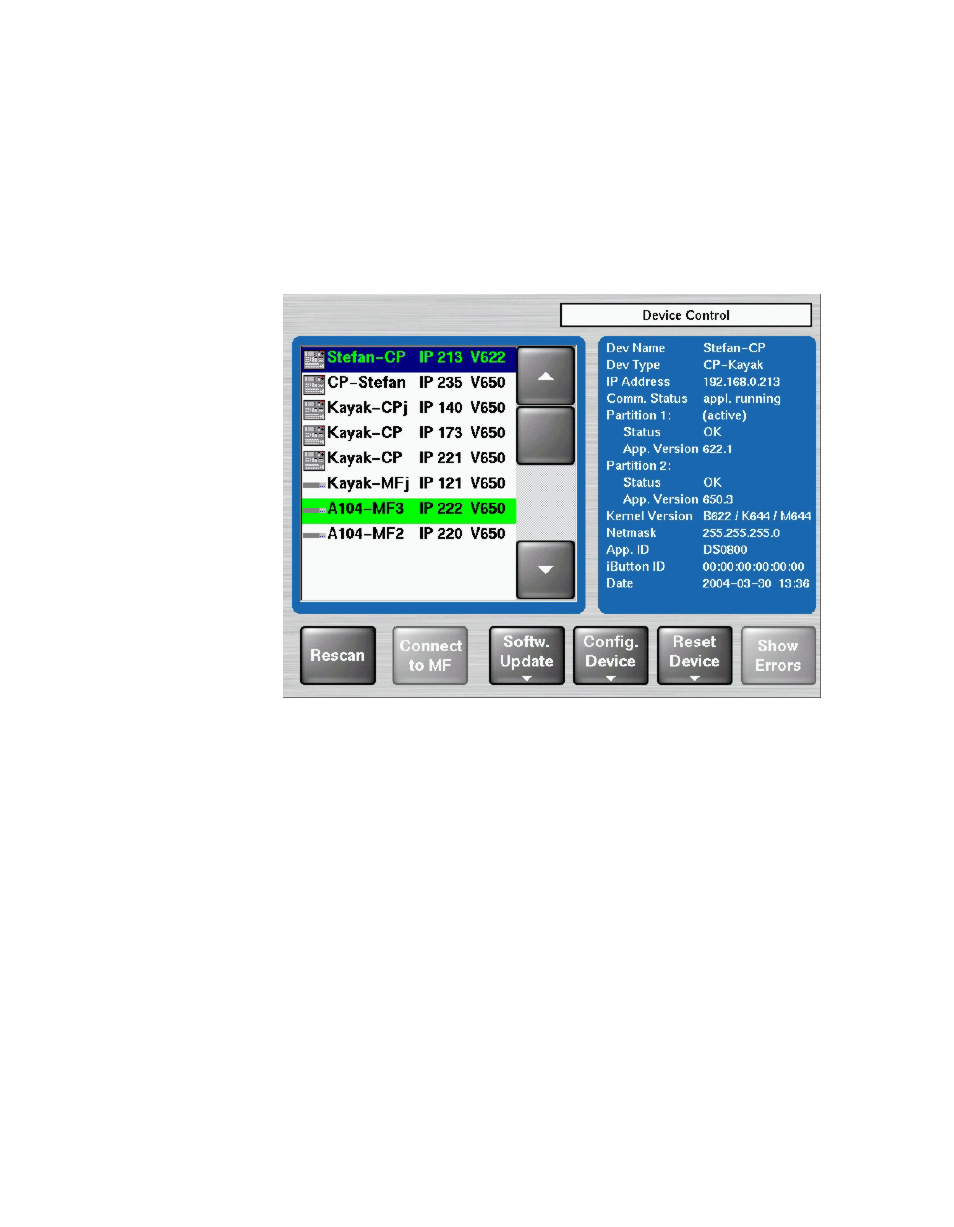
The Device Control menu shows on the left all in the network connected
devices (Kayak-MF = Mainframe, Kayak-CP = Control Panel) with IP
address and software version installed.
On the right details of the selected device are listed.
Figure 98. Device Control Menu
•
Rescan
button
The network will be scanned and all devices (CP=panels, MF=video
processor frame) are listed with device name, IP address and software
version installed.
•
Connect to MF
button
This button is used to connect the control panel to the mainframe
selected in the list.
Advertising