Grass Valley SSP-3801 User Guide v.1.3 User Manual
Page 60
56
Monitoring the SSP-3801 Card’s Status
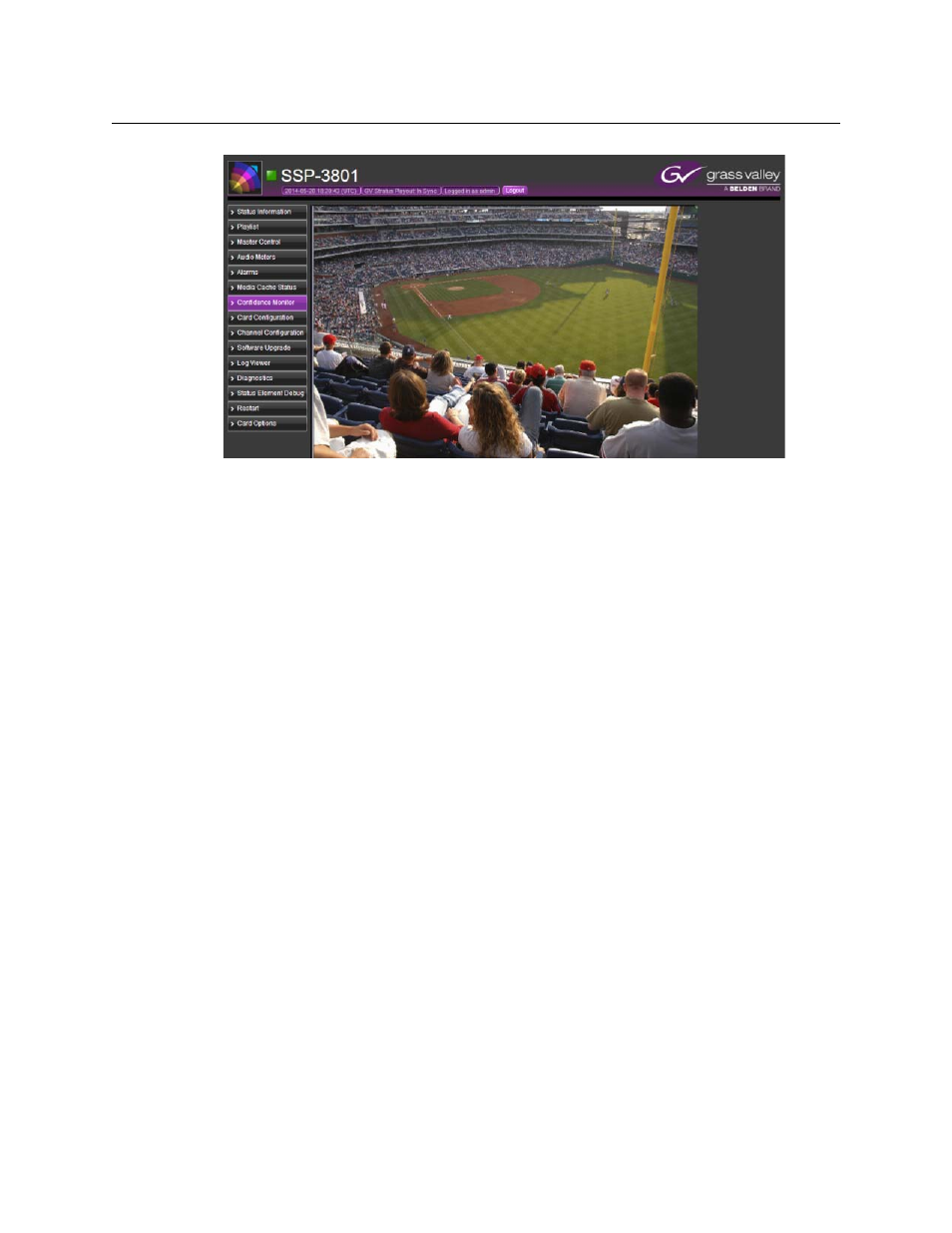
Previewing the broadcast
Fig. 4-9: Confidence Monitor page
To preview the broadcast stream:
1 From the menu, select Confidence Monitor. The preview page opens and displays the
media that is currently being broadcast, if any.
2 To change the source of the media stream, enter the IP address in the Stream IP
address field and click Change stream IP.
3 Use the following tools as desired to examine the preview.
• Freeze stream: Pauses the preview. Click to pause or resume the preview.
• Fullscreen: Maximizes the preview. Click to maximize or restore the preview.
• Toggle mute: Mutes the audio in the preview. Click to mute or unmute the sound.
• De-interlaced mode: De-interlaces the video stream in the preview. Click to select
the active mode to apply:
• disabled: the video is not de-interlaced, which displays both fields per frame.
• blend: overlays one field over another.
• bob: each interlaced frame is divided into two frames and played out at 50 fps,
but the height of the video is reduced.
• discard: skips every second line (which reduces the height of the picture) and
then resizes the video to its original height.
• linear: uses bob with linear interpolation
• mean: averages the information from two fields into one blended frame.
• yadif/x: re-creates missing fields by using the pixels from the previous, current,
and next frames and outputs at 25 fps.
• yadif2x: re-creates missing fields by using the pixels from the previous, current,
and next frames and outputs at 50 fps.