Linkskey LKR-604 User Manual
Page 16
Advertising
LKR-604
8
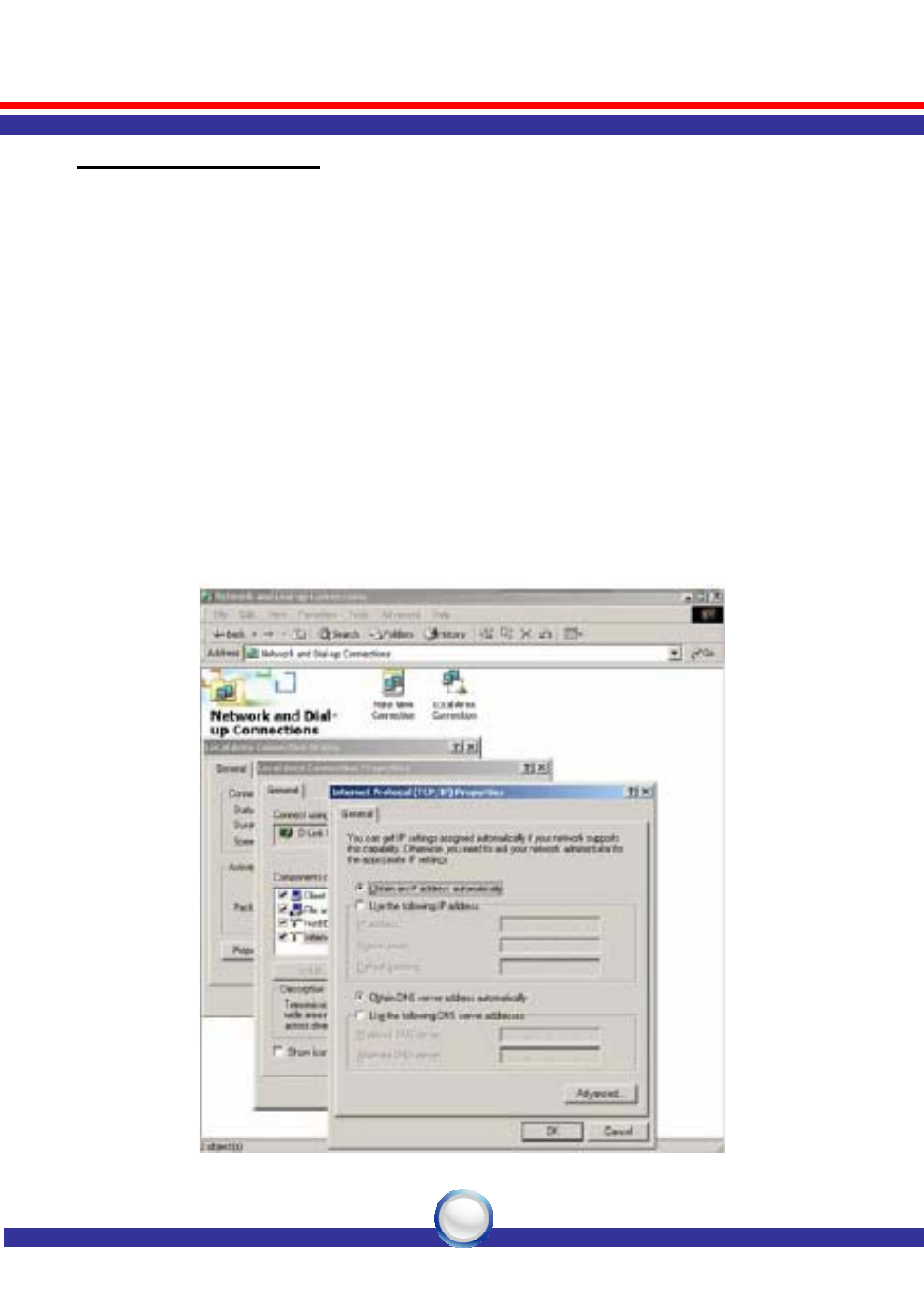
Windows XP/2000
1. Click the “Start” button then right-click “My Network Places” and
then click “Properties”.
2. Right-click “Local Area Connection” listed under “LAN or
High-Speed Internet” then click “Properties”
.
3. Select the “Internet Protocol (TCP/IP)” then click “Properties”
button.
4. Select “Obtain an IP address automatically” and “Obtain DNS
server address automatically” in “General” tab.
6. Click “OK” button.
Advertising