Curtis DVD1102 User Manual
Page 17
Advertising
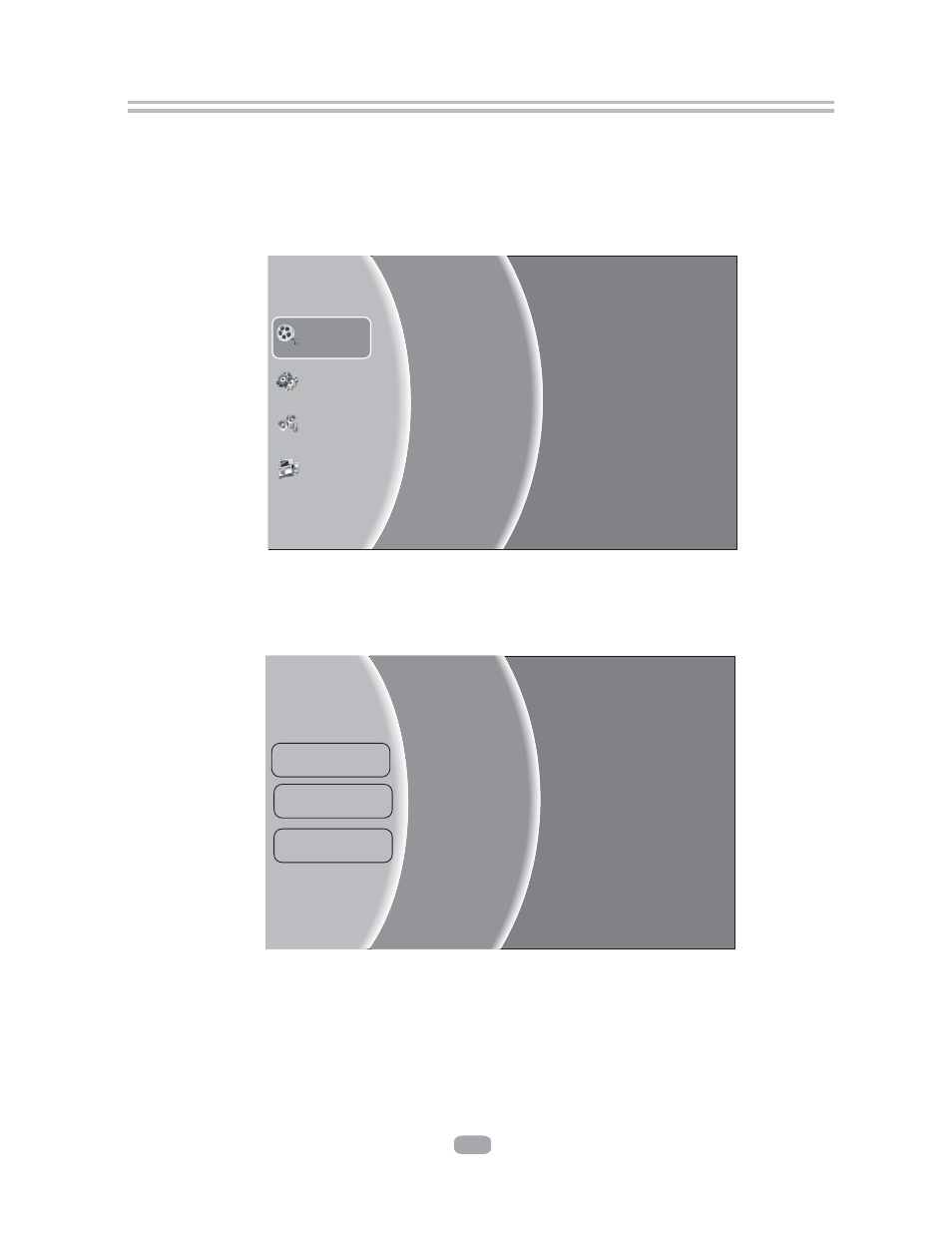
Figure 5-2 Video Browser Screen
Figure 5-1 Video Media Selector
Settings
Music
Pictures
Optical Disk
Playlist
USB
Videos
Add all to Playlist
Previous folder
Play File
Folder1
Folder2
…
File1
File2
...
6.4.1 Select Videos icon in main menu which will appear after BD player read out disk
or/and USB device. Press ENTER key while Video icon is highlighted, system will
bring out a sub menu for file source selection.(Figure 5-1)
6.4.2 Select disk or USB to open a browser which allow you to view files on current disk/
USB device, so you can choose any files you want to play.(
Figure 5-2 )
6.4 Browsing video files
...
16
Advertising
See also other documents in the category Curtis DVD-players:
- DV1054HDUK (29 pages)
- DVD2100 (24 pages)
- DVD2100 (24 pages)
- DVD8007C (28 pages)
- DVD3602UKT (11 pages)
- DV1096HDUK (29 pages)
- DVD6041 (15 pages)
- TVD1401 (1 page)
- DVD1047B (1 page)
- DVD5091UK (1 page)
- DVD5091UK (30 pages)
- DVD8402 (1 page)
- DVD1033B (1 page)
- DVD7016A (1 page)
- TVD2000 (1 page)
- DVD7802 (1 page)
- TVD2000A (48 pages)
- DVD1072UK (1 page)
- DVD1045 (1 page)
- DVD1045E (15 pages)
- DVD8723UK (1 page)
- DVD8723UK (24 pages)
- DVD7016 (1 page)
- DVD1044 (1 page)
- DVDR2100 (1 page)
- DVD1041 (29 pages)
- DVD1041 (1 page)
- DVD1022 (1 page)
- Dvd8007b (1 page)
- DVD8009 (1 page)
- DVD8009 (17 pages)
- DVD1066 (1 page)
- LCDVD195A (34 pages)
- DVD DVD1072 (31 pages)
- DVD1098C (29 pages)
- DVD1098B (29 pages)
- DVD1071UK (1 page)
- DVD1078 (29 pages)
- DVD7600 (1 page)
- DVD1056 (1 page)
- DVD1056 (22 pages)
- DVD8400 (20 pages)
- TVD1400 (1 page)
- TVD1400 (8 pages)
- DVD8007D (1 page)