Curtis CR4940 User Manual
Page 3
E-4
BACKUP FUNCTION
If the AC power supply is interrupted, the clock display goes off and the alarm setting is canceled. To back
up the clock and alarm, insert a 6F22 battery in the battery compartment on the rear of the unit.
•
The backup battery is not for radio reception.
Replacing the battery
Replace the battery with a new one if the clock display flashes or the alarm timer does not work properly
when you connect the AC power cord again.
•
When you are not going to use the unit for a long period of time, remove the battery to prevent possible
electrolyte leakage.
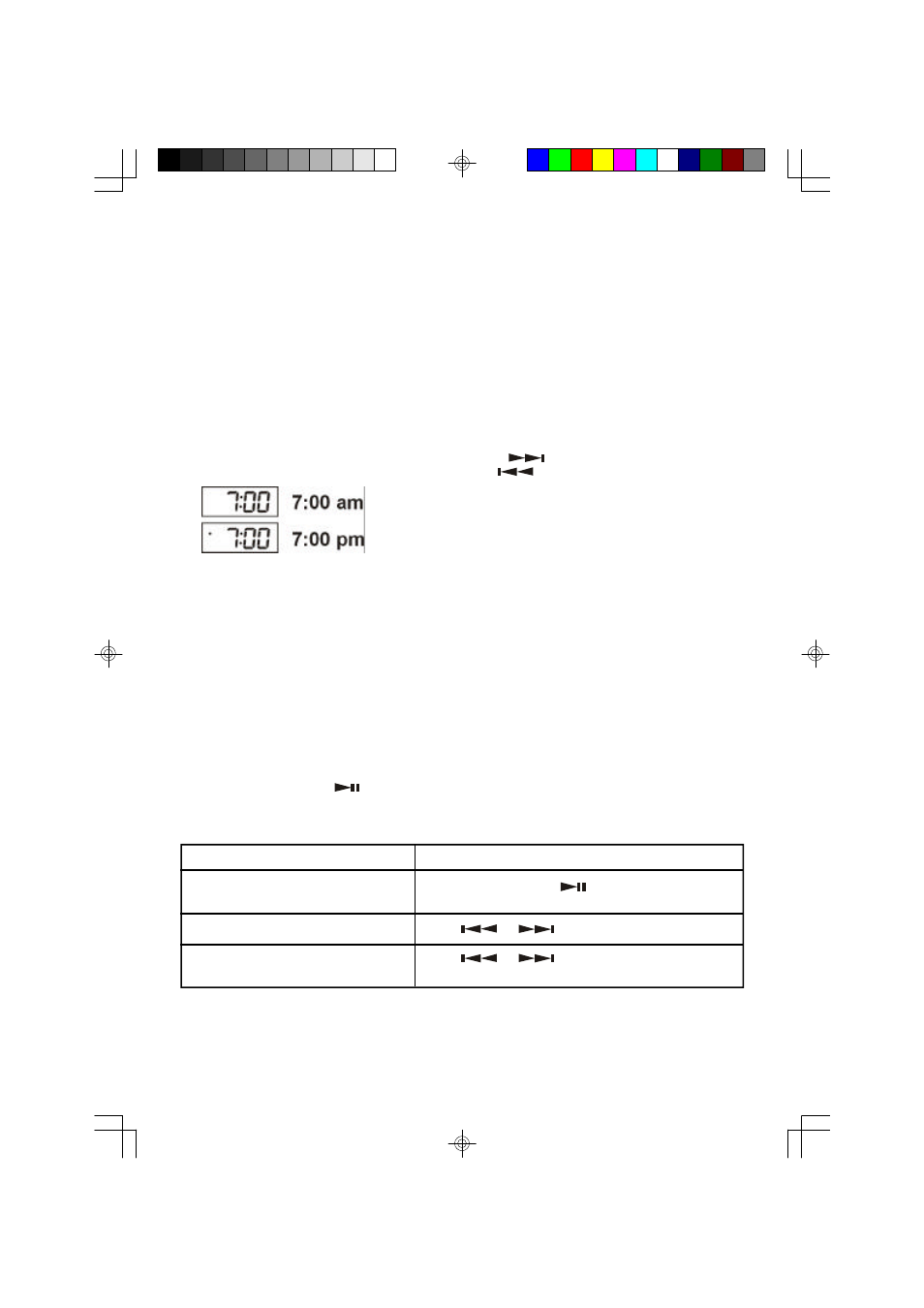
SETTING THE CLOCK
•
Connect the AC power cord to a wall outlet.
•
Figures will appear and begin to flicker on the time display.
1.
While holding down CLOCK ADJ button, press HOUR (
) to set the hour.
2.
While holding down CLOCK ADJ button, press MIN (
) to set the minute.
LISTENING TO THE RADIO
1.
Press the POWER button to turn the unit on; the STANDBY / ON indicator will light.
2.
Slide the FUNCTION switch to FM or AM position.
3.
Turn into a station.
4.
Adjust the VOLUME control as desired.
Antennas
FM: Extend the external FM antenna wire.
AM: Turn the unit for better AM reception.
CD PLAYING
1.
Open the disc compartment.
2.
Place a disc in the center with the label side facing up and close the disc compartment.
3.
Press the POWER button to turn the unit on; slide the FUNCTION switch to CD.
•
total number of tracks in the disc.
4.
Press PLAY / PAUSE (
) button.
•
playback starts from the first track.
BASIC OPERATION
To stop
Press STOP ( n ) button
To pause
Press PLAY / PAUSE (
) button.
To resume, press it again.
To search for the beginning of a track
Press
or
button.
To locate a desired passage
Keep
or
pressed.
Release the button at the started of desired passage.
Notes:
To display the CD operation, press CD DISPLAY button, CD operation is displayed for few seconds.
Std-Eng-12HR.p65
3/22/02, 5:45 PM
4