Zoom to – Curtis GPD359 User Manual
Page 38
User Manual
38
Zoom to
Let’s say that, before you start a new trip, you would like to see a particular location on the map and the
points-of-interest around this location. You can browse the map, zoom in to see more details, zoom out to
cover a larger area, or drag the map in the desired direction. Or, you can simply specify a location and your
ROUTE 66 product displays it on the map. Then, start your trip to that particular location!
n
In Main Menu
, select Zoom to
.
o
Decide which location to display on the map. For details about finding locations, read the
Working with locations chapter.
p
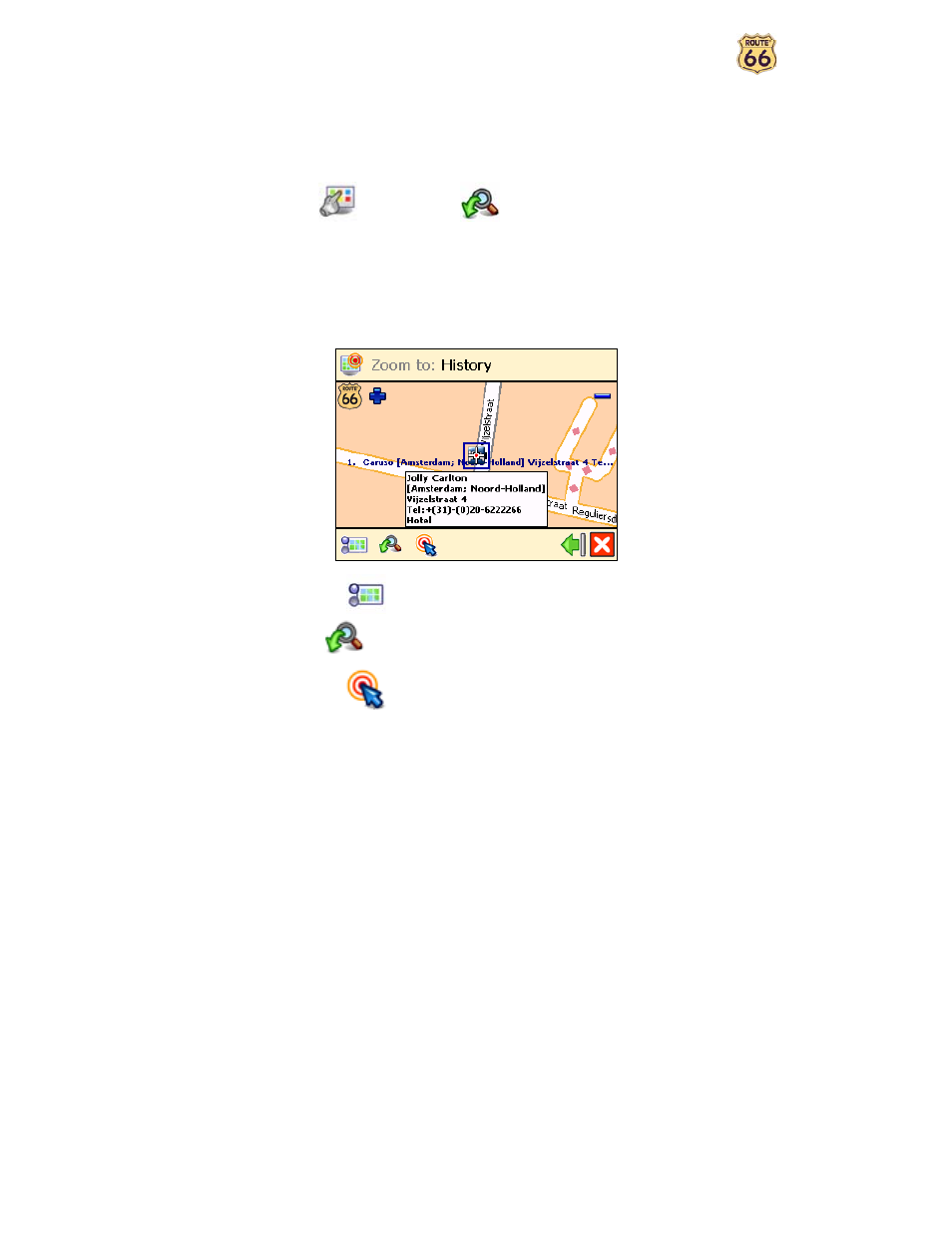
The Zoom to screen is displayed.
•
Select Map options
to change your navigation preferences.
•
Select Zoom to
to open the Zoom to screen.
•
Select Navigate to
to start navigating to the selected location.