Cleaning the lens, Cleaning and caring for cds – Curtis NS-C2116 User Manual
Page 16
17
Insignia NS-C2116 Stereo Radio, CD Player, Alarm Clock
www.insignia-products.com
Cleaning the lens
A dirty lens can cause skipping and can even stop the CD player from
working.
To clean dry particles and dust from the lens:
1 Open the CD cover.
2 Use a camera lens puffer/brush to blow repeatedly on the lens,
then wipe with the brush to remove dust.
3 Blow again to remove loose particles.
To clean fingerprints from the lens:
•
If the lens does not come clean with the puffer/brush, wipe it
with a soft cotton cloth.
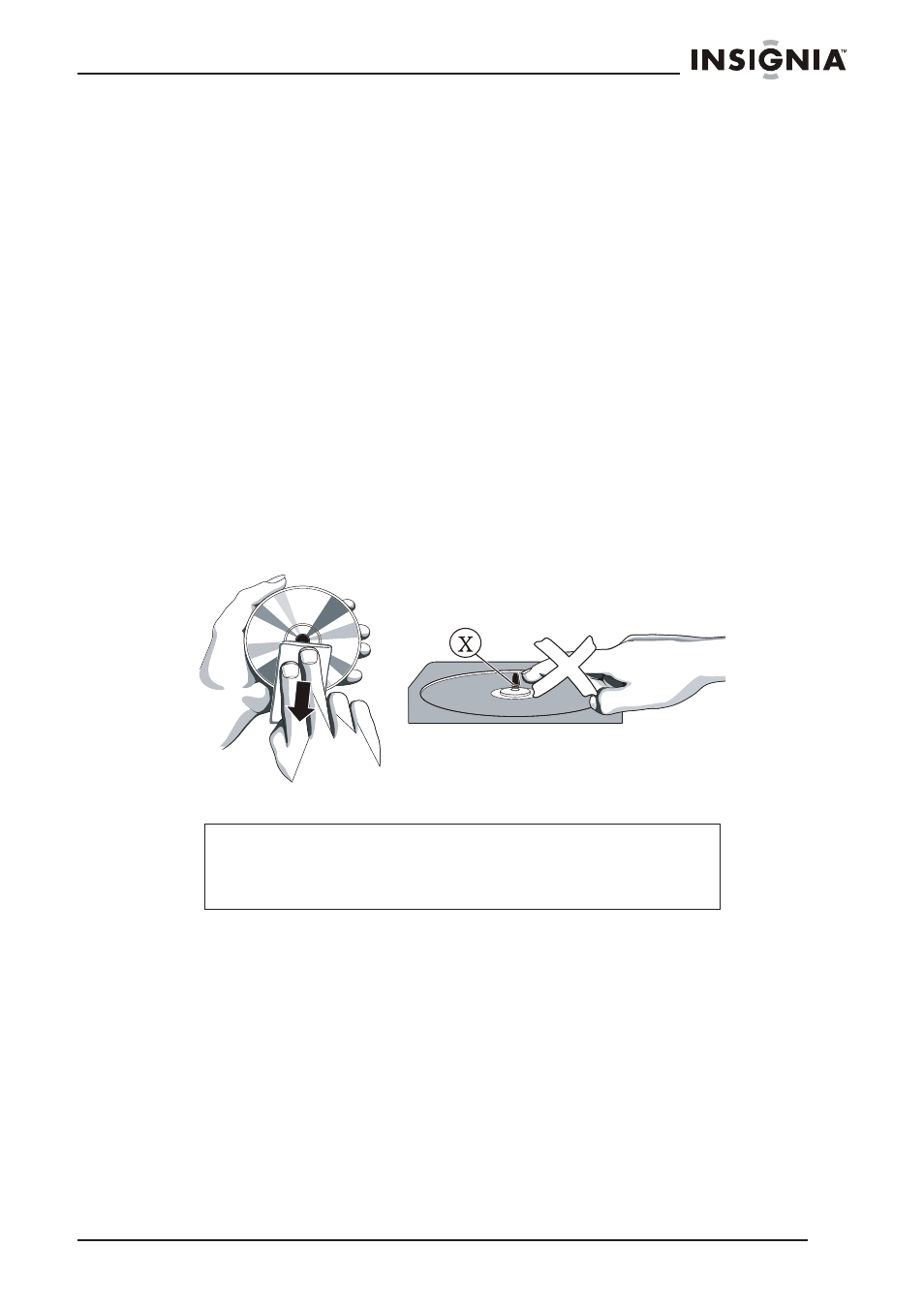
Cleaning and caring for CDs
Using a soft cleaning cloth, wipe the CD from the center outwards.
Keep the following in mind:
•
Treat the disc carefully. Handle the disc only by its edges.
Never allow your fingers to come in contact with the shiny,
unprinted side of the disc.
•
Do not attach adhesive tape, stickers, and so on, to the disc
label.
•
Clean the disc periodically with a soft, lint-free, dry cloth. Never
use detergents or abrasive cleaners to clean the disc. If
necessary, use a CD cleaning kit.
•
If a disc skips or gets stuck on a section of the disc, it is
probably dirty or damaged (scratched).
Caution
Do not use solvents such as benzene, thinners, commercial
cleaning fluids, or anti-static sprays designed for vinyl
records.