Silvercrest SWEP 500 A1 User Manual
Page 22
Setting the alarm time
You can set two alarm times in your world receiver.
•
With the radio switched off, press the buttons
VOL.+/AL–1
(or
VOL.-/AL–2
).
The screen shows the most recently set alarm time and the symbol for
the alarm type.
•
Press the
UP
or
DOWN
button to move the alarm time forward or backward
at minute intervals. Hold down one of the buttons for a few seconds to
move the setting forward or backward quickly at 10 minute intervals.
•
Press the
VOL.+/AL–1
(or
VOL.–/AL–2
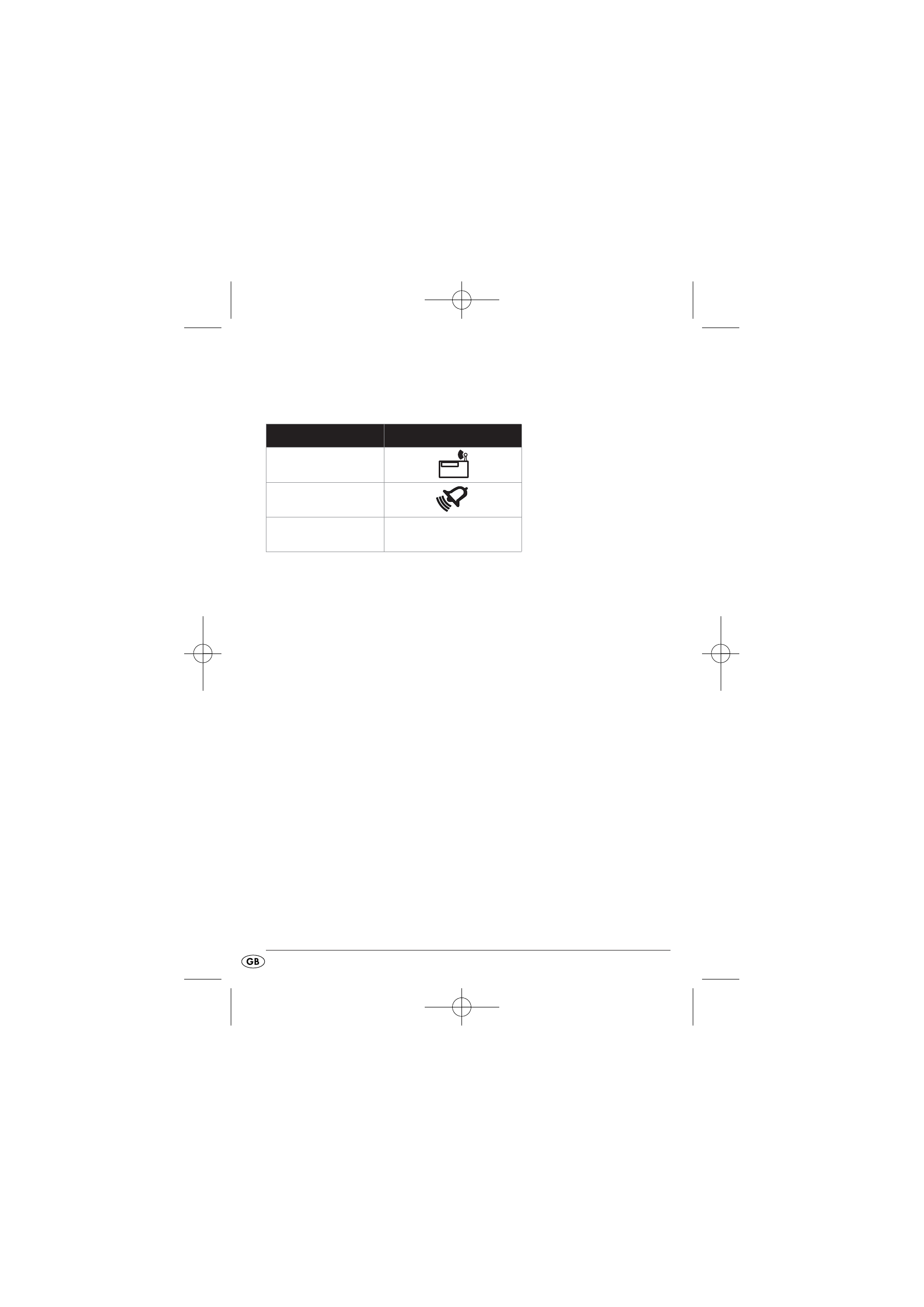
) button until the desired alarm function
(see table above) is indicated on the screen.
•
Press the
SNOOZE
button to set the weekday on which you want the
alarm to sound:
You can select between workdays (Mo, Tu, We, Th, Fr), weekends (Su, Sa),
the whole week (Su, Mo, Tu, We, Th, Fr, Sa) or a single weekday.
The selected setting is shown on the display.
Alarm function
Symbol on the screen
Radio
Acoustic signals
Switched off
No symbol
- 20 -
IB_71305_SWEP500A1_LB4 20.12.2011 9:54 Uhr Seite 20