Attachment fi tting / removal, Switching on/off / selecting a heat level, Fitting attachments – Silvercrest SWCD 1000 A1 User Manual
Page 9: Removing attachments
7
SWCD 1000 A1
GB
Attachment fi tting / removal
WARNING! RISK OF INJURY!
►
After operation, the appliance components may be hot!
Fitting Attachments
■
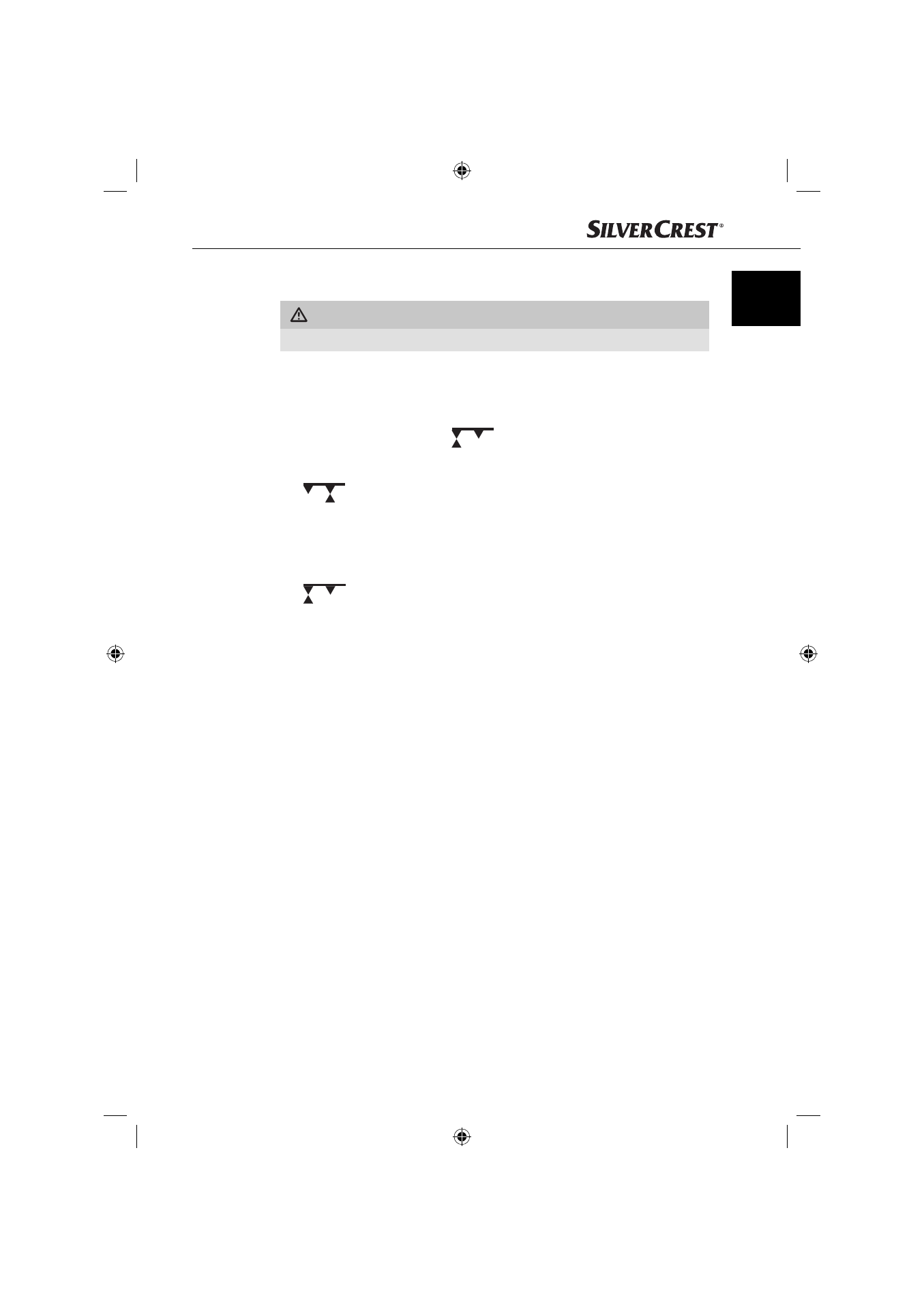
Insert the desired attachment into the attachment insertion slot 1, so that
the front arrow symbol on the attachment points at the arrow symbol on the
attachment insertion slot 1
.
■
Turn the attachment clockwise until it clicks into place. The back arrow on
the attachment now points at the arrow on the attachment insertion slot 1
.
Removing attachments
■
First switch the appliance off and allow it to cool down..
■
Press the release button “push” 7 and turn the attachment anti-clockwise
.
■
The attachment can now be removed by pulling it out of the attachment inser-
tion slot 1.
Switching on/off / Selecting a heat level
■
When you have inserted the required attachment and connected the plug
with the mains power socket, you can now switch the appliance on with the
level switch 3 and select the output level:
–
“0“ The appliance is switched off
–
“1“ for a reduced air-fl ow strength with heat
–
“2“ for a high air-fl ow strength with heat
■
You switch the appliance off by sliding the level switch 3 to the position “0”
(= appliance off ).
■
To fi x the styling, you can use the slide switch Cool Shot 2. The styling will
be fi xed by the cool air stream:
–
During operation, slide the slide switch Cool Shot 2 upwards.
The air fl ow will be cooler.
–
When you want to deactivate the cool air stream, slide the slide switch
Cool Shot 2 downwards.
IB_72216_SWCD1000A1_CZ_SK_HR.indb Abs2:7
IB_72216_SWCD1000A1_CZ_SK_HR.indb Abs2:7
02.03.12 09:34
02.03.12 09:34