Temperature display, Pocket lamp, Automatic switch-off – Powerfix PBUH 1.5 A1 User Manual
Page 24: Gb mt
21
PBUH 1.5 A1
GB
MT
Measurement of constructional material or wood moisture
♦
Switch the appliance on by pressing the ON/SET button.
♦
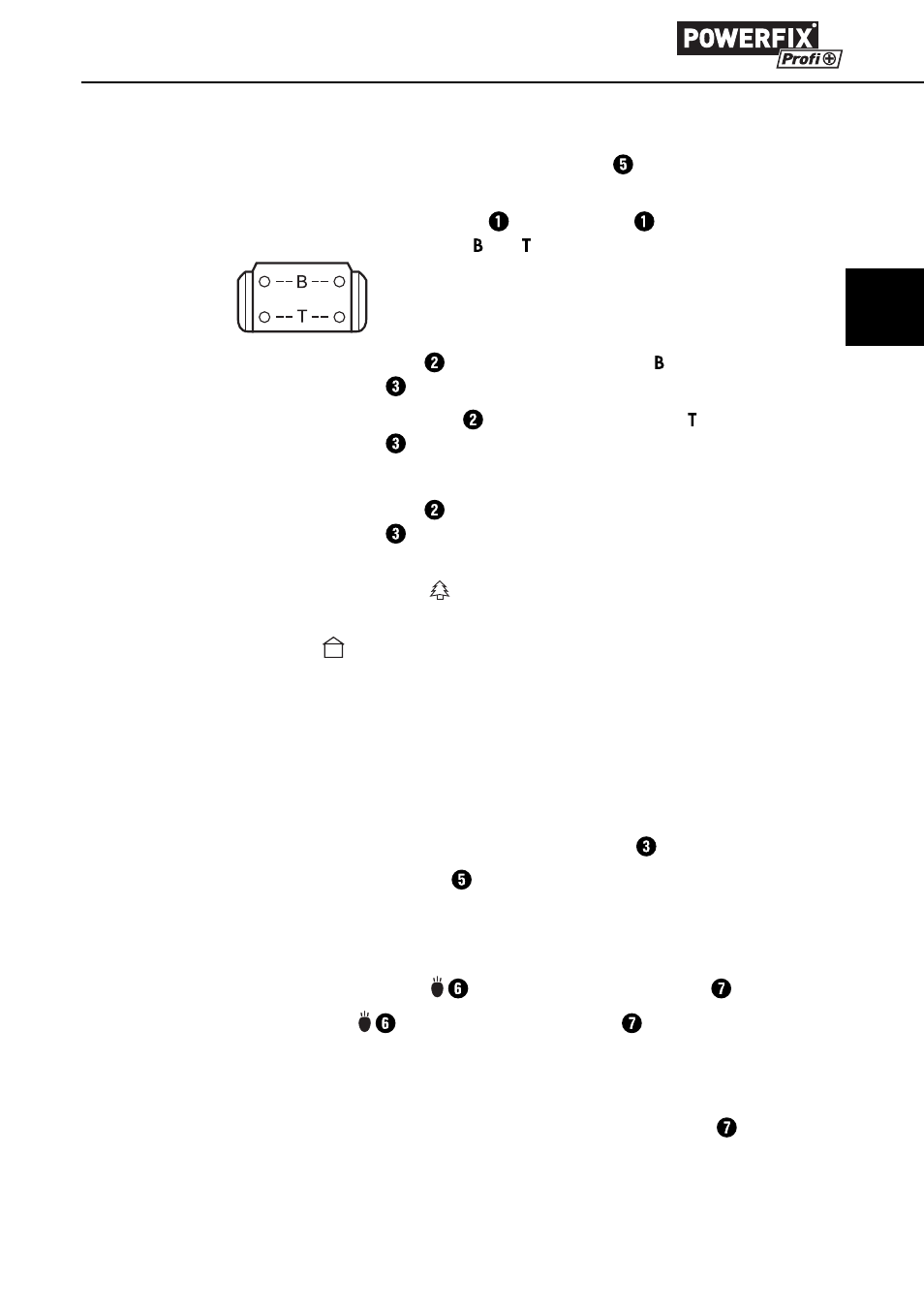
Before taking the fi rst measurement, check that the appliance is functioning
correctly. For this, use the test aid . On the test aid there are four
measurement points marked as and .
♦
Press the measuring pins on the measurement points . All measurement
lines on the display begin to blink.
♦
Now press the measuring pins on the measurement points . The measuring
lines on the display should now be showing 19 % (+/- 1 %).
♦
When you arrive at the given value in both tests, the appliance is ready for use.
♦
Press the measuring pins into the material to be tested. The measurement
lines on the display show the moisture content.
♦
To read the result for fi rewood, cardboard and construction timber, use the
left scale with the symbol .
♦
To read the results for mortar, concrete and plaster, use the right scale with
the symbol
.
♦
If the measured value exceeds the maximum values of 2 % resp. 44 %, the
measurement lines start to blink.
♦
To minimise measurement errors, carry out comparative measurements at
several locations.
Temperature Display
♦
The temperature is indicated at the top of the display .
♦
Press and hold the ON/SET button for 3 seconds to toggle between
Celsius and Fahrenheit.
Pocket lamp
♦
Press and hold the button for 3 seconds to switch the LED on.
♦
Press the button once again to switch the LED off .
Automatic switch-off
The appliance switches itself off automatically after approx. 30 seconds without
button activation. The automatic switch off is disabled when the LED is
switched on.
Buch_75094_LB5.indb 21
14.06.12 15:58