Englis h, Installing the imaging cartridge – Epson EPL-N7000 User Manual
Page 11
Advertising
Assembling the Printer
7
Installing the Imaging Cartridge
Handling precautions:
❏ When handling the imaging cartridges, always place
them on a clean, smooth surface.
❏ If toner gets onto your skin or clothes, wash it off with
soap and water immediately.
❏ Wait for at least one hour before installing the imaging
cartridge after moving it from a cool to a warm
environment to prevent damage from condensation.
Follow these steps to install the imaging cartridge:
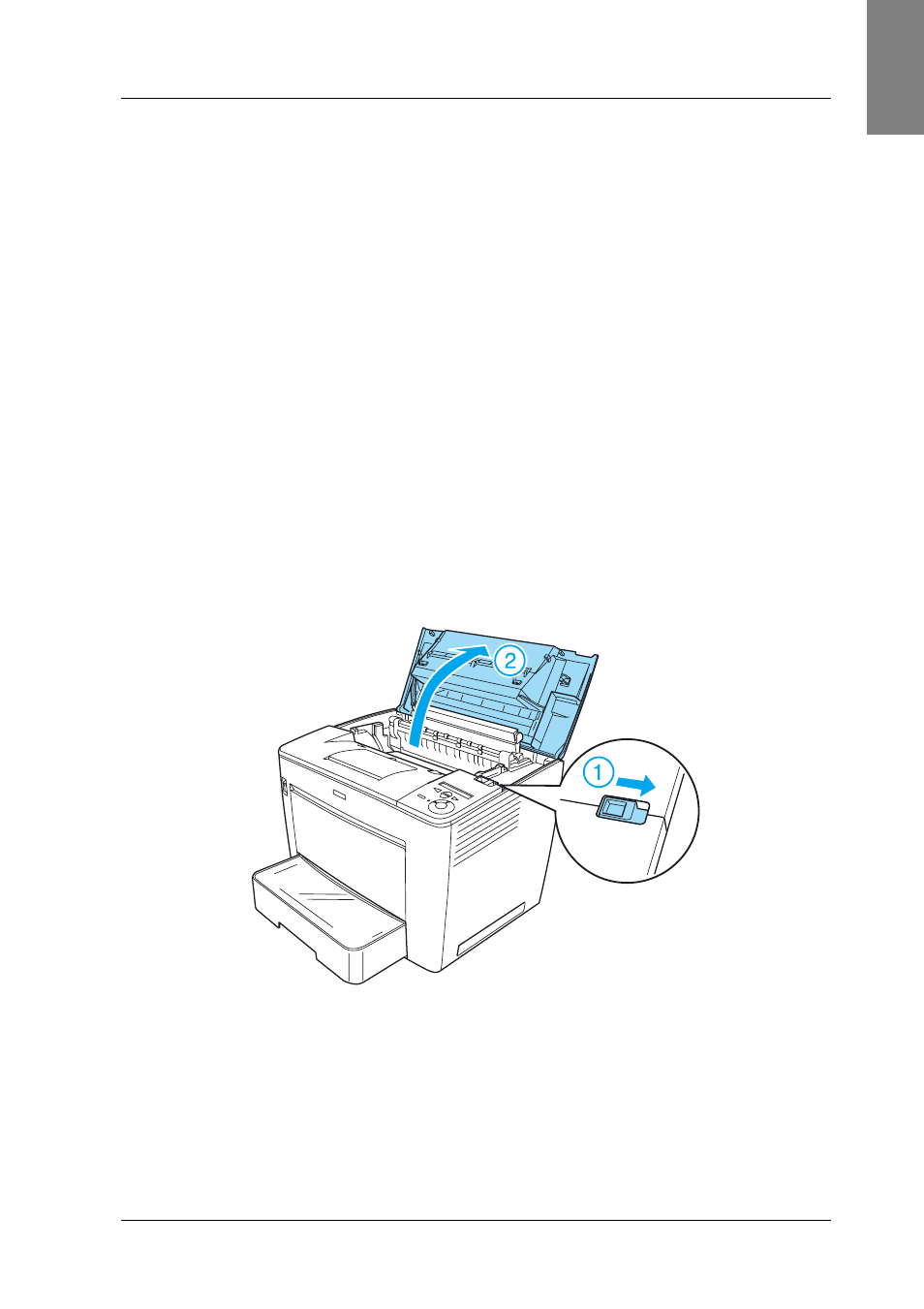
1. Slide the lock lever to the right, and then open the front cover
of the printer.
2. Remove the imaging cartridge from its package, and then
remove the protective tape.
Englis
h
Advertising