Epson PictureMate PM290 User Manual
Page 42
42
Replacing the PicturePack (Photo Cartridge)
PictureMate PM 260 / PM 290
c
Caution:
❏ Epson recommends the use of genuine
Epson photo cartridges. Epson warranties
do not cover damage to your printer
caused by the use of photo cartridges not
manufactured by Epson.
❏ Leave the old cartridge installed in the
printer until you have obtained a
replacement; otherwise, ink remaining in
the print head nozzles may dry out.
❏ Do not refill photo cartridges. Other
products not manufactured by Epson may
cause damage that is not covered by
Epson's warranties, and under certain
circumstances, may cause erratic printer
behavior.
Note:
❏ PictureMate uses PicturePack equipped with an
IC chip. The IC chip monitors the PicturePack
status.
❏ Epson cannot guarantee the quality or reliability
of non-genuine photo cartridge.
❏ In addition to the ink used while printing an image,
ink is also used during the print head cleaning
operation.
For more information about photo cartridges.
&
See “When handling photo cartridges” on page 9
1.
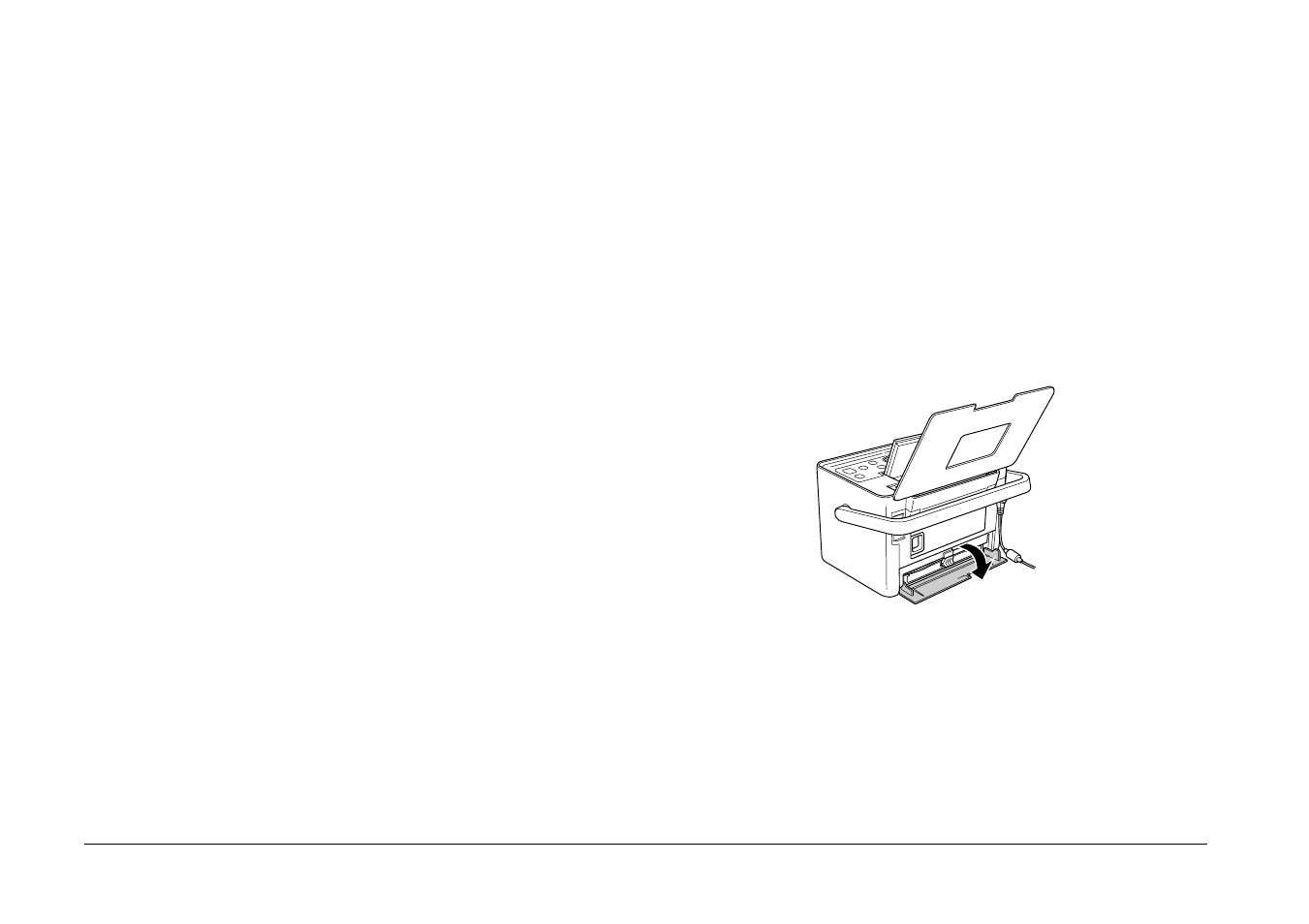
Make sure that PictureMate is on, but not printing.
2.
Open the cartridge compartment cover on the
back of PictureMate.