Network setup (web interface), Admin password, Lan configuration – PLANET ICF-1600 User Manual
Page 23: System is going to reboot
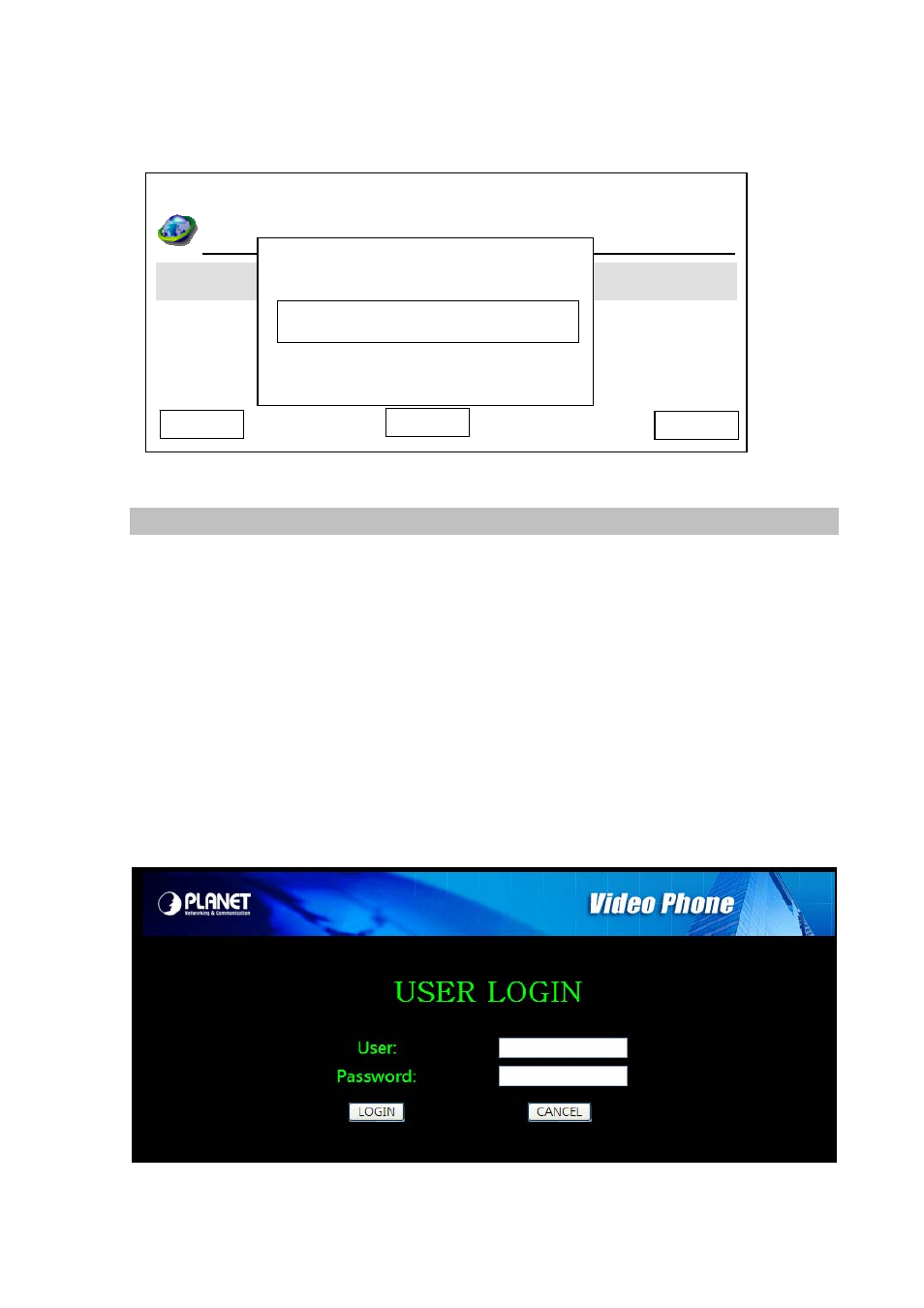
If you changed PPPoE settings, you’ll be prompted to input admin password:
Save
LAN Configuration
g
Time Zone Settin
Day Light Saving Enabled
n
Synchronizatio
Date Format
Cancel
Admin Password
System Is Going To
Reboot!
Delete
03:00
01/01/2008
PLANET
1101
Network Setup (Web Interface)
To start ICF-1600 web configuration, you must have one of these web browsers installed on computer
for management
•
Microsoft Internet Explorer 6.0 or higher with Java support
Default LAN interface IP address of ICF-1600 is 192.168.0.1. You may now open your web browser,
and insert http://192.168.0.1 in the address bar of your web browser to logon ICF-1600 web
configuration page.
ICF-1600 will prompt for logon username/password, please enter: root / null (no password) to continue
machine administration and then follow the following instructions.
23