Parts, Control menu, Parts 11 – Samsung UHD Signage Player Box User Manual
Page 11
11
Parts
Control menu
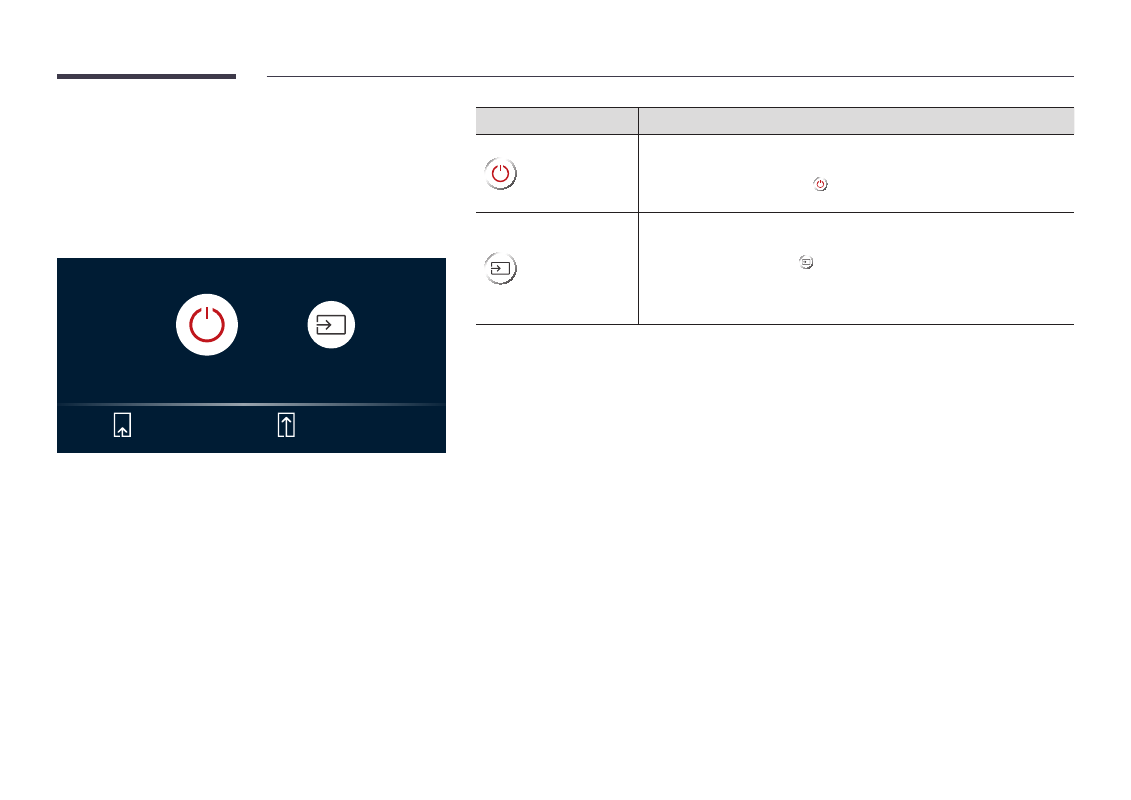
"
If you press the
P
button on the product when the product is turned
on, the control menu will be displayed.
Power off
Source
Press: Move
Press & Hold: Select
Buttons
Description
Power off
Power off the product.
•
With the control menu screen displayed, briefly press the power button to
move the cursor to
Power off
, and then press and hold the power button to
turn off the product.
Source
Select the connected input source.
•
With the control menu screen displayed, briefly press the power button to
move the cursor to
Source
, and then press and hold the power button to
display the input source screen.
•
With the input source screen displayed, press and hold the power button to
switch to the desired input source.
"
The power button can only be used for
Power off
and
Source
.
"
To exit from the control menu screen, wait for 3 seconds or more without pressing the
P
button.