Factory reset – Roland E-X50 61-Key Arranger Keyboard User Manual
Page 31
31
Factory Reset
1.
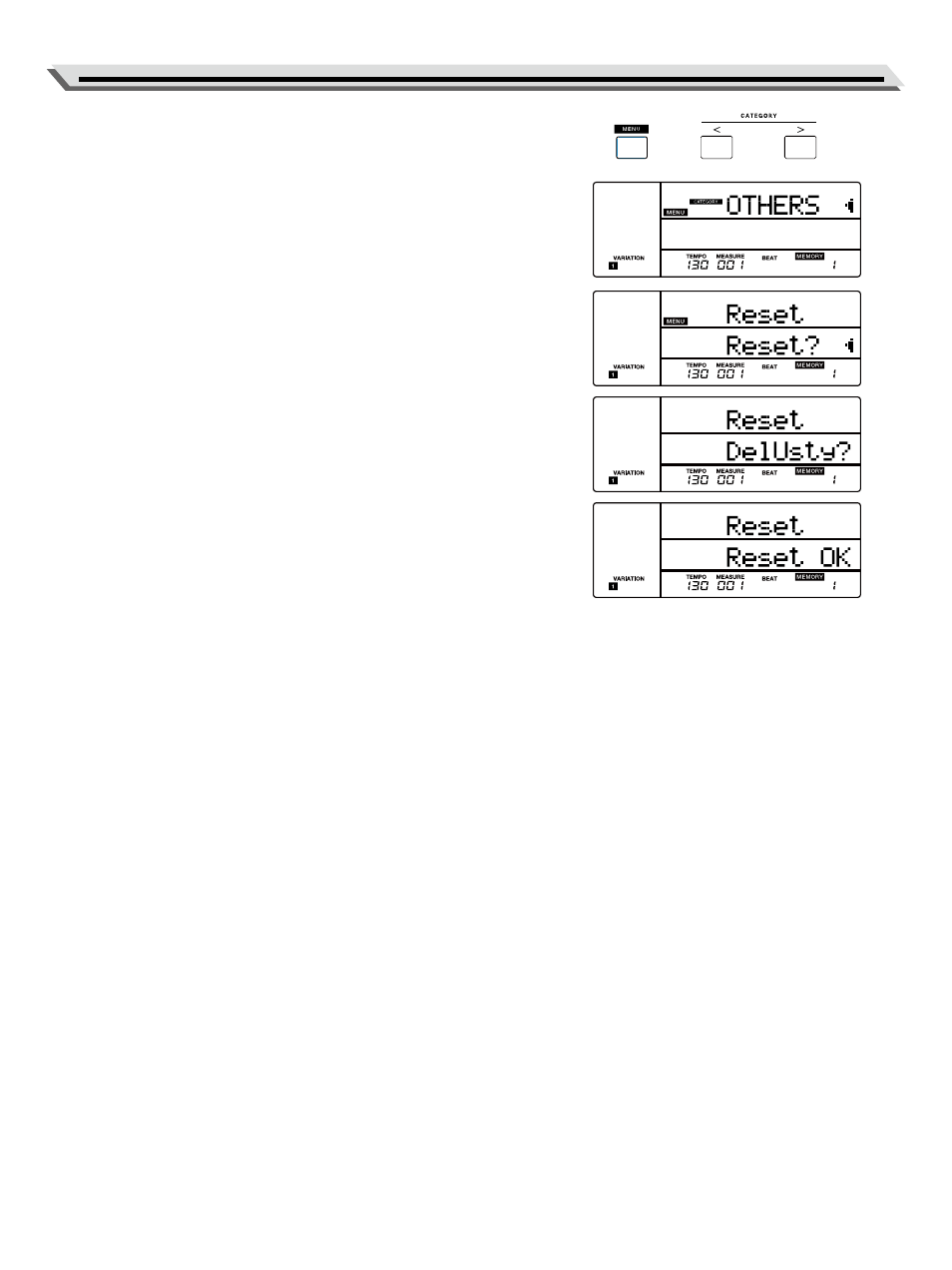
Press the [MENU] button to enter the function menu (P. 30). Use the
[<] / [>] button to select “OTHERS”, then use the data dial to select
“Reset”.
2.
Press the [ENTER] button to move the cursor to “Reset?” in the lowe
menu. You’re going to execute factory reset.
3.
Rotate the data dial clockwise to confirm and execute factory reset.
Note:
This operation will delete all user settings.
4.
The LCD continues to display “DelUSng?”, prompting it’s going to
delete all user songs.
5.
Press the [ENTER] button to delete all user songs, or press the [EXIT]
button to cancel.
Note:
The deleted user songs cannot be recovered.
6.
The LCD continues to display “DelUSty?”, prompting it’s going to
delete all user styles.
7.
Press the [ENTER] button to delete all user styles, or press the [EXIT]
button to cancel.
Note:
The deleted user styles cannot be recovered.
8.
The reset procedure may take several minutes to complete.
Note:
●
Do not turn off the power when factory reset is in progress, otherwise
it may corrupt the internal data and cause malfunction.
●
When power is turned off, you can press and hold the [EXIT] and
[ENTER] buttons and turn on the power, it will execute factory reset
and delete all user settings, but user songs and user styles will not be
deleted.