Using the lm10 – Samson LM10 Omnidirectional Lavalier Microphone for Wireless User Manual
Page 5
5
EN
FR
DE
ES
IT
Using the LM10
Follow these simple steps to setup and use the LM10 micro-
phone:
•
Install the appropriate adapter for your wireless body pack.
Be sure to tighten the locking ring to hold the adapter firmly
in place.
•
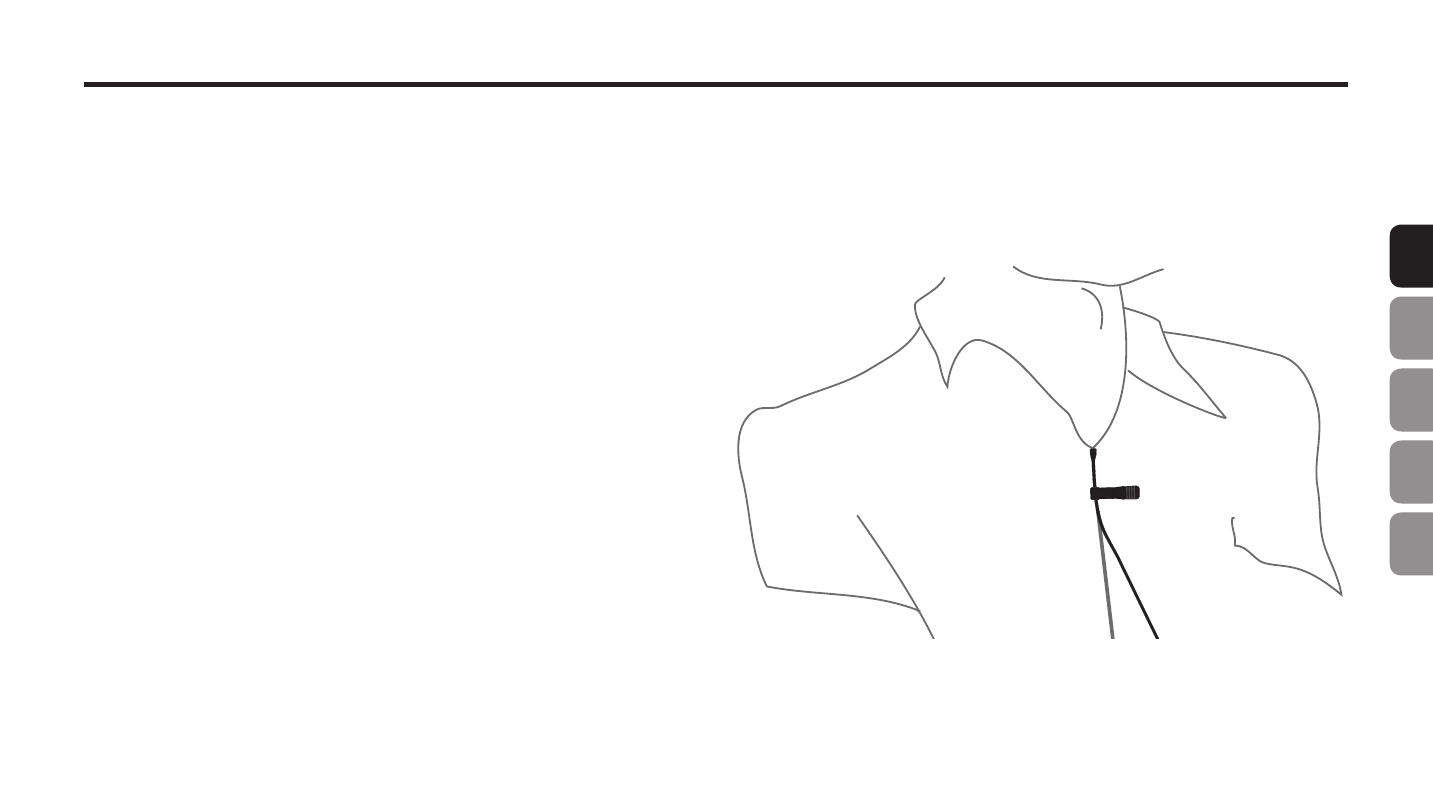
Attach the microphone to the performer’s shirt or jacket, us-
ing the included clip, approximately 8” below their chin with
a clear path to the mouth.
•
Connect the microphone to the wireless body pack.
•
With the performer talking into the microphone, listen to the
quality of the audio, and adjust the positioning of the micro-
phone until a balanced frequency response is reached.
•
To further conceal the microphone, it can be placed behind
clothing or in the performers hair, but this will affect the high
frequency performance of the microphone.
•
For outdoor use or to help reduce breath noise, install one of
the included windscreens.