MSI 23.8" PRO AP243TP 12M Multi-Touch All-in-One Desktop Computer User Manual
Page 14
Advertising
14
Getting Started
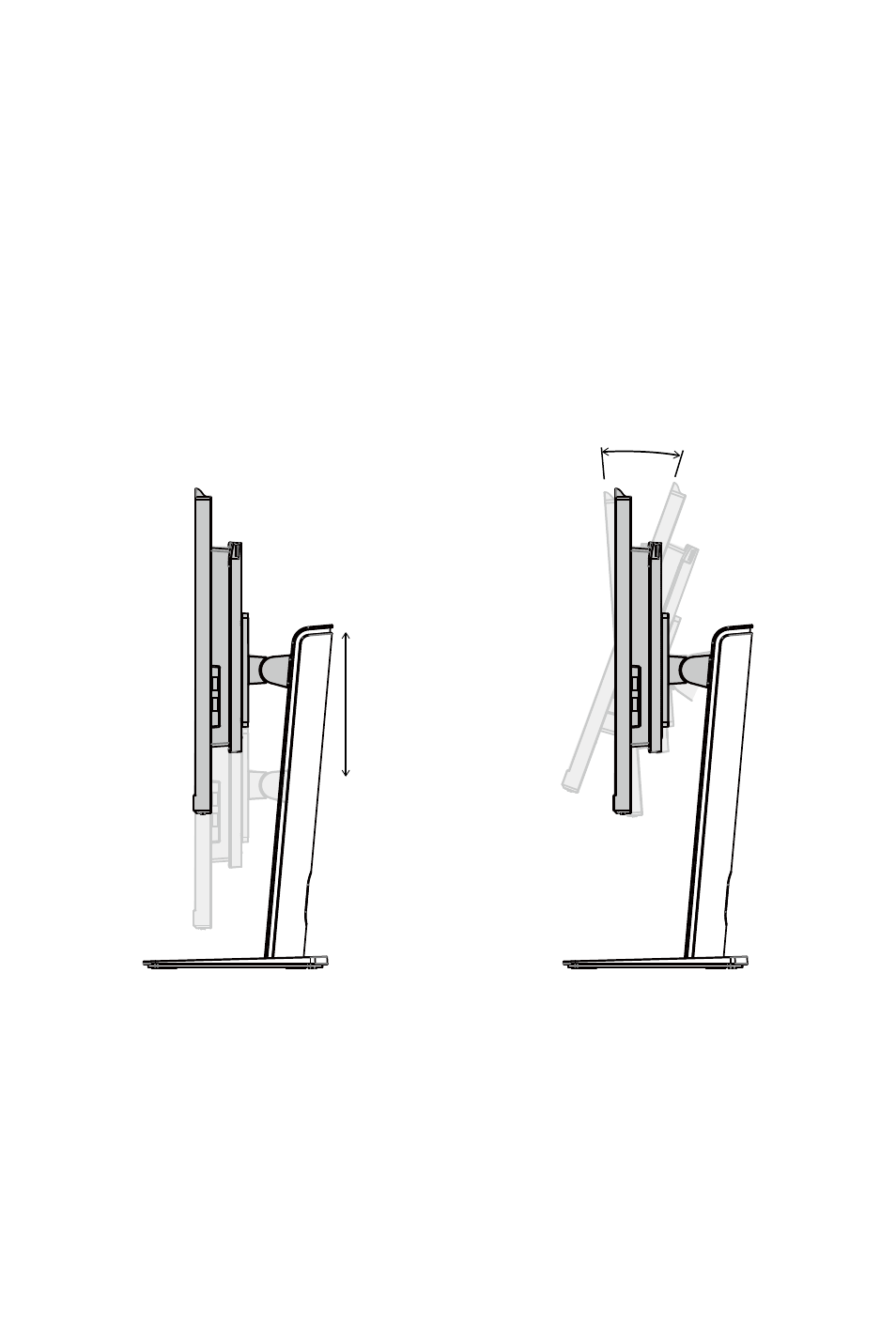
Adjusting the Monitor
This AIO PC is designed to maximize your viewing comfort with its adjustment
capabilities.
⚠
Important
∙
The illustrations are for reference only. Your AIO PC may vary in appearance.
∙
Please make sure the AIO PC has been grounded to earth through the AC power
cord and the electrical outlet before powering on the AIO PC.
∙
Do not use any sharp objects on the display panel.
∙
Avoid touching the display panel when adjusting the monitor.
PRO AP243TP 12M, PRO AP243P 13M, PRO AP243TP 13M
130mm
-4°
+20°
Advertising
This manual is related to the following products: