Logitech G Flight Throttle Quadrant User Manual
Page 4
5 English
INTRODUCTION
Congratulations on buying the Logitech G Flight Throttle Quadrant. The Flight
Quadrant features realistic controls configurable for all the major flight simulation
software to make your flying experiences more realistic.
INSTALLING THE THROTTLE QUADRANT
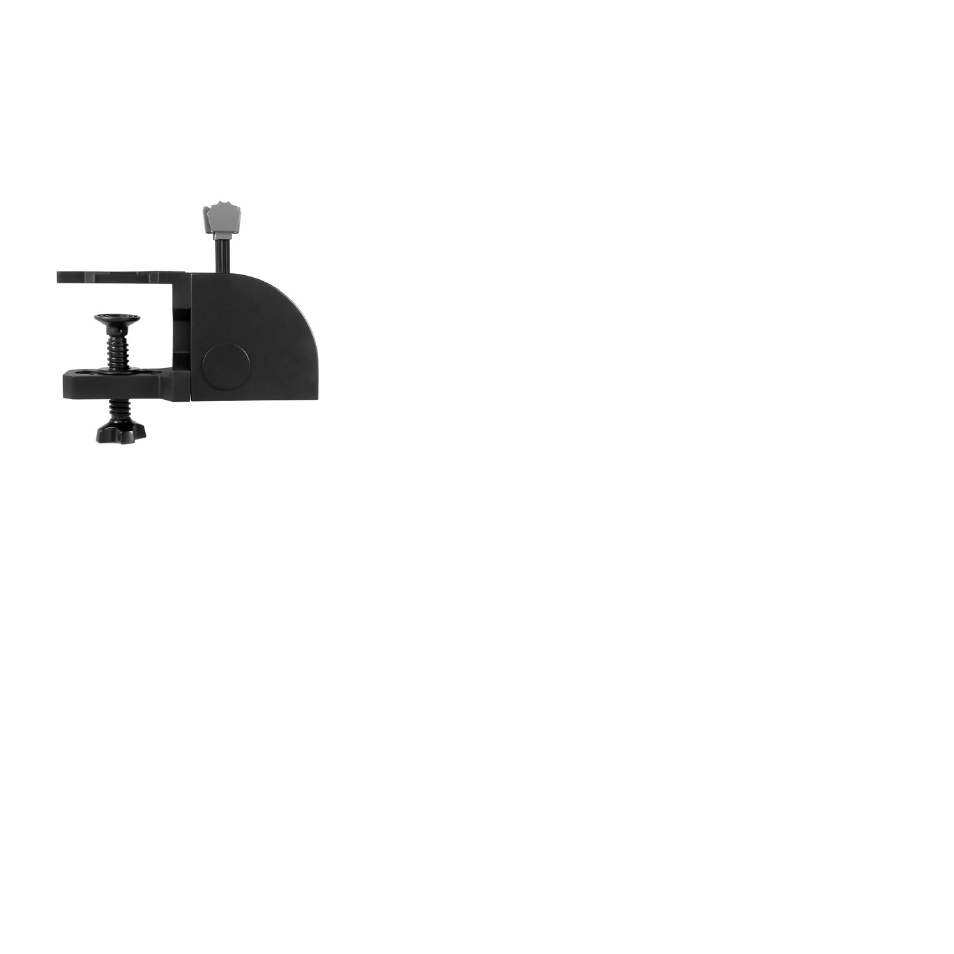
First, screw the clamp to the throttle quadrant using
the four screws provided.You can screw the clamp to
one of two sides of the quadrant depending on how
you want to mount the quadrant - either in front and
below your table or on top of it. Please note that
whichever way you choose to mount the quadrant,
ensure that as you look at the unit the rocker switches
are at the bottom. Now tighten the throttle unit clamp
screw mechanism until it is firmly attached to
your table (be careful not to overtighten the screw
as you may damage the clamp).
Plug the throttle quadrant’s USB cable into one of your PC’s free USB ports
(or Logitech G Flight Yoke USB Hub).
Your throttle quadrant comes supplied with additional lever knobs to configure any
combination of throttle, flaps, mixture or prop pitch. You can also buy additional
quadrants to link together for more complex multi-engined aeroplane configurations
and we have included a 4-way throttle knob which links 4 quadrant levers for control
of 4-engined aircraft.