Menu functions (custom menus), B k utility, Ck utility – Olympus OM-D E-M1 Mark III Mirrorless Camera User Manual
Page 198
198
EN
Menu functions (Custom menus)
4
b
K
Utility
Option
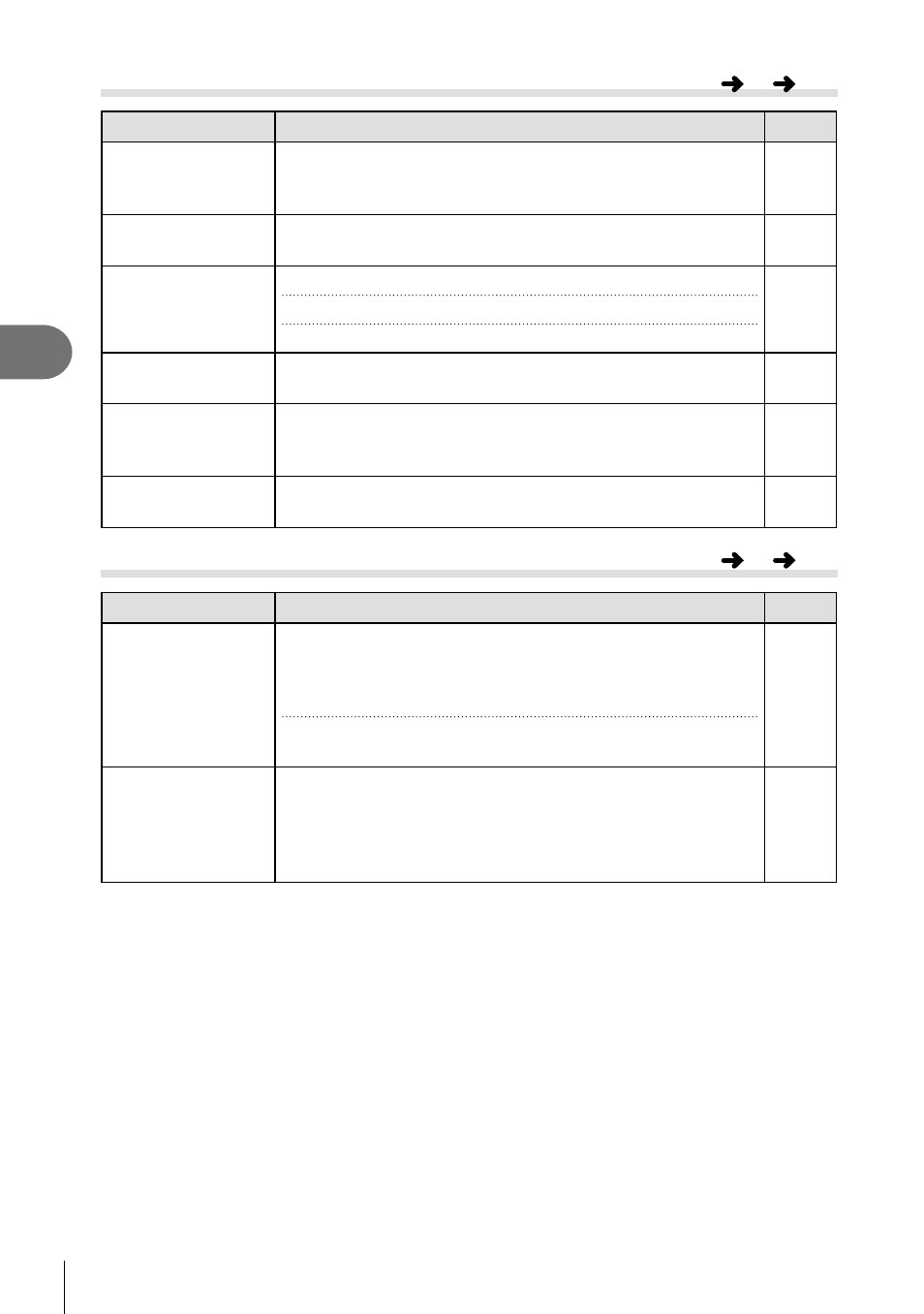
Description
g
Pixel Mapping
The pixel mapping feature allows the camera to check
and adjust the image pickup device and image processing
functions.
295
Press-and-hold
Time
Choose the length of time buttons must pressed to activate
the “button hold” option.
241
Level Adjust
You can calibrate the angle of the level gauge.
[Reset]: Reset the gauge to factory default settings.
[Adjust]: Choose the current camera angle as the 0 position.
—
Touchscreen
Settings
Activate the touch screen. Choose [Off] to disable the touch
screen.
—
Menu Recall
Set [Recall] to display the cursor at the last position of
operation when you display a menu. The cursor position will
be retained even when you turn off the camera.
—
Fisheye
Compensation
Correct
fi
sheye distortion when shooting with
fi
sheye
lenses.
242
c
K
Utility
Option
Description
g
Battery Settings
[Battery Priority]: Choose which battery is used
fi
rst. When
[Body Battery] is selected, the battery in the body takes
priority. When [PBH Battery] is selected, the battery in the
PBH (Power Battery Holder) takes priority.
[Battery Status]: View the status of the batteries inserted in
the camera.
—
Backlit LCD
Choose the length of time before the monitor backlight dims
when no operations are performed. Dimming the backlight
reduces the drain on the battery.
• Choose from [Hold], [8sec], [30sec], and [1min]. The
backlight will not dim if [Hold] is selected.
—
MENU
G
b
MENU
G
c